Visla logo
Rank #984
ARTISTIC VIDEO EDITING FREEMIUM CLOUD #6 in Artistic Video Editing

Visla Review — Automated Video Editing

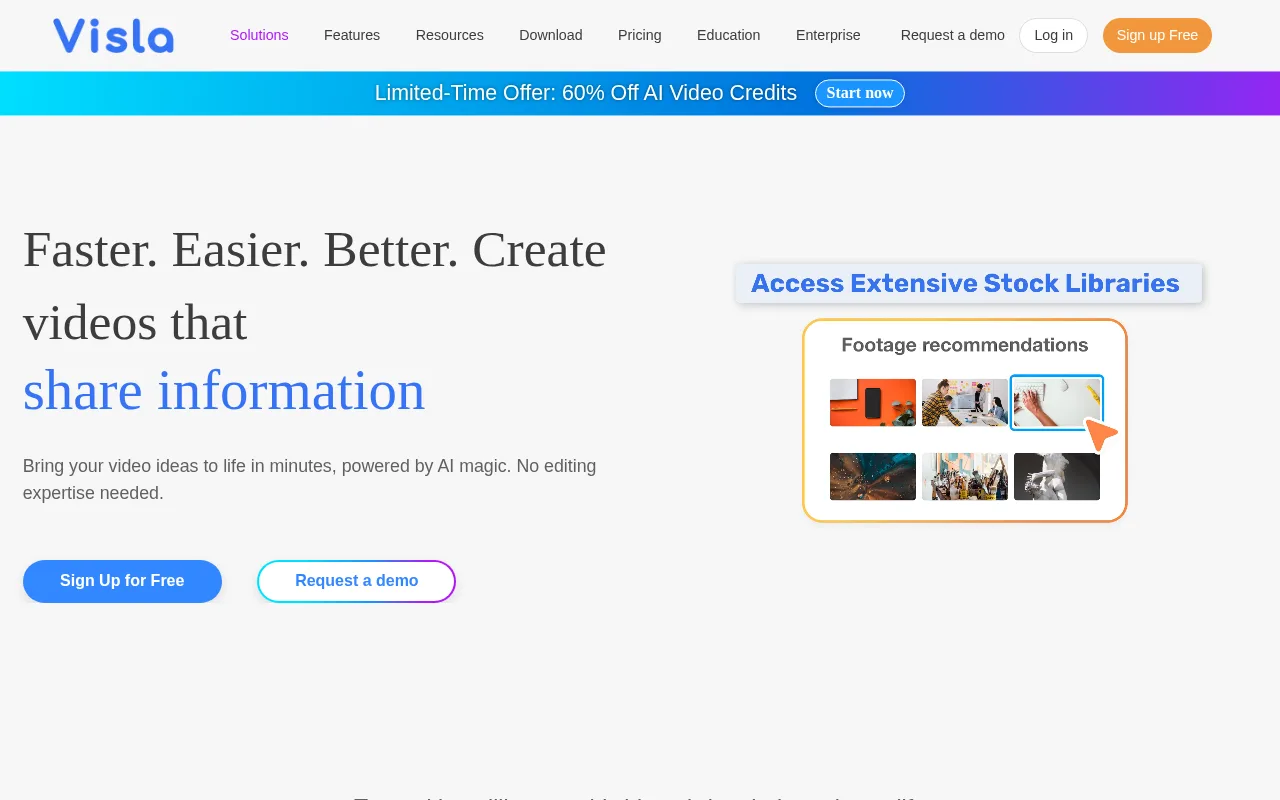
Visla automates video editing tasks like captioning and content search for creators and marketers.
Updated automation creator-tools video
6.6 / 10
Visit Visla
35 monthly visitors 35 page views (30d)
Reviewed by Volvenix Editorial
7.5
Volvenix Verdict
AI-powered editorial review
Visla
Visla offers accessible automated video editing with strong captioning but limited advanced features.
PROS
  • Automated captioning saves significant time
  • Content search within videos enhances editing efficiency
  • User-friendly interface suitable for non-experts
  • Smart video effects improve output quality
  • Freemium pricing allows easy trial and adoption
CONS
  • Limited advanced editing features
  • Few integrations with other platforms

Is Visla Right for You?

A quick checklist to help you decide.

You want to quickly add captions and search content within videos without manual effort
You need full professional-grade video editing with granular manual controls
You need a simple tool to automate basic video editing tasks for marketing or social media
Free-tier limits are a blocker for your volume or feature needs
Your team requires an accessible platform that doesn’t demand advanced editing skills
You require deep integrations with other creative or marketing tools

Ideal for: Content creators and marketers who want to automate video editing tasks without needing advanced skills.

Less suited for: Professional video editors needing advanced features or extensive third-party integrations should look elsewhere.

Bottom line: How much you value automated captioning and streamlined editing workflows over advanced manual controls.

Editorial Review AI-generated
Visla excels at simplifying video editing by automating repetitive tasks like captioning and content search, making it ideal for marketers and creators with limited editing experience. Its intuitive interface and smart effects help produce polished videos quickly. However, it lacks deeper advanced editing capabilities and integrations that power users might need. Overall, it’s best suited for users seeking efficient, automated workflows rather than full professional editing suites.

AI-assessed from 3 sources.

Pros & Cons

Pros

Automated captioning improves accessibility and saves time
Content search helps quickly locate video segments
Easy to use for non-professional editors
Smart effects enhance video quality
Free plan available for trial and light use

Cons

Lacks advanced manual editing features moderate
No public API or integrations minor
No mobile app available minor
Who Is It For & What Can It Do
Best For
Marketer Non-Technical User Product Manager Beginner curve
AI Capabilities
Automation Content Search
Key Features
Automated Captioning
Automatically generates captions for videos
Content search
Search within video content to find clips
Smart Video Effects
Enhance videos with automated effects
Advanced Imaging Tools
Manual editing features for professionals
Third-party Integrations
Connect with other marketing or creative tools
Best Use Cases
Social media video content creation Marketing video production Automated captioning for accessibility Quick video edits for non-experts Content search within large video libraries
Available Platforms
Integrations
Adobe Express AI Agent Workflows Canva ChatGPT Slack Zapier Zoom
Inputs & Outputs
Videoinput Textinput Videooutput Textoutput
Supported Languages
English
Security & Compliance
Compliance Standards
GDPR
Privacy · EU
API & Developer Tools
Pricing Plans

Free

Best for individuals

Free
 
  • Automated captioning
  • Basic video editing

Visla offers a free tier with basic features and paid subscriptions for advanced capabilities and higher usage limits.


Price Range
Free $0–$0
Support Channels
Documentation
Did you find this page helpful?
Frequently Asked Questions
What is this tool?
Visla is an AI video editing platform that automates captioning and content search to simplify video production.
How much does it cost?
Visla offers a free plan with basic features and paid subscriptions for advanced capabilities.
Does it have a free plan?
Yes, Visla provides a free tier suitable for individuals and light users.
What integrations does it support?
Currently, Visla does not offer public integrations with third-party tools.
Who is it best for?
It is best for creators and marketers who want to automate basic video editing tasks without advanced skills.
User Reviews

No reviews yet. Be the first to review Visla!

Write a Review
Discussion
No discussions yet. Start the conversation!
0 tools selected
Compare Now →
Visla Visit Tool