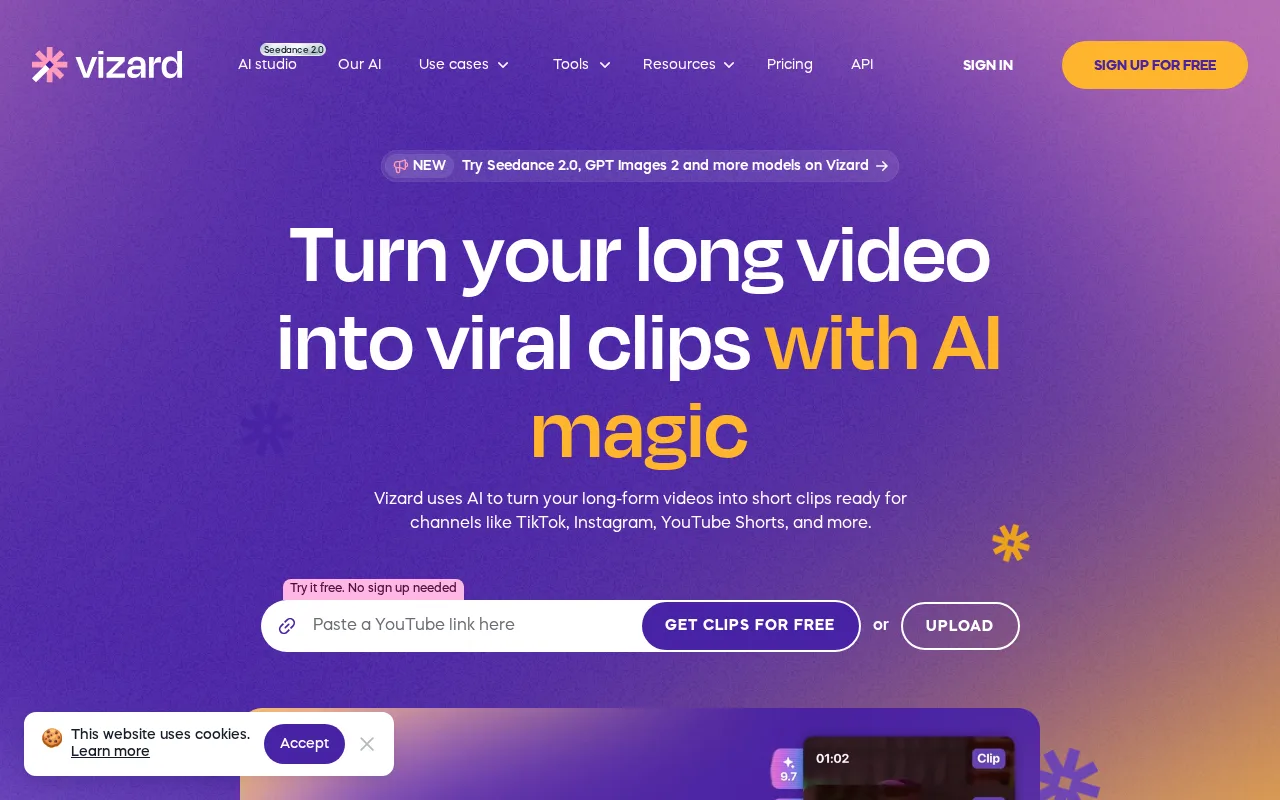
Vizard AI logo
Rank #2344
ARTISTIC VIDEO EDITING FREEMIUM CLOUD #27 in Artistic Video Editing

Vizard AI Review — Automated Video Clipping

Vizard AI helps creators turn lengthy videos into short, captivating clips using AI-powered editing.
25 monthly visitors 25 page views (30d)
Reviewed by Volvenix Editorial
7.0
Volvenix Verdict
AI-powered editorial review
Vizard AI
A user-friendly tool that automates video clipping but lacks advanced customization features.
PROS
  • Automated highlight detection saves editing time
  • User-friendly interface suitable for non-experts
  • Freemium pricing allows risk-free trial
CONS
  • Limited advanced editing capabilities
  • No public API or deep integrations

Is Vizard AI Right for You?

A quick checklist to help you decide.

You want to quickly create engaging clips from long videos without manual editing.
You need full manual control over every aspect of video editing and effects.
You need a simple tool that automates highlight detection for social media content.
Free-tier limits are a blocker for your volume or feature needs.
Your team requires an easy-to-use platform for repurposing video content efficiently.
You require integration with advanced video production pipelines or software.

Ideal for: Content creators and marketers who need to quickly generate short clips from long videos without complex editing skills.

Less suited for: Professional video editors or teams requiring granular control and advanced editing features should look elsewhere.

Bottom line: Automated highlight detection and ease of use for fast video clipping.

Editorial Review AI-generated
Vizard AI excels at simplifying the process of creating short clips from longer videos, making it accessible for marketers and content creators without video editing expertise. Its AI-driven highlight detection saves time and effort, though the platform offers limited advanced editing controls. Pricing is transparent with a freemium model, but power users may find the feature set somewhat basic. Overall, it's a solid choice for quick video repurposing but less suited for detailed editing workflows.

AI-assessed from 3 sources.

Pros & Cons

Pros

Automated highlight detection accelerates editing
Intuitive interface for non-expert users
Supports quick social media clip creation
Freemium model enables easy trial
Cloud-based with no installation required

Cons

Lacks advanced manual editing features moderate
No public API for integrations minor
Limited mobile app or offline support minor
Who Is It For & What Can It Do
Best For
Marketer Non-Technical User Product Manager Beginner curve
AI Capabilities
Automation Memory Tool Calling Video Editing Video generation
Key Features
Automated Highlight Detection
AI identifies key moments in videos for clipping
Video Clipping
Create short clips from longer videos
Basic Editing Tools
Trim, crop, and adjust clips
Team collaboration
Shared workspace for teams
Analytics Dashboard
Track clip performance metrics
Best Use Cases
Social media content creation Marketing video repurposing Educational video summarization Product demo clipping Influencer content editing
AI Models Used
Vizard Video Model by Unknown
Available Platforms
Inputs & Outputs
Videoinput Videooutput
Supported Languages
English
Security & Compliance
Compliance Standards
GDPR
Privacy · EU
API & Developer Tools
Pricing Plans

Free

Best for individuals

Free
 
  • Basic video clipping
  • Limited exports per month

Team

For small teams

$30/mo
$30.00/mo billed annually
  • Team collaboration
  • Advanced analytics

Offers a free plan with basic features and paid subscriptions for enhanced capabilities and higher usage limits.

Price Range
Free $0–$0 Mid Range $20–$100
Support Channels
Email
Did you find this page helpful?
Frequently Asked Questions
What is this tool?
Vizard AI is a video editing platform that automates creating short clips from long videos using AI highlight detection.
How much does it cost?
Vizard AI offers a free plan and paid subscriptions starting at $20 per month for additional features.
Does it have a free plan?
Yes, there is a free plan with basic features and limited exports.
What integrations does it support?
No public integrations or API are currently available.
Who is it best for?
It is best suited for marketers and creators needing quick, automated video clipping without complex editing.
User Reviews

No reviews yet. Be the first to review Vizard AI!

Write a Review
Discussion
No discussions yet. Start the conversation!
0 tools selected
Compare Now →
Vizard AI Visit Tool