 Volvenix
Zapier Review — Workflow automation
Connect 5,000+ apps to automate repetitive tasks and boost productivity without coding.
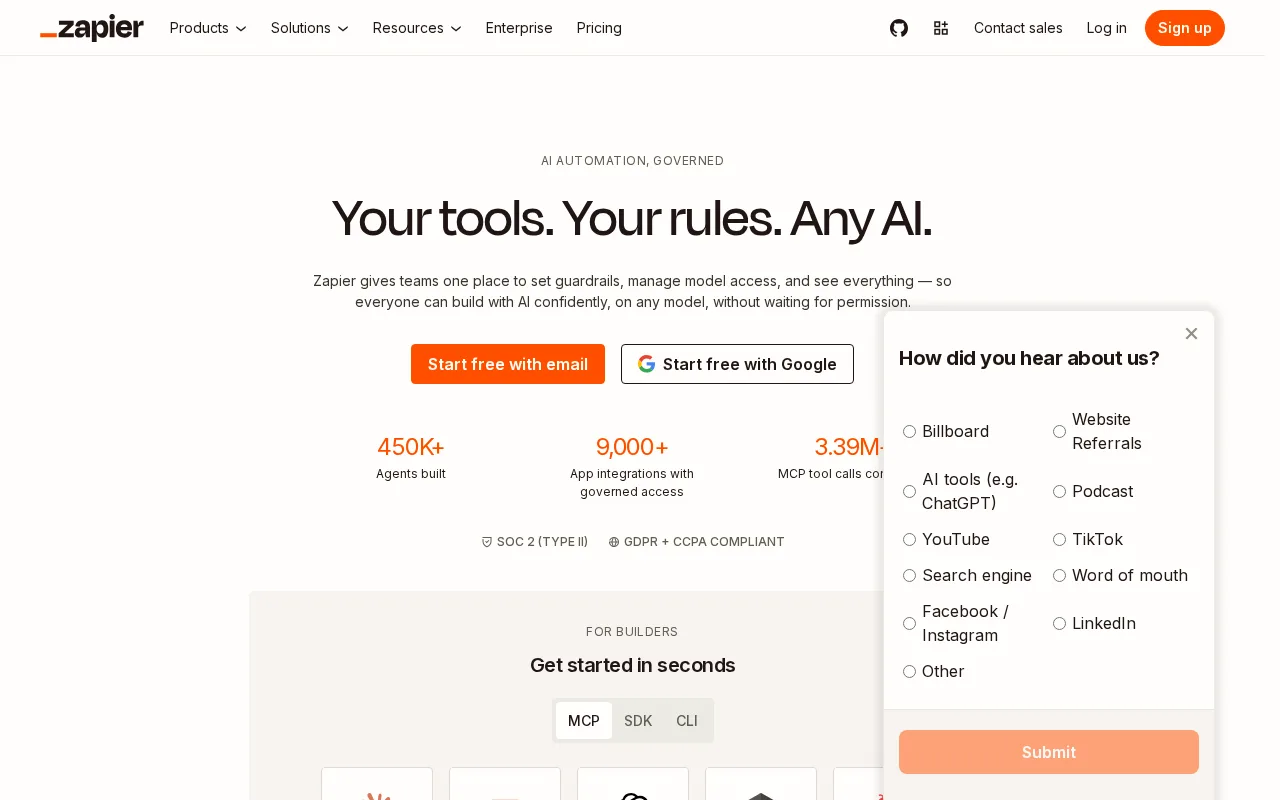
Zapier is a versatile and user-friendly automation platform ideal for non-technical users and small to medium businesses.
- Extensive app integrations (5,000+)
- User-friendly no-code automation builder
- Supports multi-step workflows
- Good for non-technical users
- Reliable and widely adopted
- Limited advanced customization options
- Pricing can become expensive for heavy users
Is Zapier Right for You?
A quick checklist to help you decide.
Ideal for: Non-technical users, small businesses, and teams wanting to automate repetitive tasks across multiple apps without coding.
Less suited for: Users needing complex custom automations, enterprise-grade security features, or those with strict budget constraints on paid plans.
Bottom line: The breadth of app integrations and ease of use for non-technical workflow automation.
Pros
Cons
Free
Best for individuals
- 100 tasks per month
- Single-step Zaps
Starter
- 750 tasks per month
- Multi-step Zaps
Professional
For professionals
- 2,000 tasks per month
- Advanced features
Zapier offers a free tier with basic features and paid plans that unlock higher task limits and advanced features.






What is this tool?
How much does it cost?
Does it have a free plan?
What integrations does it support?
Who is it best for?
No reviews yet. Be the first to review Zapier!
Scores are calculated algorithmically from feature coverage, pricing, user feedback & benchmark data — not influenced by commercial relationships. How we score → · Vendor Data Policy