Zapier logo
Rank #219
FREEMIUM CLOUD #8 in Workflow automation

Zapier Review — Workflow automation

Connect apps and automate repetitive tasks with easy no-code workflows.

1 monthly visitors 1 page views (30d)
Reviewed by Volvenix Editorial
7.5
Volvenix Verdict
AI-powered editorial review
Zapier
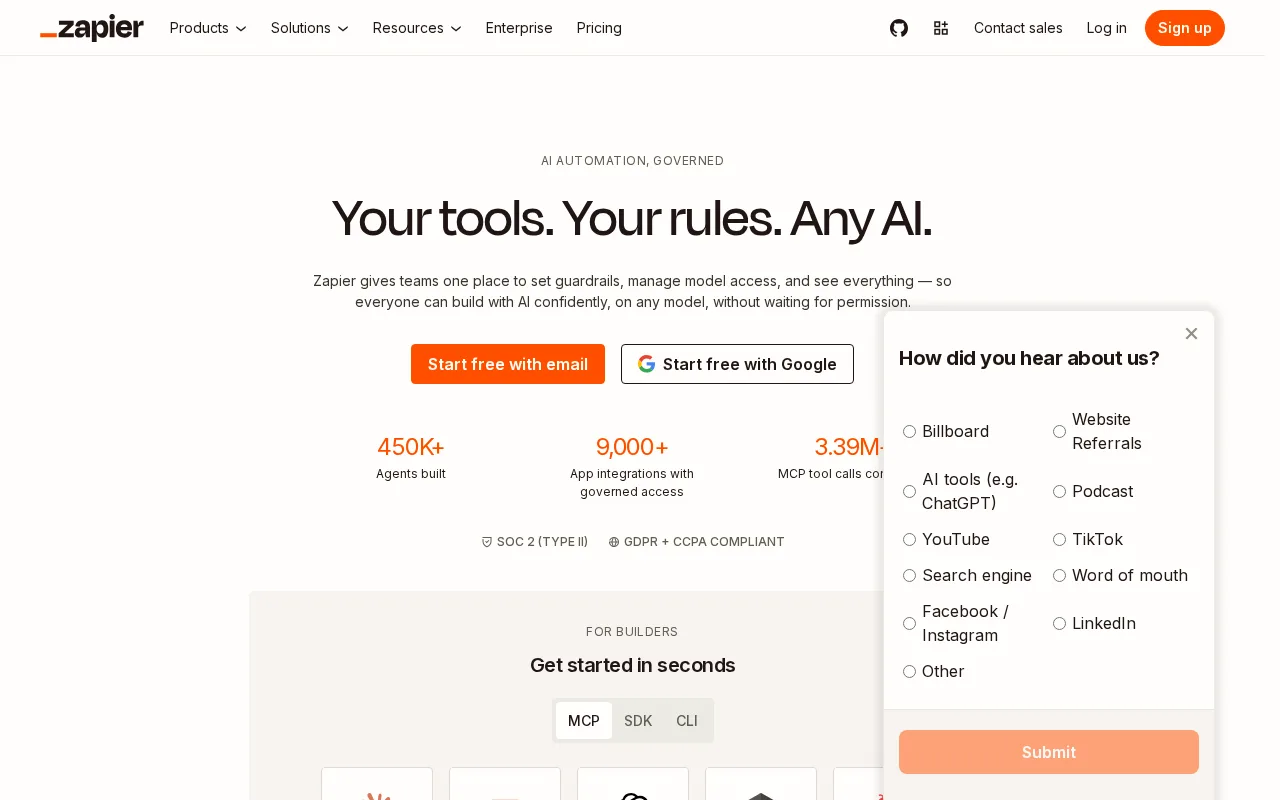
Zapier is a versatile automation platform ideal for non-developers needing simple app integrations.
PROS
  • Extensive app integration library
  • User-friendly no-code interface
  • Flexible workflow automation
  • Strong community and support
  • Freemium pricing to start
CONS
  • Limited advanced automation features
  • Costs increase with complex workflows

Is Zapier Right for You?

A quick checklist to help you decide.

You want to automate repetitive tasks without writing code or scripts.
You need highly customized or complex automation beyond standard triggers and actions.
You need to connect multiple cloud apps to streamline workflows.
Free-tier limits are a blocker for your volume or feature needs.
Your team requires quick setup of integrations without developer support.
You require enterprise-grade security certifications and compliance.

Ideal for: Non-technical users and small teams wanting to automate workflows across multiple apps without coding.

Less suited for: Users needing advanced custom automation or enterprise-grade security and compliance features.

Bottom line: Ease of use and breadth of app integrations for no-code workflow automation.

Editorial Review AI-generated
Zapier excels at simplifying automation for users without programming skills, offering a vast library of app integrations and an intuitive drag-and-drop interface. Its freemium pricing allows users to start automating basic tasks at no cost. However, complex workflows can become costly and may require upgrading to paid plans. It is best suited for small to medium businesses and individuals looking to automate routine processes without custom development.
Pros & Cons

Pros

Supports thousands of app integrations
No coding required to build workflows
Reliable and scalable automation platform
Strong user community and resources
Flexible triggers and actions

Cons

Limited customization for complex workflows moderate
Workaround: Use advanced plans or combine with custom code
Pricing can become expensive at scale moderate
Workaround: Optimize workflows to reduce task usage
Who Is It For & What Can It Do
Best For
Individual / Freelancer Marketer Product Manager Small Business (1–10) SMB (11–200) Beginner curve
AI Capabilities
Tool Calling Workflow Automation Workflow Builder
Key Features
App Integrations
Connects with over 5,000 apps
Workflow Automation
Create multi-step automated workflows
No-Code Builder
Drag-and-drop interface for workflow creation
Conditional Logic
Add filters and paths to workflows
Task History
View logs of automated task runs
Best Use Cases
Automated email marketing campaigns Sync data between CRM and spreadsheets Trigger notifications from form submissions Schedule social media posts automatically Generate reports from multiple data sources
Available Platforms
Inputs & Outputs
Textinput Textoutput
Supported Languages
English
Security & Compliance
Compliance Standards
GDPR
Privacy · EU
API & Developer Tools
Pricing Plans

Free

Best for individuals

Free
 
  • 100 tasks/month
  • Single-step Zaps
Tasks Per Month: 100
Zaps: 5

Professional

For small teams

$49/mo
$49.00/mo billed annually
  • 2,000 tasks/month
  • Advanced features
Tasks Per Month: 2000
Zaps: unlimited

Zapier offers a free plan with basic automation and paid plans that unlock higher task limits and advanced features.

Price Range
Free $0–$0 Low Cost $0–$20 Mid Range $20–$100
Support Channels
Documentation
More from Zapier
Did you find this page helpful?
Frequently Asked Questions
What is this tool?
Zapier is a no-code automation platform that connects apps to automate workflows.
How much does it cost?
Zapier offers a free plan and paid subscriptions starting around $20/month.
Does it have a free plan?
Yes, Zapier provides a free tier with limited tasks and single-step workflows.
What integrations does it support?
Zapier supports over 5,000 app integrations including Google Workspace, Slack, and more.
Who is it best for?
It is best for individuals and small teams wanting to automate repetitive tasks without coding.
User Reviews

No reviews yet. Be the first to review Zapier!

Write a Review
Discussion
No discussions yet. Start the conversation!
0 tools selected
Compare Now →
Zapier Visit Tool