 Volvenix
Workik Review — Debugging Solutions
Workik helps developers debug code by providing instant error detection and resolution suggestions.
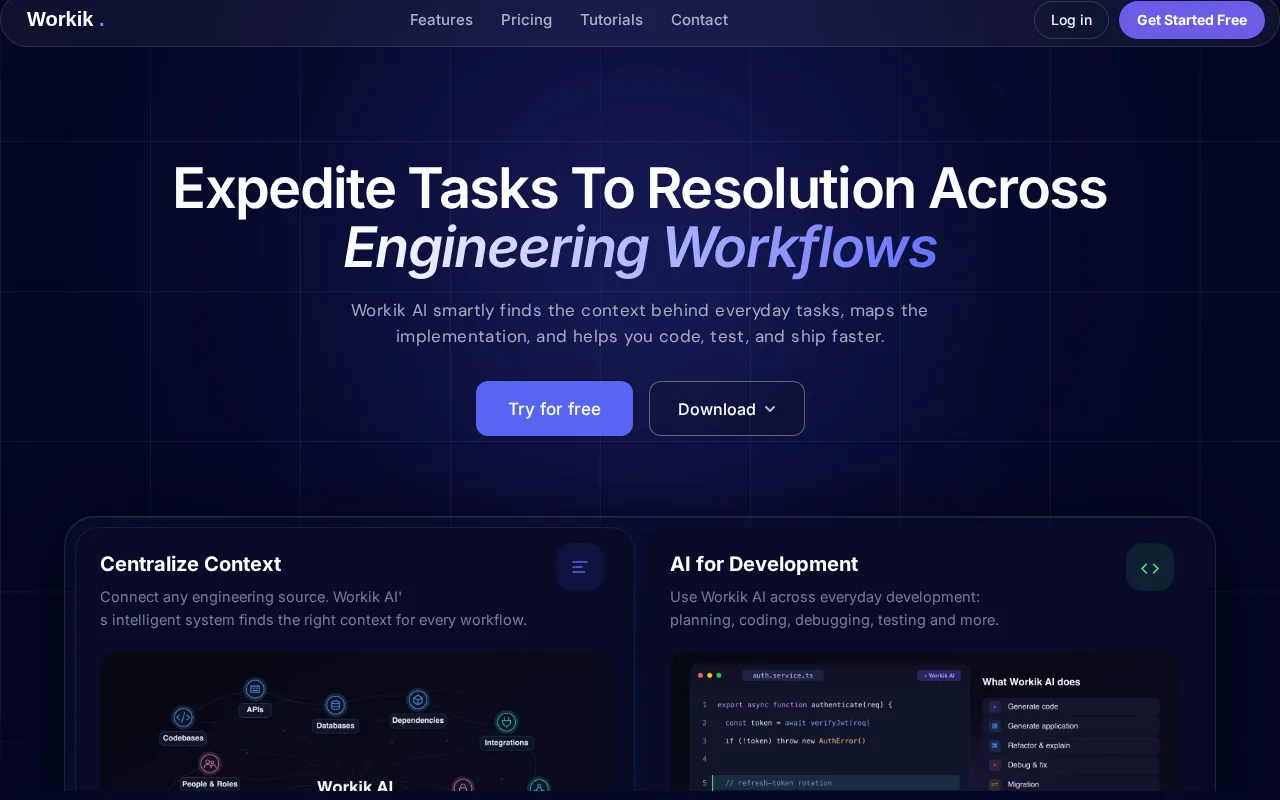
Workik is a practical debugging tool that accelerates error resolution for developers.
- Real-time error detection
- Supports multiple programming languages
- Integrates smoothly into developer workflows
- Limited advanced AI code repair features
- Few third-party integrations
Is Workik Right for You?
A quick checklist to help you decide.
Ideal for: Individual developers or small teams seeking faster error detection and resolution in their coding workflow.
Less suited for: Large enterprises needing comprehensive AI code repair or extensive third-party integrations should consider other tools.
Bottom line: Effectiveness and speed of real-time debugging assistance within developer workflows.
Pros
Cons
Free
Best for individuals
- Basic error detection
- Limited usage
Pro
- Unlimited error detection
- Priority support
Team
For small teams
- Team collaboration
- Advanced analytics
Offers a free tier with basic debugging features and paid plans for enhanced capabilities and team use.

What is this tool?
How much does it cost?
Does it have a free plan?
What integrations does it support?
Who is it best for?
No reviews yet. Be the first to review Workik!
Scores are calculated algorithmically from feature coverage, pricing, user feedback & benchmark data — not influenced by commercial relationships. How we score → · Vendor Data Policy