 Volvenix
Sentry Review — Error Detection
Monitor, detect, and fix errors in your applications with Sentry’s real-time error tracking platform.
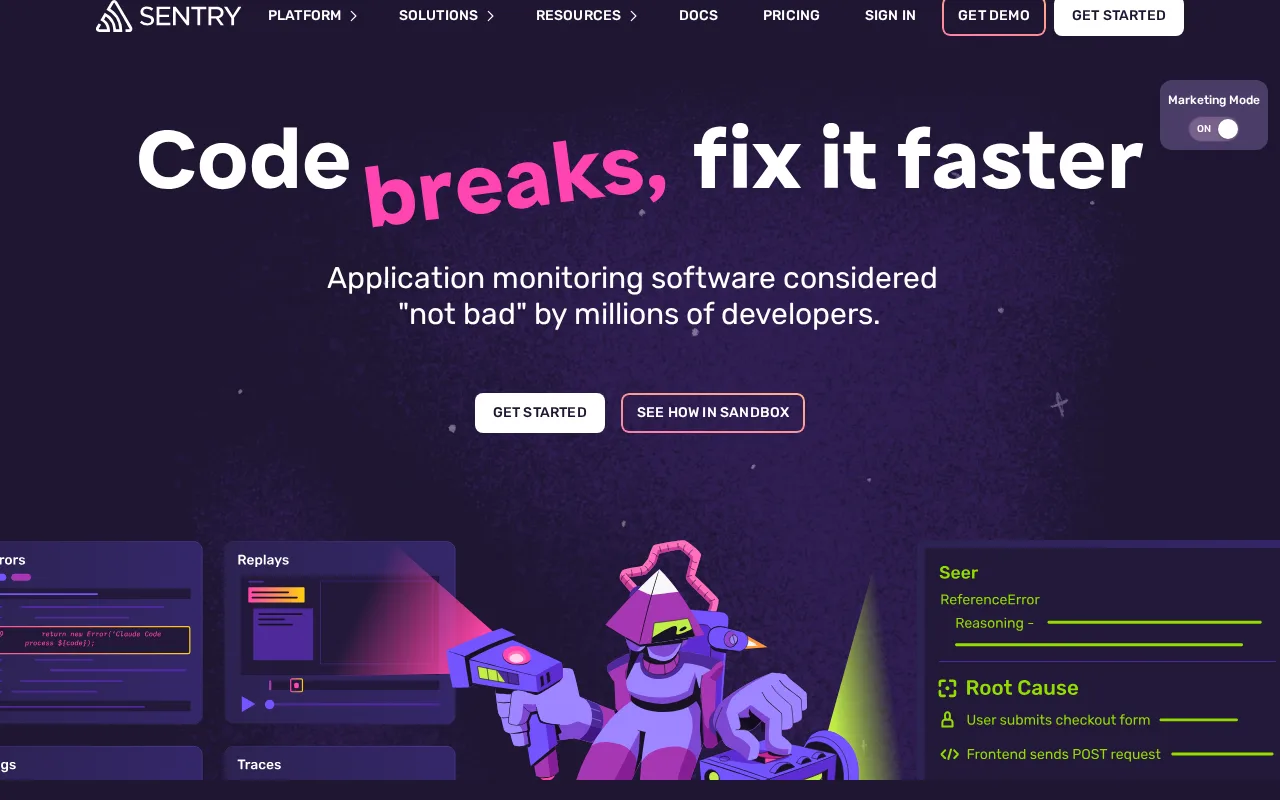
Sentry is a robust error monitoring tool that excels in real-time diagnostics for developers.
- Real-time error detection with rich context
- Supports many programming languages and frameworks
- Integrates well with developer workflows
- Free tier has usage and feature limits
- Can be complex for users new to error monitoring
Is Sentry Right for You?
A quick checklist to help you decide.
Ideal for: Developers and engineering teams needing real-time error monitoring and detailed diagnostics across multiple platforms.
Less suited for: Non-technical users or teams without dedicated developers, as it requires integration and interpretation of error data.
Bottom line: The depth and real-time nature of error tracking and diagnostics capabilities.
Pros
Cons
Free
Best for individuals
- Basic error monitoring
- Up to 5,000 events per month
Team
For small teams
- Up to 100,000 events per month
- Advanced alerting and integrations
Business
For larger teams
- Custom event volume
- Priority support and SLAs
Sentry offers a free tier with basic error monitoring and paid plans that scale with usage and add advanced features.


What is this tool?
How much does it cost?
Does it have a free plan?
What integrations does it support?
Who is it best for?
No reviews yet. Be the first to review Sentry!
Scores are calculated algorithmically from feature coverage, pricing, user feedback & benchmark data — not influenced by commercial relationships. How we score → · Vendor Data Policy