VeedAI logo
Rank #90
CONTENT GENERATION FREEMIUM CLOUD #3 in Content Generation

VeedAI Review — Video Editing & Subtitle Generation

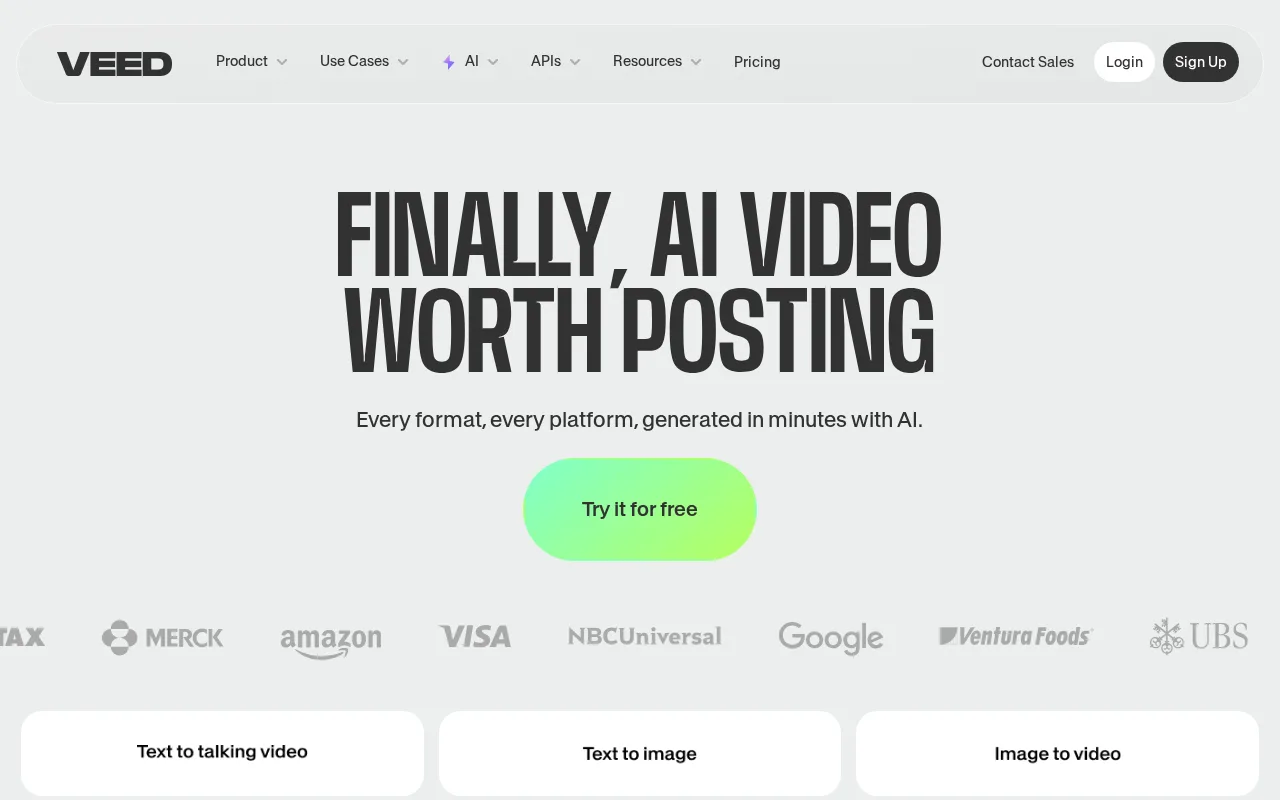
VeedAI simplifies video editing and subtitle creation for marketers and creators with an easy-to-use interface.
14 monthly visitors 15 page views (30d)
Reviewed by Volvenix Editorial
7.5
Volvenix Verdict
AI-powered editorial review
VeedAI
VeedAI offers a user-friendly video editing experience with strong subtitle features but lacks advanced customization.
PROS
  • Intuitive and accessible interface
  • Strong subtitle generation tools
  • Freemium pricing with basic features
  • Good for social media content creation
CONS
  • Limited advanced video editing features
  • Free plan has feature and export restrictions

Is VeedAI Right for You?

A quick checklist to help you decide.

You need to create videos with subtitles quickly and easily without technical skills.
You need advanced video editing features like multi-track editing or color grading.
You want an online tool that simplifies video editing for marketing or social content.
Free-tier limits are a blocker for your high-volume or professional video projects.
Your team requires a freemium platform to start editing videos with basic features.
You require enterprise-grade collaboration and asset management tools.

Ideal for: Marketers, social media managers, and small content teams seeking simple video editing with subtitle capabilities.

Less suited for: Professional video editors needing advanced effects or large enterprises requiring extensive collaboration features.

Bottom line: Ease of use combined with subtitle generation capabilities for quick video production.

Editorial Review AI-generated
VeedAI excels in providing an accessible and straightforward video editing platform, especially for users needing quick subtitle generation. Its clean interface reduces technical barriers, making it ideal for marketers and creators with limited editing experience. However, it lacks some advanced editing features found in professional software, which may limit power users. The freemium pricing model offers a good entry point but with some feature restrictions. Overall, VeedAI is best suited for small teams and individuals focused on social media and marketing videos.
Pros & Cons

Pros

User-friendly interface lowers the learning curve
Efficient subtitle generation saves time
Accessible freemium plan for beginners
Supports multiple video formats
Good export options for social media

Cons

Lacks advanced editing features like multi-track timelines moderate
Workaround: Use dedicated professional editors for complex projects
Free plan limits video length and export quality moderate
Workaround: Upgrade to paid plans for higher limits
No mobile app available minor
Who Is It For & What Can It Do
Best For
Marketer Individual / Freelancer Product Manager Beginner curve
AI Capabilities
Content Generation
Key Features
Subtitle Generation
Automatic subtitle creation and editing
Video Editing
Basic trimming, cutting, and merging
Export Options
Multiple formats optimized for social media
Team collaboration
Shared projects and assets for teams
Branding Tools
Add logos and watermarks
Best Use Cases
Creating marketing videos with subtitles Social media video content production Quick video edits for small businesses Educational video captioning Content repurposing with subtitles
Available Platforms
Integrations
Inputs & Outputs
Videoinput Videooutput Textoutput
Supported Languages
English
Security & Compliance
Certifications
SOC 2 Type II
AICPA
ISO 27001
ISO
GDPR
European Union
Compliance Standards
GDPR
Privacy · EU
API & Developer Tools
Pricing Plans

Free

Best for individuals

Free
 
  • Basic video editing
  • Subtitle generation

Team

For small teams

$30/mo
$30.00/mo billed annually
  • Team collaboration
  • Priority support

Offers a free plan with basic features and paid subscriptions unlocking higher limits and advanced tools.


Price Range
Free $0–$0 Mid Range $20–$100
Support Channels
Email
Did you find this page helpful?
Frequently Asked Questions
What is this tool?
VeedAI is an online video editing platform focused on easy editing and subtitle generation.
How much does it cost?
VeedAI offers a free plan and paid subscriptions starting at $20 per month.
Does it have a free plan?
Yes, VeedAI provides a free plan with basic editing and subtitle features.
What integrations does it support?
VeedAI does not prominently advertise native integrations on its website.
Who is it best for?
It is best for marketers and content creators needing simple video editing and subtitles.
User Reviews

No reviews yet. Be the first to review VeedAI!

Write a Review
Discussion
No discussions yet. Start the conversation!
0 tools selected
Compare Now →
VeedAI Visit Tool