 Volvenix
Tray.io Review — Workflow Automation Platform
Tray.io enables businesses to automate workflows via a visual platform, simplifying integrations and boosting productivity.
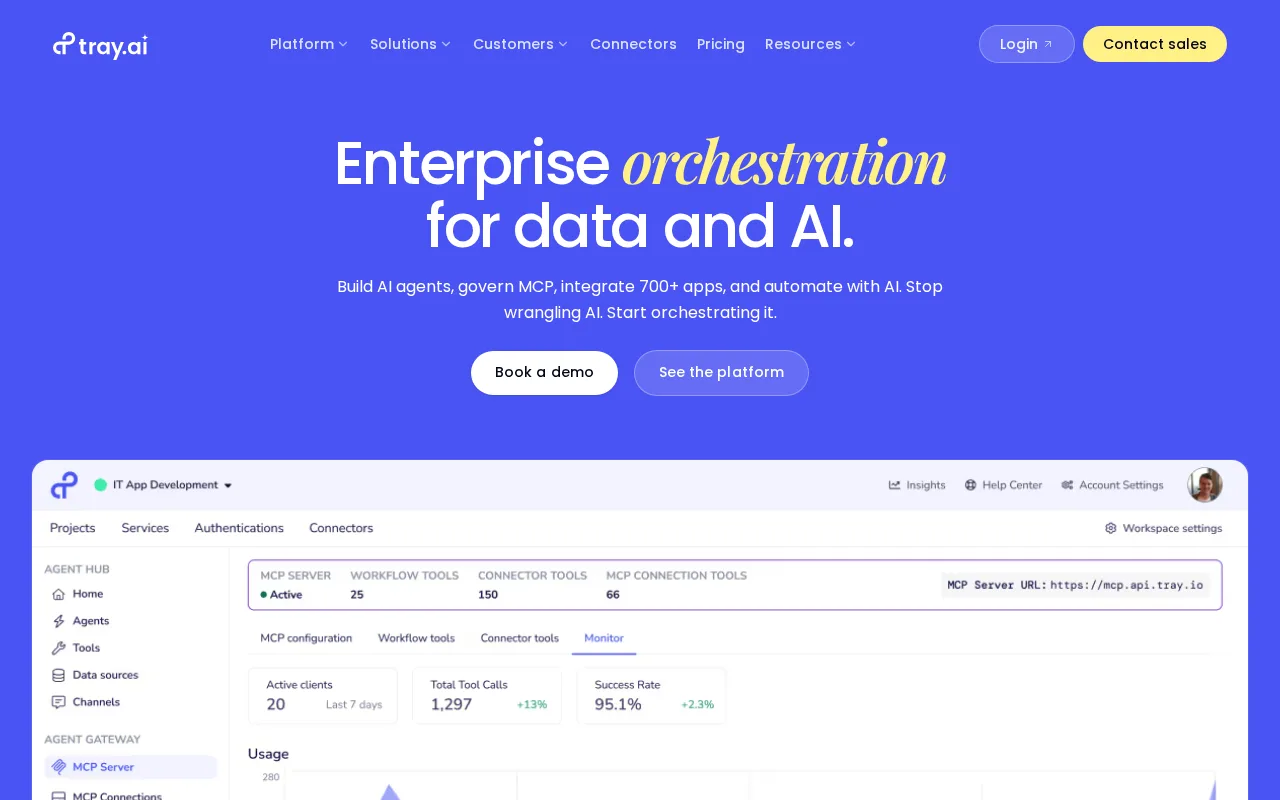
Tray.io offers powerful workflow automation with an intuitive interface, ideal for businesses needing flexible integrations.
- Intuitive visual workflow builder
- Wide range of integrations
- Scalable for growing teams
- Pricing may be high for small teams
- Steeper learning curve for non-technical users
Is Tray.io Right for You?
A quick checklist to help you decide.
Ideal for: Teams or businesses seeking to automate multi-step workflows with minimal coding and requiring scalable integrations.
Less suited for: Individuals or very small teams with limited budgets or those needing simple, out-of-the-box automation without customization.
Bottom line: The platform’s visual workflow builder that balances ease of use with powerful integration capabilities.
AI-assessed from 2 sources.
Pros
Cons
Free
Best for individuals
- Basic workflow automation
- Limited integrations
Offers a free tier with basic features; paid plans scale by usage and add advanced capabilities for teams and enterprises.



What is this tool?
How much does it cost?
Does it have a free plan?
What integrations does it support?
Who is it best for?
No reviews yet. Be the first to review Tray.io!
Scores are calculated algorithmically from feature coverage, pricing, user feedback & benchmark data — not influenced by commercial relationships. How we score → · Vendor Data Policy