SpeechTexter logo
Rank #1427
ACCESSIBILITY TOOLS FOR EDUCATION FREEMIUM CLOUD #4 in Accessibility Tools for Education

SpeechTexter Review — Multilingual Speech-to-Text

Free online speech-to-text tool supporting 60+ languages and voice commands for punctuation.
7.0
Volvenix Verdict
AI-powered editorial review
SpeechTexter
A reliable, easy-to-use browser tool for quick multilingual speech transcription.
PROS
  • Supports over 60 languages
  • No installation required, browser-based
  • Voice commands for punctuation
  • Free to use with a freemium model
  • Accessible for education and professional use
CONS
  • Limited advanced editing features
  • No integrations with other platforms

Is SpeechTexter Right for You?

A quick checklist to help you decide.

You want quick speech-to-text transcription directly in your browser without installs.
You need advanced text editing or formatting features integrated with transcription.
You need support for multiple languages and voice commands for punctuation.
Free-tier limits are a blocker for high-volume or enterprise transcription needs.
Your team requires an accessible tool for education or professional transcription tasks.
You require offline or desktop application support for speech-to-text.

Ideal for: Students, educators, and professionals who need fast, browser-based speech-to-text transcription with multilingual support.

Less suited for: Users requiring advanced editing, integrations, or offline capabilities should consider other tools.

Bottom line: Ease of use with broad language support in a browser environment without installation.

Editorial Review AI-generated
SpeechTexter offers a straightforward, no-installation-required speech-to-text experience with broad language support and voice command punctuation. Its browser-based platform is accessible and convenient for education and professional use. However, it lacks advanced editing features and integrations, limiting its use for complex workflows. Best suited for users needing quick, simple transcription without software installation.
Pros & Cons

Pros

Supports 60+ languages
Browser-based, no install needed
Voice commands for punctuation
Free to use with optional upgrades
Accessible for diverse users

Cons

Lacks advanced editing features moderate
No integrations with other tools moderate
No offline or desktop app available minor
Who Is It For & What Can It Do
Best For
Student / Academic Beginner curve
AI Capabilities
Speech-to-text transcription
Key Features
Multilingual Speech Recognition
Supports over 60 languages for transcription
Voice Commands
Allows voice commands for punctuation and formatting
Browser-Based Platform
No installation required, works in any modern browser
Offline mode
Not available
Integrations
No native integrations available
Best Use Cases
Transcribing lectures and educational content Creating quick notes from speech Accessibility tool for users with disabilities Multilingual transcription for global teams Voice command-based punctuation for faster typing
Available Platforms
Inputs & Outputs
Audioinput Textoutput
Supported Languages
English
Security & Compliance
API & Developer Tools
Pricing Plans

Free

Best for individuals

Free
 
  • Basic speech-to-text
  • Multilingual support

Offers a free tier with basic speech-to-text features; premium options unlock additional capabilities.

Price Range
Free $0–$0
Support Channels
Documentation
Did you find this page helpful?
Frequently Asked Questions
What is this tool?
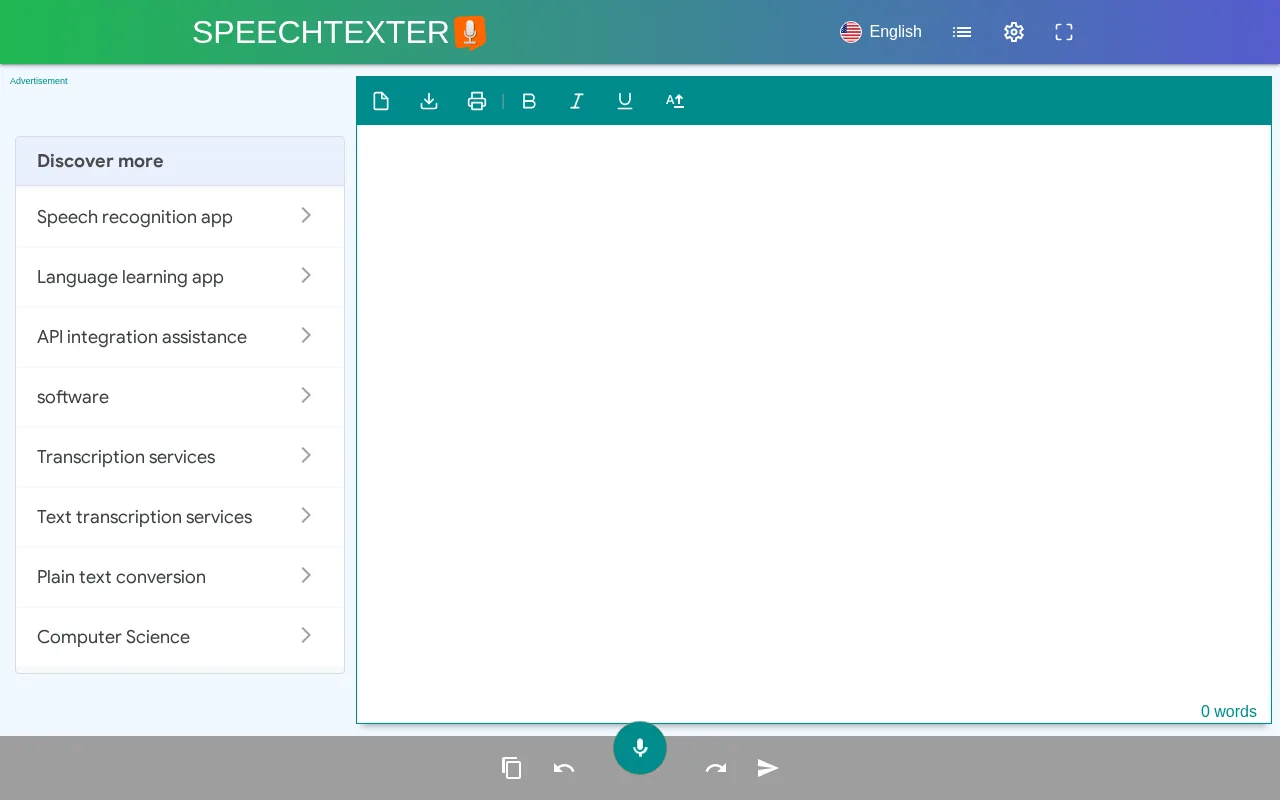
SpeechTexter is a free online speech-to-text tool that transcribes spoken words into text in over 60 languages.
How much does it cost?
SpeechTexter offers a free tier with basic features; premium options may be available but are not publicly detailed.
Does it have a free plan?
Yes, SpeechTexter provides a free plan accessible via any modern browser.
What integrations does it support?
SpeechTexter does not currently support integrations with other platforms.
Who is it best for?
It is best for students, educators, and professionals needing quick, browser-based speech transcription.
User Reviews

No reviews yet. Be the first to review SpeechTexter!

Write a Review
Discussion
No discussions yet. Start the conversation!
0 tools selected
Compare Now →
SpeechTexter Visit Tool