ReadSpeaker for Education logo
Rank #303
ACCESSIBILITY TOOLS FOR EDUCATION FREEMIUM CLOUD #1 in Accessibility Tools for Education State of the Art

ReadSpeaker for Education Review — Text-to-Speech Accessibility

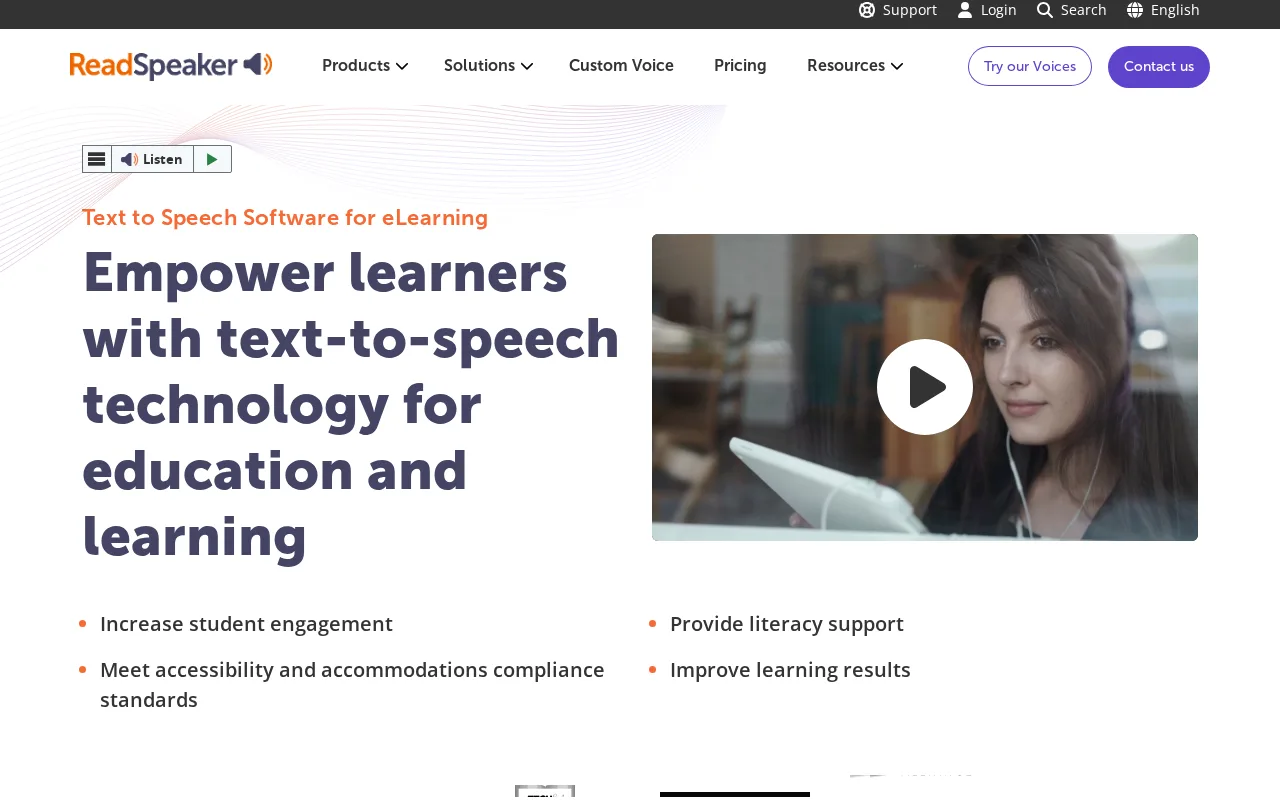
ReadSpeaker for Education provides text-to-speech solutions to enhance accessibility and engagement in learning environments.
7.5
Volvenix Verdict
AI-powered editorial review
ReadSpeaker for Education
A reliable and versatile text-to-speech tool focused on accessibility in education.
PROS
  • High-quality natural-sounding voices
  • Wide platform and LMS integration
  • Supports diverse learner needs
CONS
  • Limited public pricing details
  • No open-source availability

Is ReadSpeaker for Education Right for You?

A quick checklist to help you decide.

You need to provide audio versions of educational materials for accessibility compliance.
You need a fully open-source text-to-speech solution with source code access.
You want to support students with reading difficulties or language barriers effectively.
Free-tier limits are a blocker for your institution’s scale or usage needs.
Your team requires easy integration with existing digital learning platforms.
You require AI-generated content creation beyond speech synthesis.

Ideal for: Educators and institutions seeking to enhance accessibility and engagement for diverse learners through audio content.

Less suited for: Users needing fully open-source solutions or those requiring extensive AI-driven content generation beyond text-to-speech.

Bottom line: Quality and integration of text-to-speech technology tailored for educational accessibility.

Editorial Review AI-generated
ReadSpeaker for Education excels in making educational content accessible through high-quality text-to-speech voices and broad platform compatibility. Its strengths lie in supporting diverse learners and integrating with learning management systems. However, pricing details are not fully transparent, and advanced customization features may require higher-tier plans. Best suited for educational institutions prioritizing accessibility and inclusive learning.
Pros & Cons

Pros

Natural and clear speech synthesis
Easy integration with educational platforms
Supports multiple languages and voices
Enhances accessibility for diverse learners
Reliable cloud-based delivery

Cons

Pricing details are not fully transparent moderate
Workaround: Contact sales for customized pricing information
No open-source version available moderate
Limited advanced AI features beyond TTS minor
Who Is It For & What Can It Do
Best For
Student / Academic Beginner curve
AI Capabilities
Text-to-Speech Conversion
Key Features
Text-to-Speech Conversion
Converts text into natural-sounding audio
Multi-language Support
Supports numerous languages and dialects
Platform Integrations
Integrates with LMS and digital content platforms
Custom Voice Options
Offers voice customization for branding
Accessibility Compliance
Supports WCAG and accessibility standards
Best Use Cases
Providing audio versions of textbooks and articles Supporting students with dyslexia or reading challenges Enhancing language learning with spoken content Improving accessibility compliance in digital education Enabling multi-sensory learning experiences
Available Platforms
Integrations
Blackboard Moodle
Inputs & Outputs
Textinput Audiooutput
Supported Languages
English
Pricing Plans

Free

Basic access for individuals

Free
 
  • Limited text-to-speech usage
  • Standard voice options

Offers a free tier with basic features and paid plans for advanced capabilities and higher usage, pricing details require contacting sales.

Price Range
Free $0–$0
Support Channels
Did you find this page helpful?
Frequently Asked Questions
What is this tool?
ReadSpeaker for Education converts educational text into natural-sounding speech to support accessibility and learning.
How much does it cost?
It offers a free tier with basic features; advanced plans require contacting sales for pricing.
Does it have a free plan?
Yes, a free plan with limited features is available for individual users.
What integrations does it support?
It integrates with learning management systems and various digital education platforms.
Who is it best for?
It is best for educators and institutions aiming to improve accessibility and support diverse learners.
User Reviews

No reviews yet. Be the first to review ReadSpeaker for Education!

Write a Review
Discussion
No discussions yet. Start the conversation!
0 tools selected
Compare Now →
ReadSpeaker for Education Visit Tool