Remove.bg logo
Rank #451
FREEMIUM CLOUD #2 in Automatic Background Removal

Remove.bg Review — Automatic Background Removal

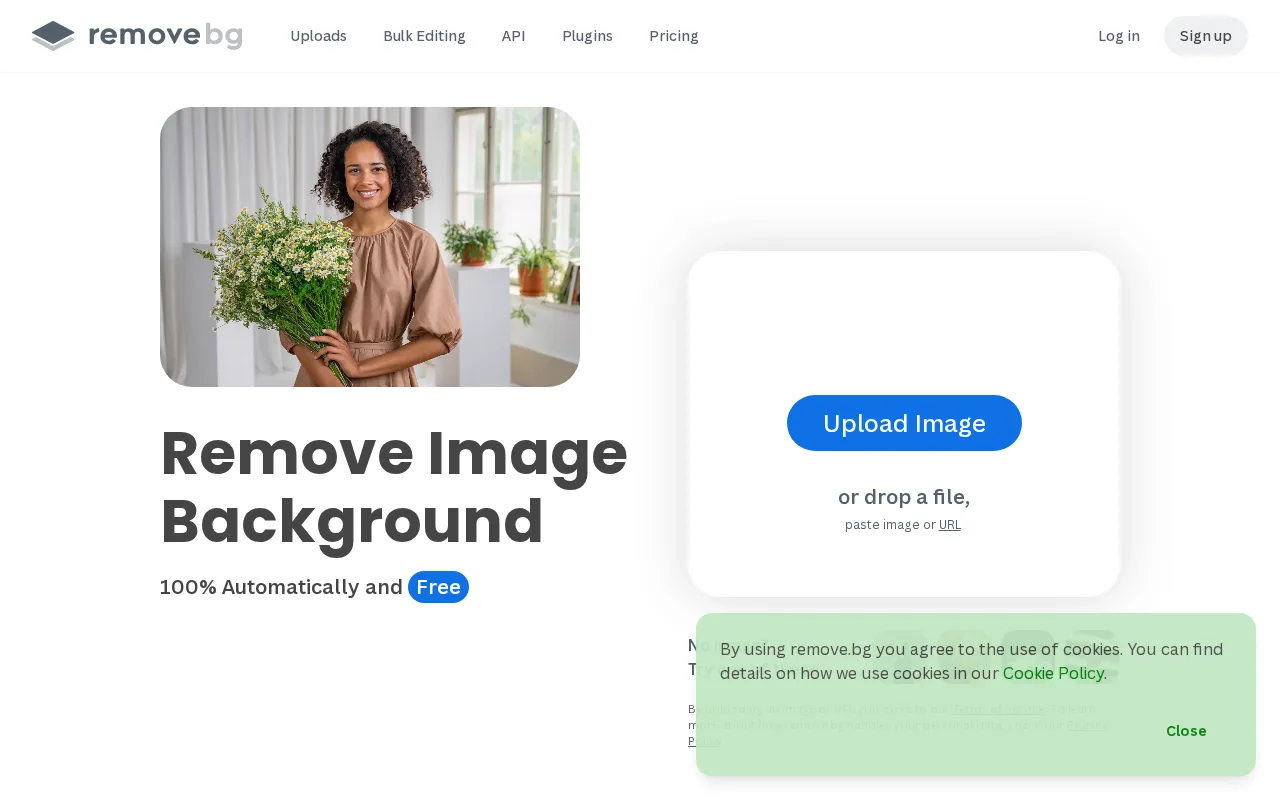
Automatically remove image backgrounds instantly with high accuracy for professional results.
29 monthly visitors 29 page views (30d)
Reviewed by Volvenix Editorial
7.8
Volvenix Verdict
AI-powered editorial review
Remove.bg
A reliable and fast tool for automatic background removal with excellent ease of use.
PROS
  • Fast and accurate automatic background removal
  • Easy to use with minimal setup
  • Supports multiple image formats and batch processing
CONS
  • Limited advanced editing or customization options
  • Free tier has restrictive usage limits

Is Remove.bg Right for You?

A quick checklist to help you decide.

You need quick background removal for product or marketing images
You need advanced photo editing beyond background removal
You want a simple tool that requires no manual editing skills
Free-tier limits are a blocker for your high-volume image processing
Your team requires consistent, professional-quality cutouts fast
You require extensive customization or manual background adjustments

Ideal for: Designers, marketers, and e-commerce sellers who need fast, accurate background removal without manual editing.

Less suited for: Users requiring advanced photo editing or extensive customization should look elsewhere.

Bottom line: Accuracy and speed of automatic background removal with minimal user effort.

Editorial Review AI-generated
Remove.bg excels at quickly removing backgrounds from images with minimal user input, making it ideal for users needing fast results without manual editing. Its AI delivers high accuracy on a wide range of images, which benefits e-commerce and marketing professionals. However, it lacks advanced editing features and customization options found in more comprehensive photo editors. The freemium pricing model is accessible but can be limiting for high-volume users. Overall, it is best suited for users prioritizing speed and simplicity over deep customization.

AI-assessed from 3 sources.

Pros & Cons

Pros

High accuracy background removal
User-friendly interface
Fast processing times
Supports batch uploads
Good integration options for web use

Cons

Limited manual editing tools moderate
Workaround: Use external editors for fine adjustments
Free plan has very limited credits moderate
No dedicated mobile app minor
Workaround: Use mobile browser for access
Who Is It For & What Can It Do
Best For
Designer / Creative Marketer Small Business (1–10) Beginner curve
AI Capabilities
Automatic Background Removal Tool Calling
Key Features
Automatic Background Removal
Removes backgrounds from images automatically
Batch processing
Process multiple images at once
High-resolution downloads
Download images in high resolution
API Access
Programmatic background removal via API
Integration Plugins
Plugins for Photoshop and other tools
Best Use Cases
E-commerce product image background removal Marketing and advertising image prep Graphic design and content creation Social media content enhancement Photography background cleanup
AI Models Used
Proprietary AI Models by Unknown
Available Platforms
Integrations
Photoshop Plugin
Inputs & Outputs
Imageinput Imageoutput
Supported Languages
English
Security & Compliance
Certifications
SOC 2 Type II
AICPA
ISO 27001
ISO
GDPR
European Union
Compliance Standards
GDPR
Privacy · EU
API & Developer Tools
API Type
REST
Auth Methods
API Key
Pricing Plans

Free

Best for individuals

Free
 
  • Up to 1 free credit per month
  • Basic background removal

Team

For small teams

$29/mo
$24.17/mo billed annually save 17%
  • Up to 120 credits per month
  • Team collaboration features
  • Priority support

Offers a free plan with limited credits and paid subscription plans for higher volume and priority processing.

Price Range
Free $0–$0 Low Cost $0–$20 Mid Range $20–$100
Support Channels
Email
More from Kaleido AI
Tools using similar AI models

Inferred from shared AI-model tagging — not a confirmed product relationship.

Did you find this page helpful?
Frequently Asked Questions
What is this tool?
Remove.bg automatically removes backgrounds from images using AI for fast, precise results.
How much does it cost?
Remove.bg offers a free plan with limited credits and paid subscriptions for higher usage.
Does it have a free plan?
Yes, there is a free plan with limited monthly credits for basic background removal.
What integrations does it support?
It supports plugins for Photoshop and offers an API for programmatic access.
Who is it best for?
It is best for designers, marketers, and e-commerce sellers needing quick background removal.
User Reviews

No reviews yet. Be the first to review Remove.bg!

Write a Review
Discussion
No discussions yet. Start the conversation!
0 tools selected
Compare Now →
Remove.bg Visit Tool