Cleanup.pictures logo
Rank #1376
IMAGE OBJECT ISOLATION FREEMIUM CLOUD #3 in Image Object Isolation

Cleanup.pictures Review — Photo Cleanup

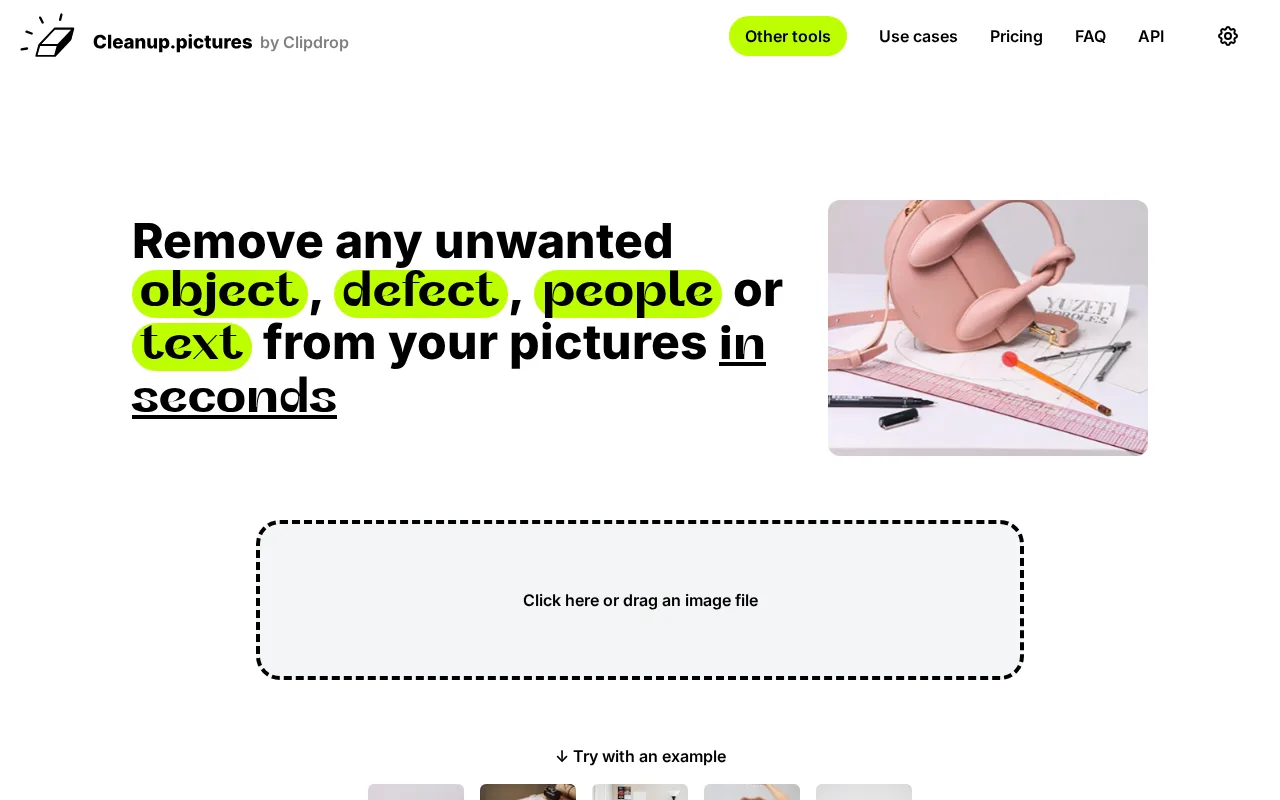
Easily erase backgrounds and unwanted elements from images with Cleanup.pictures.
7.5
Volvenix Verdict
AI-powered editorial review
Cleanup.pictures
A straightforward and effective tool for quick photo cleanup and object removal.
PROS
  • Fast and intuitive browser-based cleanup
  • Effective removal of unwanted objects
  • No installation or signup required
CONS
  • Limited advanced editing capabilities
  • No batch processing support

Is Cleanup.pictures Right for You?

A quick checklist to help you decide.

You want to quickly remove unwanted objects from photos without learning complex tools.
You need advanced photo editing features beyond object removal.
You need a browser-based solution that requires no installation or setup.
Free-tier limits prevent you from processing many images regularly.
Your workflow involves occasional photo cleanup rather than bulk editing.
You require batch processing or team collaboration features.

Ideal for: Users who want a simple, fast way to remove objects or clean photos without complex software.

Less suited for: Professional photographers or teams needing advanced editing tools and batch processing.

Bottom line: Ease of use and speed for single-image cleanup tasks.

Editorial Review AI-generated
Cleanup.pictures excels at removing unwanted elements from images with minimal effort, making it accessible for users without advanced editing skills. Its browser-based interface requires no installation and delivers fast results. However, it lacks advanced editing features and batch processing, limiting its use for professional workflows. Best suited for individuals needing quick fixes rather than comprehensive photo editing.
Pros & Cons

Pros

Simple and fast object removal
No software installation needed
Accessible to non-experts
Clean and minimal user interface
Supports multiple image formats

Cons

No batch processing for multiple images moderate
Limited editing beyond object removal moderate
No mobile app available minor
Who Is It For & What Can It Do
Best For
Individual / Freelancer Designer / Creative Marketer Beginner curve
AI Capabilities
Image enhancement
Key Features
Object Removal
Erase unwanted elements from photos
Background Cleanup
Remove or clean backgrounds easily
Browser-based Editing
Works fully in browser without install
High Resolution Exports
Export images in higher resolution
Batch processing
Process multiple images at once
Best Use Cases
Remove unwanted objects from photos Clean backgrounds for product images Quick photo retouching for social media Fix imperfections in personal photos Prepare images for presentations or websites
Available Platforms
Inputs & Outputs
Imageinput Imageoutput
Supported Languages
English
Security & Compliance
API & Developer Tools
Pricing Plans

Free

Best for individuals

Free
 
  • Basic object removal
  • Low resolution exports

Free tier available with basic features; paid plans unlock higher resolution and more usage.

Price Range
Free $0–$0 Low Cost $0–$20
Support Channels
Email
Did you find this page helpful?
Frequently Asked Questions
What is this tool?
Cleanup.pictures is a browser-based tool to remove unwanted objects and clean photos quickly.
How much does it cost?
It offers a free tier with basic features and a paid Pro plan for higher resolution exports.
Does it have a free plan?
Yes, a free plan is available with limited features and resolution.
What integrations does it support?
No official integrations are currently supported.
Who is it best for?
Ideal for individuals needing fast, simple photo cleanup without complex software.
User Reviews

No reviews yet. Be the first to review Cleanup.pictures!

Write a Review
Discussion
No discussions yet. Start the conversation!
0 tools selected
Compare Now →
Cleanup.pictures Visit Tool