Notable logo
Rank #932
HEALTHCARE WORKFLOW AUTOMATION FREEMIUM CLOUD #1 in Healthcare Workflow Automation State of the Art

Notable Review — Clinical Note Automation

Streamline clinical documentation by capturing notes via voice and text during patient visits.
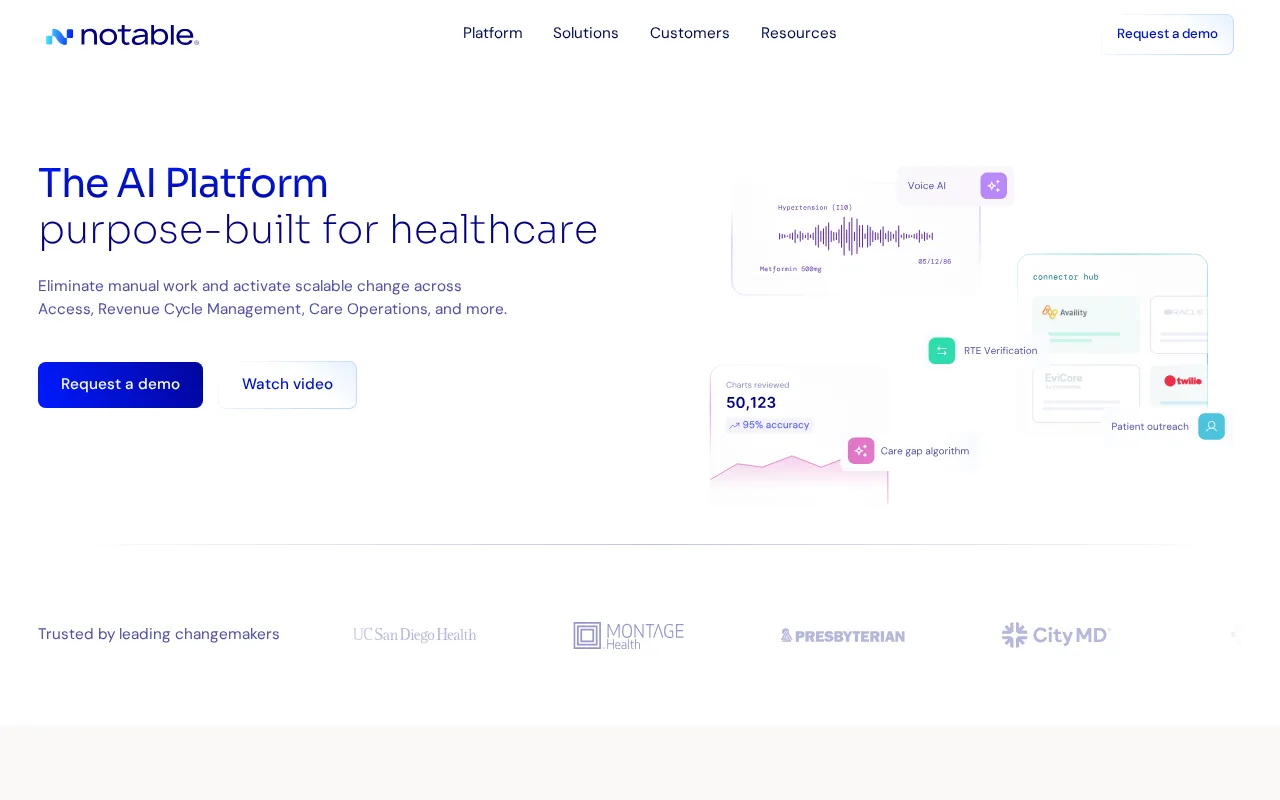
36 monthly visitors 36 page views (30d)
Reviewed by Volvenix Editorial
7.5
Volvenix Verdict
AI-powered editorial review
Notable
Notable offers efficient clinical note automation with strong EHR integration but limited advanced AI features.
PROS
  • Real-time clinical note capture from voice and text
  • Strong integration with EHR systems
  • Reduces administrative burden for healthcare providers
CONS
  • Limited advanced AI or analytics capabilities
  • No publicly documented API for integrations

Is Notable Right for You?

A quick checklist to help you decide.

You need to reduce manual clinical documentation during patient visits efficiently.
You need advanced AI-driven clinical decision support or analytics.
You want seamless integration with existing EHR systems for note management.
Free-tier limits are a blocker for your clinical documentation volume.
Your team requires real-time note generation from voice and text inputs.
You require a public API for custom integrations or automation.

Ideal for: Healthcare providers and clinical teams needing efficient, real-time clinical note capture integrated with EHR systems.

Less suited for: Organizations requiring advanced AI analysis, extensive customization, or public API access should consider other options.

Bottom line: The tool’s ability to capture and integrate clinical notes in real time during patient conversations.

Editorial Review AI-generated
Notable excels at simplifying clinical documentation by capturing notes directly during patient interactions, which reduces administrative burden for healthcare providers. Its seamless integration with EHR systems ensures notes are accurately and promptly recorded. However, it lacks publicly documented advanced AI capabilities or extensive customization options. Best suited for clinicians seeking straightforward note automation rather than complex AI-driven insights.
Pros & Cons

Pros

Real-time note capture from patient conversations
Streamlines clinical documentation with automation
Integration with major EHR systems
Voice-enabled note-taking improves efficiency
Enhances care coordination among healthcare teams
Reduces clinician administrative workload
Supports voice and text inputs
User-friendly interface tailored for healthcare workflows
Reduces administrative burden for providers
User-friendly clinical workflow integration

Cons

Limited third-party integrations moderate
Workaround: Use built-in tools or manual data export
No public API for custom integrations moderate
Limited advanced AI or analytics features moderate
No public API available major
No dedicated mobile app minor
Workaround: Access via mobile web browser
No dedicated mobile app currently minor
Who Is It For & What Can It Do
Best For
Healthcare Professional Small Business (1–10) SMB (11–200) Intermediate curve
AI Capabilities
Automation Memory Speech-to-text transcription Text Generation Tool Calling Workflow Automation
Key Features
Clinical Documentation Automation
Automates patient note-taking and documentation workflows
Voice Note Capture
Capture clinical notes via voice during patient visits
Voice-enabled Documentation
Supports voice dictation to speed up clinical notes
Text Note Capture
Enter notes via text input in real time
Care Coordination Tools
Task management and coordination features for care teams
EHR Integration
Sync notes directly with electronic health record systems
Third-party Integrations
Limited native integrations with EHR systems
Team collaboration
Collaborate on notes with clinical team members
Reporting and analytics
Basic reporting on workflow efficiency
Priority Support
Access to faster customer support for paid plans
Best Use Cases
Automated clinical note-taking during patient visits Automate clinical documentation for physicians Reducing administrative workload for healthcare providers Coordinating patient care among healthcare teams Reducing administrative workload in clinics Improving accuracy and timeliness of patient records Improving accuracy and speed of patient notes Integrating clinical notes with EHR systems Supporting voice and text input for documentation Managing care tasks and follow-ups efficiently
Available Platforms
Integrations
EHR Systems Electronic Health Records (EHR)
Inputs & Outputs
Audioinput Textinput Textoutput
Supported Languages
English
Security & Compliance
Compliance Standards
HIPAA
Privacy · US
API & Developer Tools
Pricing Plans

Free

Best for individuals

Free
 
  • Basic note capture
  • Limited EHR integration

Team

For small teams

$30/mo
$30.00/mo billed annually
  • Team collaboration
  • Priority support

Offers a free tier with basic features and paid subscriptions for enhanced capabilities and team use.

Price Range
Free $0–$0
Support Channels
Email
Did you find this page helpful?
Frequently Asked Questions
What is this tool?
Notable automates clinical note-taking by capturing notes from patient conversations using voice and text inputs.
What is this tool?
Notable Health automates clinical documentation and care coordination workflows for healthcare providers.
How much does it cost?
Notable offers a free tier and paid subscriptions starting at $20 per month.
How much does it cost?
Notable Health offers a free plan with basic features and paid plans for advanced capabilities.
Does it have a free plan?
Yes, Notable provides a free plan with basic note capture features.
Does it have a free plan?
Yes, there is a free plan available with limited features.
What integrations does it support?
Notable integrates with major electronic health record (EHR) systems.
What integrations does it support?
It supports limited native integrations with some EHR systems but no public API.
Who is it best for?
It is best suited for healthcare providers seeking efficient clinical note automation.
Who is it best for?
Healthcare providers and care teams seeking to automate documentation and improve care coordination.
User Reviews

No reviews yet. Be the first to review Notable!

Write a Review
Discussion
No discussions yet. Start the conversation!
0 tools selected
Compare Now →
Notable Visit Tool