Microsoft Translator logo
Rank #18
TRANSLATION FREEMIUM CLOUD

Microsoft Translator Review — Real-time Multilingual Translation

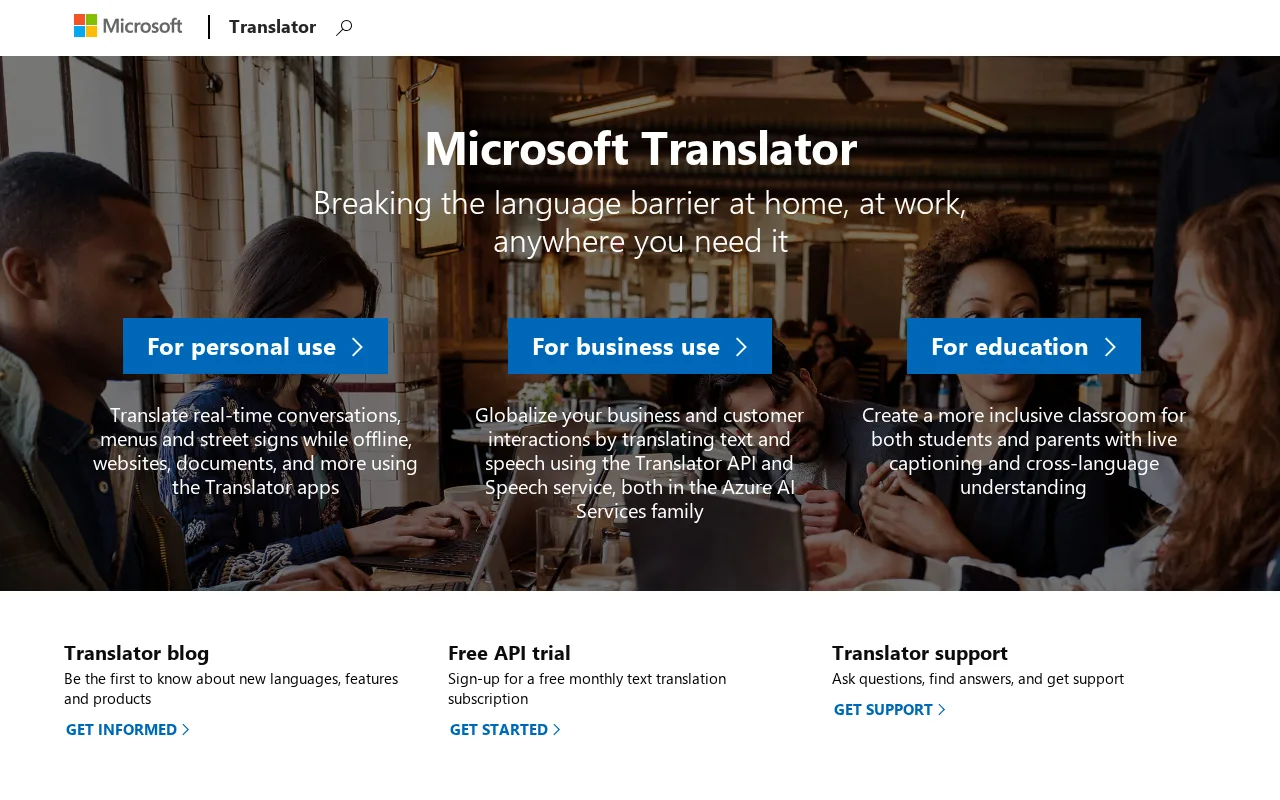
Microsoft Translator offers real-time text and speech translation for individuals and businesses.
1 monthly visitors 1 page views (30d)
Reviewed by Volvenix Editorial
7.5
Volvenix Verdict
AI-powered editorial review
Microsoft Translator
A reliable, widely supported translation tool ideal for multilingual communication and integration.
PROS
  • Supports over 100 languages for text and speech
  • Real-time conversation translation
  • Integrates well with Microsoft products and Azure
  • Cloud scalable for enterprise use
  • Available on multiple platforms
CONS
  • Free tier has usage limits
  • Advanced features require paid plans

Is Microsoft Translator Right for You?

A quick checklist to help you decide.

You need real-time translation for text, speech, or conversations in multiple languages.
You need fully offline translation without internet connectivity.
You want to integrate translation capabilities into your apps or workflows via API.
Free-tier limits are a blocker for your high-volume translation needs.
Your team requires scalable, cloud-based translation with Microsoft ecosystem compatibility.
You require a standalone consumer app without integration or developer features.

Ideal for: Developers, businesses, and global teams needing scalable, multi-language translation and integration with Microsoft ecosystems.

Less suited for: Casual users wanting offline-only translation or those needing unlimited free usage without restrictions.

Bottom line: Integration with Microsoft cloud and broad language support for real-time translation.

Editorial Review AI-generated
Microsoft Translator excels in delivering fast, accurate translations across numerous languages with strong support for text, speech, and conversation modes. Its seamless integration with Microsoft products and cloud infrastructure is a major advantage for enterprise users. However, the free tier has usage limits and advanced features require paid plans. It is best suited for businesses and developers needing scalable translation services rather than casual users seeking simple apps.
Pros & Cons

Pros

Extensive language and dialect support
Real-time speech and text translation
Strong Microsoft ecosystem integration
Cloud-based scalability and reliability
Multi-platform availability including mobile apps

Cons

Free tier character limits restrict heavy users moderate
Workaround: Upgrade to paid Azure subscription for higher limits
Limited offline translation capabilities moderate
Workaround: Use online mode or other offline-focused apps
Advanced features require Azure Cognitive Services setup minor
Who Is It For & What Can It Do
Best For
Developer / Engineer Marketer Product Manager Intermediate curve
AI Capabilities
Memory Speech translation Text Translation Tool Calling
Key Features
Text Translation
Translate text in over 100 languages
Speech translation
Real-time speech-to-speech translation
Conversation Mode
Multi-user conversation translation
Custom Translator
Train custom translation models
Document Translation
Translate entire documents
Best Use Cases
Real-time multilingual meetings and calls App and website localization Customer support translation Global marketing content translation Language learning and accessibility
AI Models Used
Proprietary AI Models by Unknown
Available Platforms
Integrations
Inputs & Outputs
Textinput Audioinput Textoutput Audiooutput
Supported Languages
English
Security & Compliance
Compliance Standards
GDPR
Privacy · EU
Model Support
Fine-tuning
API & Developer Tools
API Type
REST
Auth Methods
API Key
Pricing Plans

Free

Best for individuals

Free
 
  • Up to 2 million characters/month
  • Basic translation features
Characters Per Month: 2000000

Free tier available with usage limits; paid plans offer higher quotas and advanced features via Azure subscription.


Price Range
Free $0–$0
Support Channels
Tools using similar AI models

Inferred from shared AI-model tagging — not a confirmed product relationship.

Ratings from Around the Web
Did you find this page helpful?
Frequently Asked Questions
What is this tool?
Microsoft Translator is a cloud-based service that provides real-time text and speech translation in over 100 languages.
How much does it cost?
It offers a free tier with usage limits; paid plans are available via Azure subscription for higher volumes and features.
Does it have a free plan?
Yes, there is a free plan allowing up to 2 million characters translated per month.
What integrations does it support?
It integrates with Microsoft products like Office, Azure Cognitive Services, and supports API integration for custom apps.
Who is it best for?
It is best for developers, businesses, and teams needing scalable, real-time multilingual translation.
User Reviews

No reviews yet. Be the first to review Microsoft Translator!

Write a Review
Discussion
No discussions yet. Start the conversation!
0 tools selected
Compare Now →
Microsoft Translator Visit Tool