
Microsoft Azure Communication Services - Speech SDK logo
Rank #238
AUDIO ACCESSIBILITY SOLUTIONS FREEMIUM CLOUD

Microsoft Azure Communication Services - Speech SDK Review — Spee

Integrate speech-to-text, text-to-speech, and translation into apps across platforms with Azure Speech SDK.
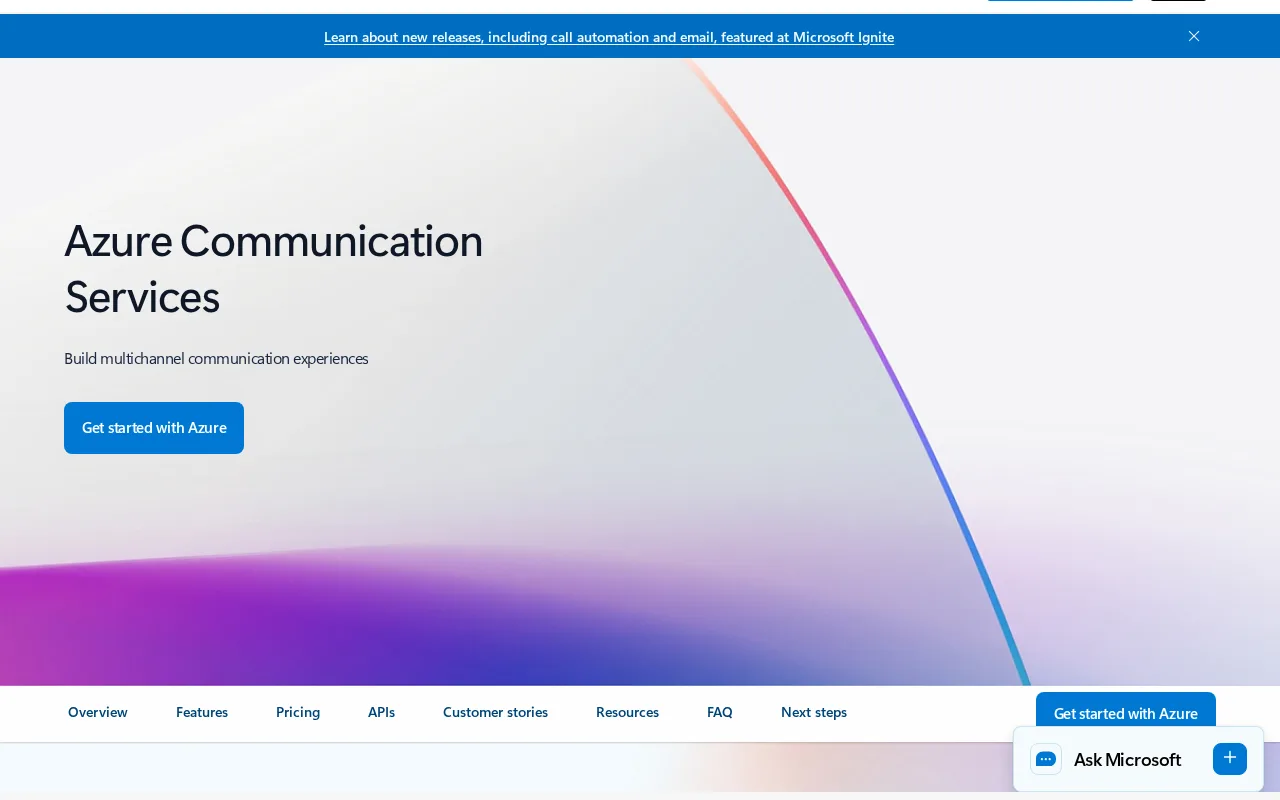
Updated audio developer-tools freemium
1 monthly visitors 1 page views (30d)
Reviewed by Volvenix Editorial
Microsoft Azure Communication Services - Speech SDK — preview
7.5
Volvenix Verdict
AI-powered editorial review
Microsoft Azure Communication Services - Speech SDK
A robust, scalable SDK for integrating speech capabilities into diverse applications with strong Azure cloud support.
PROS
  • Comprehensive speech-to-text, text-to-speech, and translation features
  • Supports real-time and batch processing
  • Scalable on Azure cloud infrastructure
CONS
  • Pricing details are not fully transparent
  • Requires intermediate developer skills to implement

Is Microsoft Azure Communication Services - Speech SDK Right for You?

A quick checklist to help you decide.

You need to add speech recognition and synthesis to cloud-based apps.
You need a no-code or low-code speech solution for non-developers.
You want scalable, multi-platform speech SDK tightly integrated with Azure.
Free-tier limits are a blocker for your project's scale or usage.
Your team requires real-time and batch speech processing capabilities.
You require fully transparent, fixed pricing without usage-based costs.

Ideal for: Developers and teams building scalable, voice-enabled applications on Azure cloud needing speech recognition and synthesis.

Less suited for: Non-developers or teams without Azure cloud usage who need simple plug-and-play speech tools or transparent pricing.

Bottom line: Integration with Azure cloud infrastructure and support for real-time speech processing.

Editorial Review AI-generated
Azure Speech SDK excels in providing comprehensive speech-to-text, text-to-speech, and translation features with strong multi-platform support. Its integration with Azure cloud infrastructure ensures scalability and reliability for enterprise-grade applications. However, pricing details are not fully transparent, and the SDK may require intermediate developer expertise to implement effectively. Best suited for developers building voice-enabled apps within the Azure ecosystem.
Pros & Cons

Pros

Comprehensive speech recognition and synthesis
Multi-platform and real-time support
Scalable Azure cloud infrastructure
Supports speech translation
Strong developer documentation

Cons

Pricing details are usage-based and not fully transparent moderate
Requires developer expertise to integrate effectively moderate
Workaround: Use official SDK samples and tutorials
Who Is It For & What Can It Do
Best For
Developer / Engineer Marketer Product Manager Intermediate curve
AI Capabilities
Speech translation Speech-to-text transcription Text-to-speech synthesis Tool Calling
Key Features
Speech-to-text
Convert spoken audio into text in real-time or batch
Text-to-Speech
Synthesize natural-sounding speech from text
Speech translation
Translate spoken language in real-time
Multi-platform Support
SDKs for Windows, iOS, Android, and Web
Batch processing
Process large audio files asynchronously
Best Use Cases
Voice-enabled mobile and web apps Real-time transcription services Multilingual communication tools Accessibility solutions for hearing impaired Automated customer support voice bots
Available Platforms
Integrations
Azure Cloud
Inputs & Outputs
Audioinput Textoutput Audiooutput
Supported Languages
English
Security & Compliance
Compliance Standards
GDPR
Privacy · EU
API & Developer Tools
Pricing Plans

Free

Best for individuals

Free
 
  • Up to 5 audio hours per month
  • Basic speech-to-text and text-to-speech

Offers a free tier with limited usage; paid plans are usage-based with costs scaling by speech hours and features used.


Price Range
Free $0–$0
Support Channels
Did you find this page helpful?
Frequently Asked Questions
What is this tool?
Azure Communication Services - Speech SDK enables developers to add speech recognition, synthesis, and translation to applications.
How much does it cost?
It offers a free tier with limited usage; paid plans are usage-based and billed per audio hour.
Does it have a free plan?
Yes, there is a free tier allowing up to 5 audio hours per month.
What integrations does it support?
It integrates natively with Azure cloud services and supports multiple platforms via SDKs.
Who is it best for?
Developers building scalable, voice-enabled applications on Azure cloud infrastructure.
User Reviews

No reviews yet. Be the first to review Microsoft Azure Communication Services - Speech SDK!

Write a Review
Discussion
No discussions yet. Start the conversation!
0 tools selected
Compare Now →
Microsoft Azure Communication Services - Speech SDK Visit Tool