Google Cloud Vision API logo
Rank #491
DOCUMENT ANALYSIS FREEMIUM CLOUD #2 in Document Analysis

Google Cloud Vision API Review — Face detection

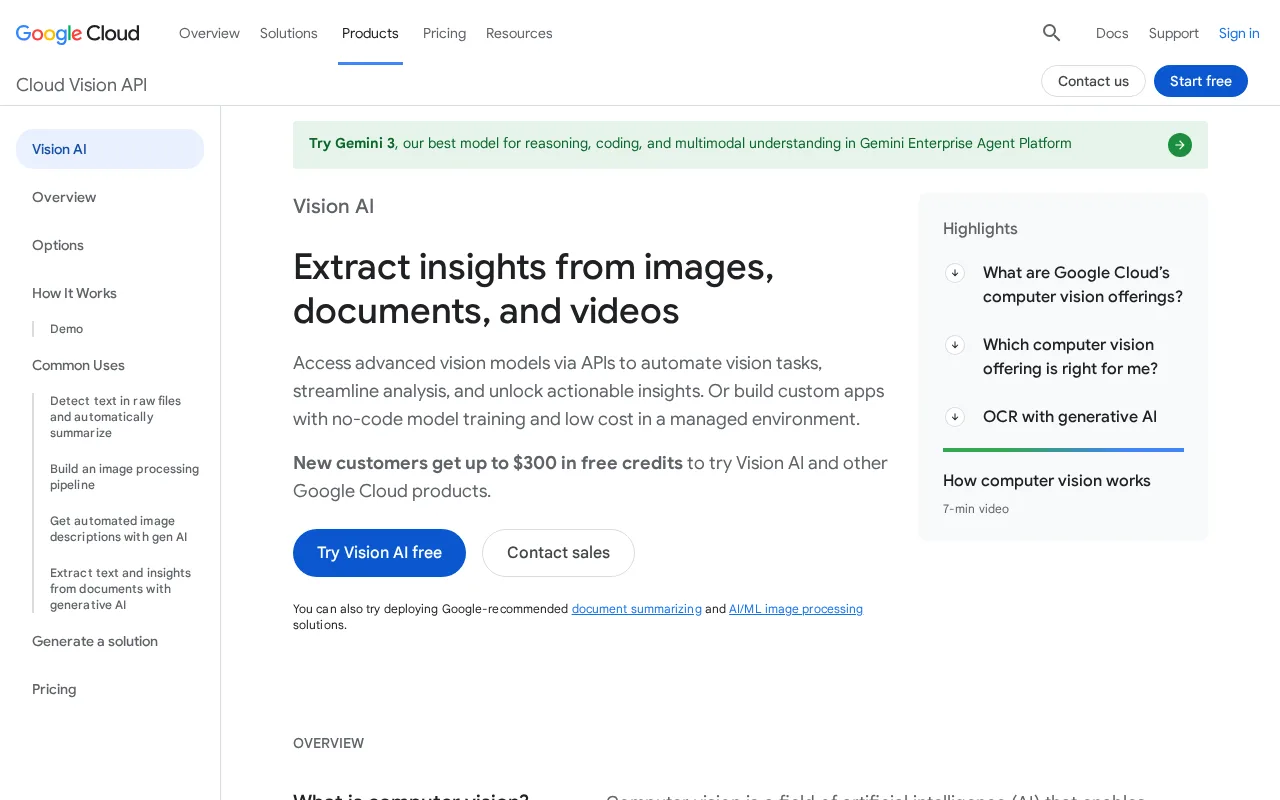
Google Cloud Vision API detects faces, labels, and text in images for easy integration.
73 monthly visitors 73 page views (30d)
Reviewed by Volvenix Editorial
8.0
Volvenix Verdict
AI-powered editorial review
Google Cloud Vision API
A robust, scalable image recognition API ideal for developers needing reliable face detection and OCR.
PROS
  • Accurate face detection and OCR capabilities
  • Easy integration with Google Cloud ecosystem
  • Pre-trained models reduce ML expertise needed
  • Scalable for enterprise workloads
  • Supports multiple image analysis features
CONS
  • Pricing can be expensive at high usage
  • Requires developer skills to implement

Is Google Cloud Vision API Right for You?

A quick checklist to help you decide.

You need to integrate face detection into your applications quickly and reliably.
You need a fully free solution without usage limits or costs beyond a free tier.
You want a cloud-based API with broad image recognition capabilities beyond just faces.
Free-tier limits are a blocker for your high-volume image processing needs.
Your team requires scalable, production-ready image analysis with Google Cloud support.
You require an on-premise or self-hosted image recognition solution.

Ideal for: Developers and businesses needing scalable, accurate face detection and image analysis APIs.

Less suited for: Non-technical users or teams with strict budget constraints and no cloud infrastructure experience.

Bottom line: The quality and scalability of Google’s pre-trained image recognition models.

Editorial Review AI-generated
Google Cloud Vision API excels with its comprehensive image analysis features, including accurate face detection and text extraction. It integrates seamlessly with other Google Cloud services, making it suitable for scalable enterprise applications. However, pricing can become costly at scale, and it requires some technical knowledge to implement effectively. Best suited for developers and businesses looking for a reliable, well-supported image recognition API.

AI-assessed from 3 sources.

Pros & Cons

Pros

High accuracy face detection and OCR
Seamless integration with Google Cloud
Pre-trained models simplify usage
Supports multiple image analysis types
Scalable for large workloads

Cons

Pricing can escalate with high volume moderate
Workaround: Monitor usage and optimize calls to reduce costs
Requires developer knowledge to implement moderate
Workaround: Use Google’s extensive documentation and client libraries
No offline or on-premise option minor
Who Is It For & What Can It Do
Best For
Developer / Engineer Marketer Product Manager Intermediate curve
AI Capabilities
Face Detection Label Detection Optical Character Recognition Tool Calling
Key Features
Face detection
Detects faces and facial attributes in images
Optical Character Recognition (OCR)
Extracts text from images in multiple languages
Label Detection
Identifies objects and entities within images
Landmark Detection
Recognizes popular natural and man-made landmarks
Logo Detection
Detects brand logos in images
Best Use Cases
Face detection for security and authentication Text extraction from scanned documents Image content moderation Product and logo recognition Automated metadata tagging for images
AI Models Used
Google Vision AI Models by Google
Available Platforms
Inputs & Outputs
Imageinput Textoutput
Supported Languages
English
Security & Compliance
Compliance Standards
GDPR
Privacy · EU
API & Developer Tools
API Type
REST
Auth Methods
API Key OAuth2
Pricing Plans

Free

Best for individuals

Free
 
  • Up to 1000 units per month free
  • Access to all Vision API features
Units Per Month: 1000

Free tier offers limited monthly usage; paid plans charge per image processed with volume discounts available.

Price Range
Free $0–$0
Support Channels
Did you find this page helpful?
Frequently Asked Questions
What is this tool?
Google Cloud Vision API is a cloud service that analyzes images to detect faces, text, objects, and more.
How much does it cost?
It offers a free tier with limited usage; beyond that, pricing is based on the number of images processed.
Does it have a free plan?
Yes, there is a free tier allowing up to 1000 units per month at no cost.
What integrations does it support?
It integrates with Google Cloud services and can be accessed via REST API and client libraries.
Who is it best for?
Developers and businesses needing scalable, accurate image analysis and face detection capabilities.
User Reviews

No reviews yet. Be the first to review Google Cloud Vision API!

Write a Review
Discussion
No discussions yet. Start the conversation!
0 tools selected
Compare Now →
Google Cloud Vision API Visit Tool