Google Lens logo
Rank #1
IMAGE CLASSIFICATION FREE CLOUD #1 in Image classification State of the Art

Google Lens Review — Visual Search Tool

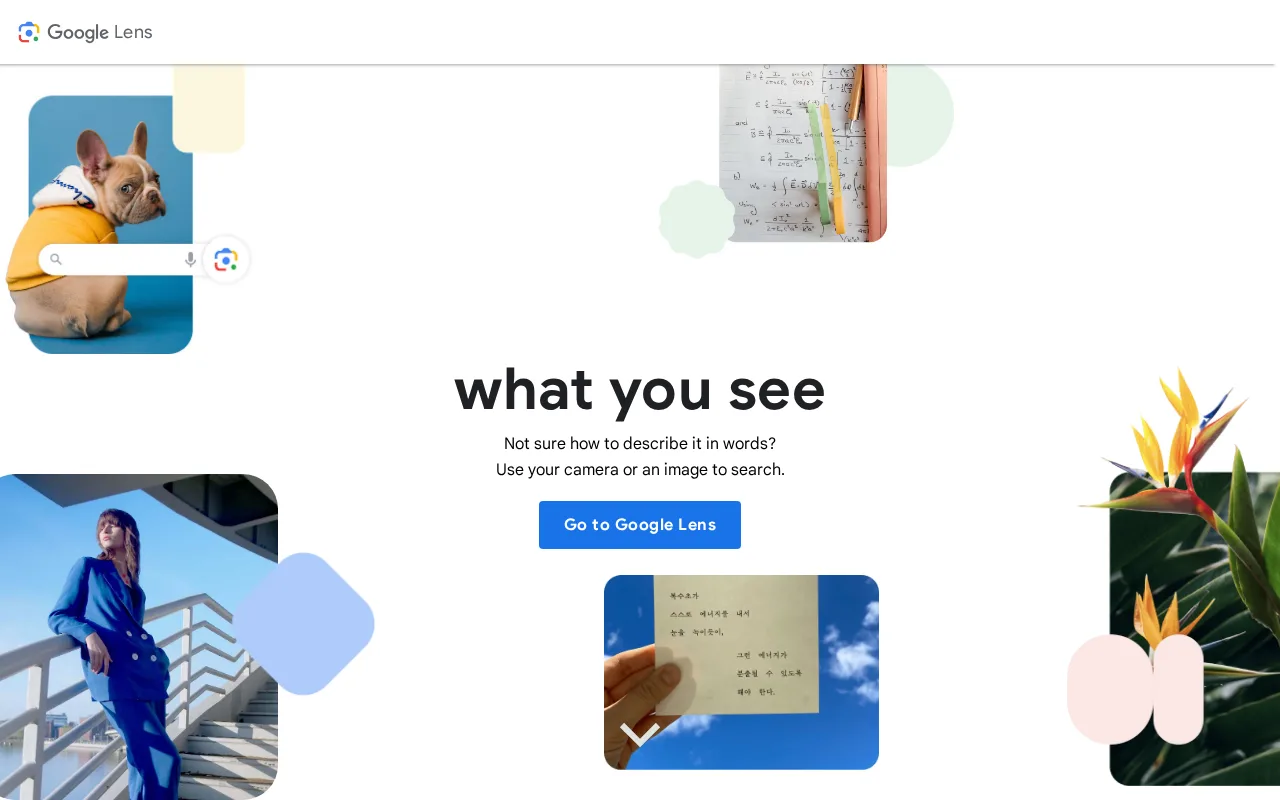
Quickly recognize items and translate text with Google Lens.

76 monthly visitors 77 page views (30d)
Reviewed by Volvenix Editorial
8.0
Volvenix Verdict
AI-powered editorial review
Google Lens
A powerful tool for visual search and translation.
PROS
  • Fast and accurate object recognition
  • Seamless integration with Google services
  • User-friendly interface for everyday tasks
CONS
  • Requires internet connectivity for full functionality
  • Limited advanced features for professional use

Is Google Lens Right for You?

A quick checklist to help you decide.

You need to identify items quickly while shopping.
You need advanced image editing capabilities.
You want to translate text in real-time using your camera.
Free-tier limits are a blocker for extensive use.
Your team requires a visual search tool for everyday tasks.
You require offline access for image recognition.

Ideal for: This tool fits if you frequently need to identify objects or translate text on the go.

Less suited for: Skip this tool if you require offline functionality or advanced image processing features.

Bottom line: The ability to quickly identify and translate objects using your camera.

Editorial Review AI-generated
Google Lens excels in its ability to recognize and provide information about objects in real-time, making it a valuable tool for users needing quick answers. However, its reliance on internet connectivity can be a limitation in offline scenarios. Ideal for casual users and students, it enhances everyday tasks with visual assistance.

AI-assessed from 3 sources.

Pros & Cons

Pros

Fast object identification
Real-time translation capabilities
Integration with Google services

Cons

Requires internet connection major
Workaround: Use when connected to Wi-Fi or mobile data
Limited features for advanced users moderate
Workaround: Consider using specialized software for complex tasks
Who Is It For & What Can It Do
Best For
Beginner curve
AI Capabilities
Image Classification Memory Text Extraction Tool Calling
Key Features
Object recognition
Identify various objects using your camera
Text Translation
Translate text in real-time
Product Search
Find products online based on images
Best Use Cases
Identifying plants and animals Translating foreign language signs Finding similar products while shopping
AI Models Used
Gemini by Google 1M context · Vision · Audio · Video Google Vision AI by Google
Available Platforms
Android App iOS App Web App
Integrations
Google app (iOS/Android) Google Assistant Google Maps Google Photos Google Search Google Translate
Inputs & Outputs
Imageinput Textoutput
Supported Languages
English
Security & Compliance
Pricing Plans

Google Lens is completely free to use with no paid tiers.

Price Range
Free $0–$0
Support Channels
Documentation
Ratings from Around the Web
Did you find this page helpful?
Frequently Asked Questions
What is this tool?
Google Lens is a visual search tool that identifies objects and translates text.
How much does it cost?
Google Lens is completely free to use.
Does it have a free plan?
Yes, Google Lens is free for all users.
What integrations does it support?
It integrates with Google Search and Photos.
Who is it best for?
It's ideal for everyday users needing quick identification and translation.
User Reviews

No reviews yet. Be the first to review Google Lens!

Write a Review
Discussion
No discussions yet. Start the conversation!
0 tools selected
Compare Now →
Google Lens Visit Tool