
Glide logo
Rank #945
DRAG-AND-DROP APP CREATION FREEMIUM CLOUD #1 in Drag-and-Drop App Creation State of the Art

Glide Review — No-Code App Builder

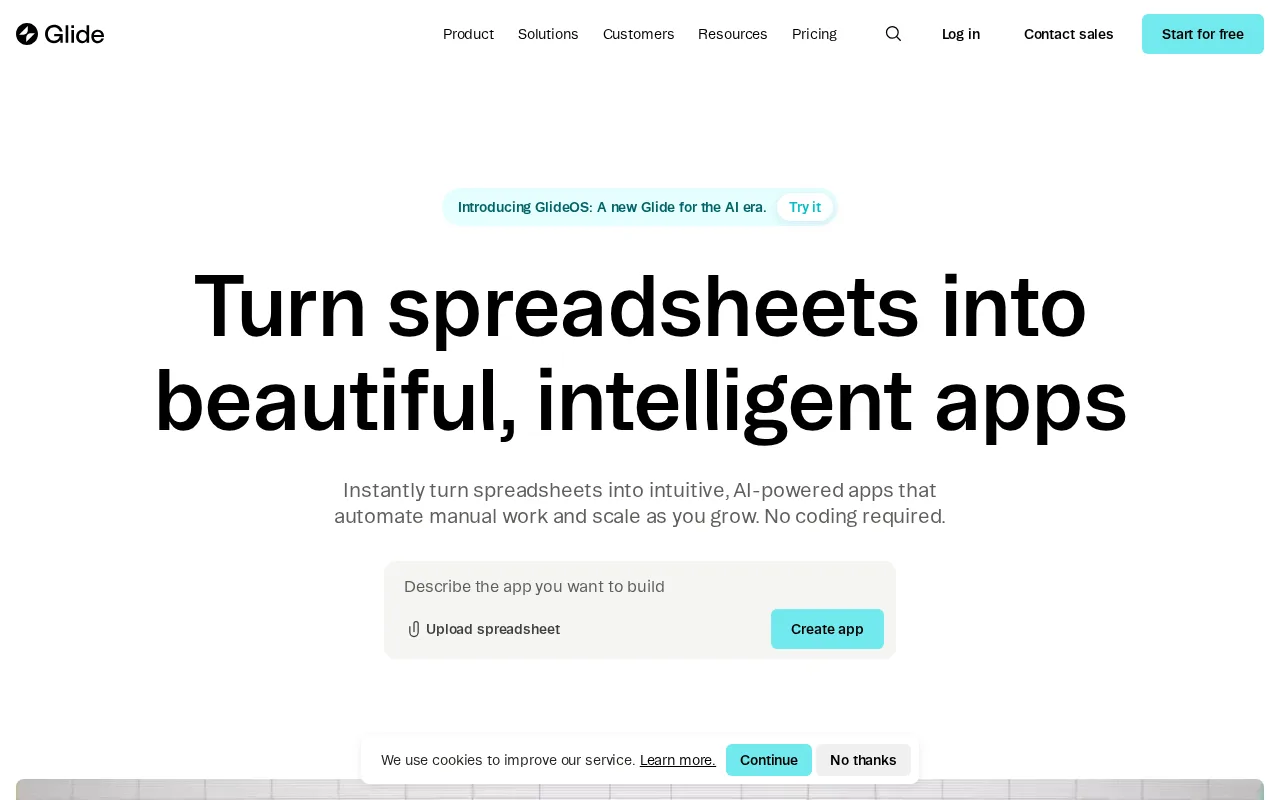
Create powerful no-code apps using Google Sheets or Excel as your data source with an intuitive drag-and-drop builder.
5.5 / 10
Visit Glide
7.5
Volvenix Verdict
AI-powered editorial review
Glide
Glide is a versatile no-code app builder perfect for spreadsheet users seeking quick app creation without technical skills.
PROS
  • Intuitive drag-and-drop app builder
  • Seamless integration with Google Sheets and Excel
  • Fast app deployment without coding
CONS
  • Limited advanced customization options
  • Not suited for complex app logic or workflows

Is Glide Right for You?

A quick checklist to help you decide.

You want to create apps quickly using spreadsheet data without coding skills
You need advanced backend logic or integrations beyond spreadsheets
You need a simple interface to design mobile and web apps visually
Free-tier limits are a blocker for your app’s scale or user base
Your team requires easy data updates via Google Sheets or Excel
You require enterprise-grade security and compliance features

Ideal for: Individuals or small teams wanting to quickly create mobile or web apps from spreadsheet data without coding knowledge.

Less suited for: Developers needing deep customization, complex workflows, or enterprise-grade app features should look elsewhere.

Bottom line: Ability to build apps directly from spreadsheets with no coding required.

Editorial Review AI-generated
Glide excels at transforming spreadsheets into functional apps with minimal effort, making it accessible for beginners and small teams. Its drag-and-drop interface and real-time data sync are strong points. However, it has limitations in advanced customization and complex logic, which may frustrate power users. Overall, it’s best suited for simple to moderately complex apps and users comfortable managing data in spreadsheets.
Pros & Cons

Pros

User-friendly drag-and-drop interface
Direct integration with Google Sheets and Excel
Rapid app prototyping and deployment
Responsive apps for mobile and web
Good free tier for basic use

Cons

Limited support for complex app logic moderate
Workaround: Use external tools or scripts to handle complex logic
No public API for integrations moderate
Scaling limitations on free and lower tiers minor
Workaround: Upgrade to paid plans for higher limits
Who Is It For & What Can It Do
Best For
Individual / Freelancer Non-Technical User Small Business (1–10) Beginner curve
AI Capabilities
Automation Data Transformation
Key Features
Spreadsheet Integration
Connect apps directly to Google Sheets or Excel
Drag-and-Drop Builder
Visual app design with customizable components
Responsive Design
Apps work on mobile and desktop browsers
Custom Domain Support
Use your own domain for published apps
Team collaboration
Multiple users can collaborate on app projects
Best Use Cases
Internal business tools from spreadsheets Event management apps Inventory tracking apps Customer directories Personal project management
Available Platforms
Inputs & Outputs
Spreadsheetinput Textoutput
Supported Languages
English
Security & Compliance
API & Developer Tools
Pricing Plans

Free

Best for individuals

Free
 
  • Basic app building
  • Limited users and storage

Business

For teams and businesses

$79/mo
$59.00/mo billed annually save 25%
  • Team collaboration
  • Increased limits
  • Priority support

Glide offers a free tier with basic features and paid plans that unlock more app users, storage, and advanced capabilities.

Price Range
Free $0–$0 Mid Range $20–$100 Premium $100–$500
Support Channels
Did you find this page helpful?
Frequently Asked Questions
What is this tool?
Glide is a no-code platform that builds mobile and web apps from spreadsheet data.
How much does it cost?
Glide offers a free plan and paid subscriptions starting at $32/month.
Does it have a free plan?
Yes, Glide provides a free tier with basic features and usage limits.
What integrations does it support?
Glide integrates natively with Google Sheets and Excel as data sources.
Who is it best for?
It’s best for non-developers and small teams wanting to create apps from spreadsheets quickly.
User Reviews

No reviews yet. Be the first to review Glide!

Write a Review
Discussion
No discussions yet. Start the conversation!
0 tools selected
Compare Now →
Glide Visit Tool