
Bubble logo
Rank #1947
AI APPLICATION DEVELOPMENT FREEMIUM CLOUD #1 in AI Application Development State of the Art

Bubble Review — No-Code Web App Builder

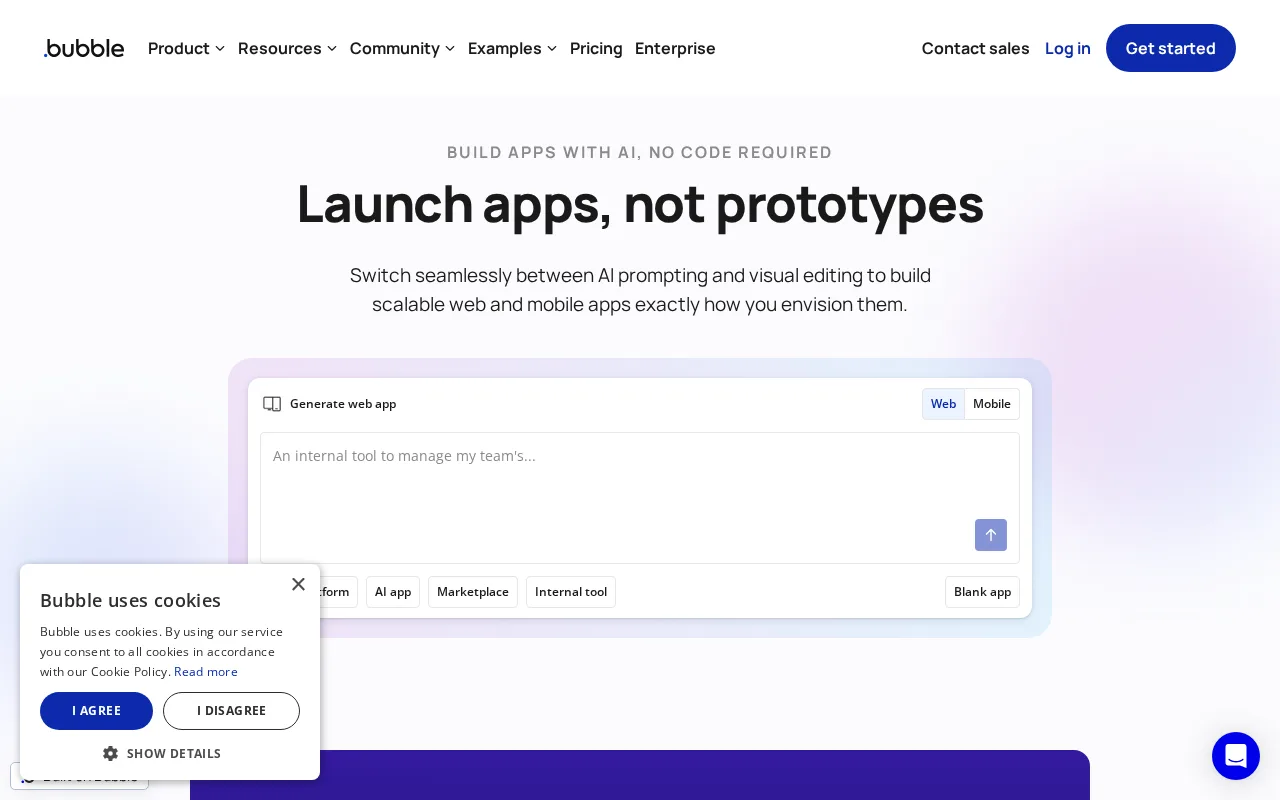
Create interactive, multi-user apps with drag-and-drop tools and workflows, no code required.
7.5
Volvenix Verdict
AI-powered editorial review
Bubble
Bubble is a powerful no-code platform for building complex web apps but has a steep learning curve.
PROS
  • Robust visual app builder with workflow automation
  • Supports complex logic and database-driven apps
  • No coding required for full app development
CONS
  • Steep learning curve for beginners
  • Performance can degrade with very complex apps

Is Bubble Right for You?

A quick checklist to help you decide.

You want to build custom web apps without writing code or hiring developers
You need a simple static website or landing page builder
You need to create multi-user, interactive applications with database integration
Free-tier limits are a blocker for your app’s expected user base or data needs
Your team requires flexibility to design unique workflows and UI components
You require guaranteed enterprise-grade performance and SLAs

Ideal for: Entrepreneurs, startups, and small businesses wanting to build custom web apps without coding knowledge.

Less suited for: Users needing simple websites or those unwilling to invest time learning a complex no-code platform.

Bottom line: Ability to visually build complex app logic and workflows without coding.

Editorial Review AI-generated
Bubble excels in enabling non-technical users to create sophisticated web applications with drag-and-drop design and workflow automation. Its visual programming approach supports complex logic and database management, making it suitable for startups and SMBs. However, the platform can be overwhelming for beginners due to its depth and flexibility. Performance can vary depending on app complexity, and advanced features require time to master. Overall, Bubble is best for users committed to learning no-code development to build scalable apps.
Pros & Cons

Pros

Powerful drag-and-drop visual editor
Flexible workflow and database management
Strong community and learning resources
Supports custom domains and API workflows
Scalable for startups and SMBs

Cons

Steep learning curve for new users moderate
Workaround: Use extensive tutorials and community forums
Performance can slow with complex apps moderate
Workaround: Optimize workflows and database queries
Limited native mobile app support minor
Who Is It For & What Can It Do
Best For
Small Business (1–10) Product Manager Intermediate curve
AI Capabilities
Data Transformation Tool Calling Workflow Automation Workflow Builder
Key Features
Visual Editor
Drag-and-drop UI builder for web apps
Workflow Automation
Create app logic with visual workflows
Data Integration
Built-in database for app data storage
API Workflows
Automate backend processes via API
Custom Domains
Host apps on your own domain
Best Use Cases
Build MVPs for startups Create internal business tools Develop customer-facing web apps Prototype app ideas quickly Automate workflows without code
Available Platforms
Inputs & Outputs
Textinput Textoutput
Supported Languages
English
Security & Compliance
Compliance Standards
GDPR
Privacy · EU
API & Developer Tools
Pricing Plans

Free

Best for individuals

Free
 
  • Core platform access
  • Community support

Professional

For growing businesses

$129/mo
$115.00/mo billed annually save 11%
  • Higher capacity
  • Collaboration tools
  • Priority support

Bubble offers a free tier with basic features and paid plans that unlock more capacity, collaboration, and advanced features.

Price Range
Free $0–$0 Low Cost $0–$20 Mid Range $20–$100
Support Channels
Did you find this page helpful?
Frequently Asked Questions
What is this tool?
Bubble is a no-code platform for building interactive web applications visually without coding.
How much does it cost?
Bubble offers a free plan and paid subscriptions starting at $29/month with additional features.
Does it have a free plan?
Yes, Bubble provides a free tier with core features and community support.
What integrations does it support?
Bubble supports API workflows and can connect to external services via APIs and plugins.
Who is it best for?
It is best for entrepreneurs and small businesses wanting to build custom web apps without coding.
User Reviews

No reviews yet. Be the first to review Bubble!

Write a Review
Discussion
No discussions yet. Start the conversation!
0 tools selected
Compare Now →
Bubble Visit Tool