

Datameer logo
Rank #612
FREEMIUM CLOUD #1 in ETL Automation State of the Art

Datameer Review — ETL Automation

Datameer automates ETL processes with a visual interface for data engineers and analysts.
20 monthly visitors 20 page views (30d)
Reviewed by Volvenix Editorial
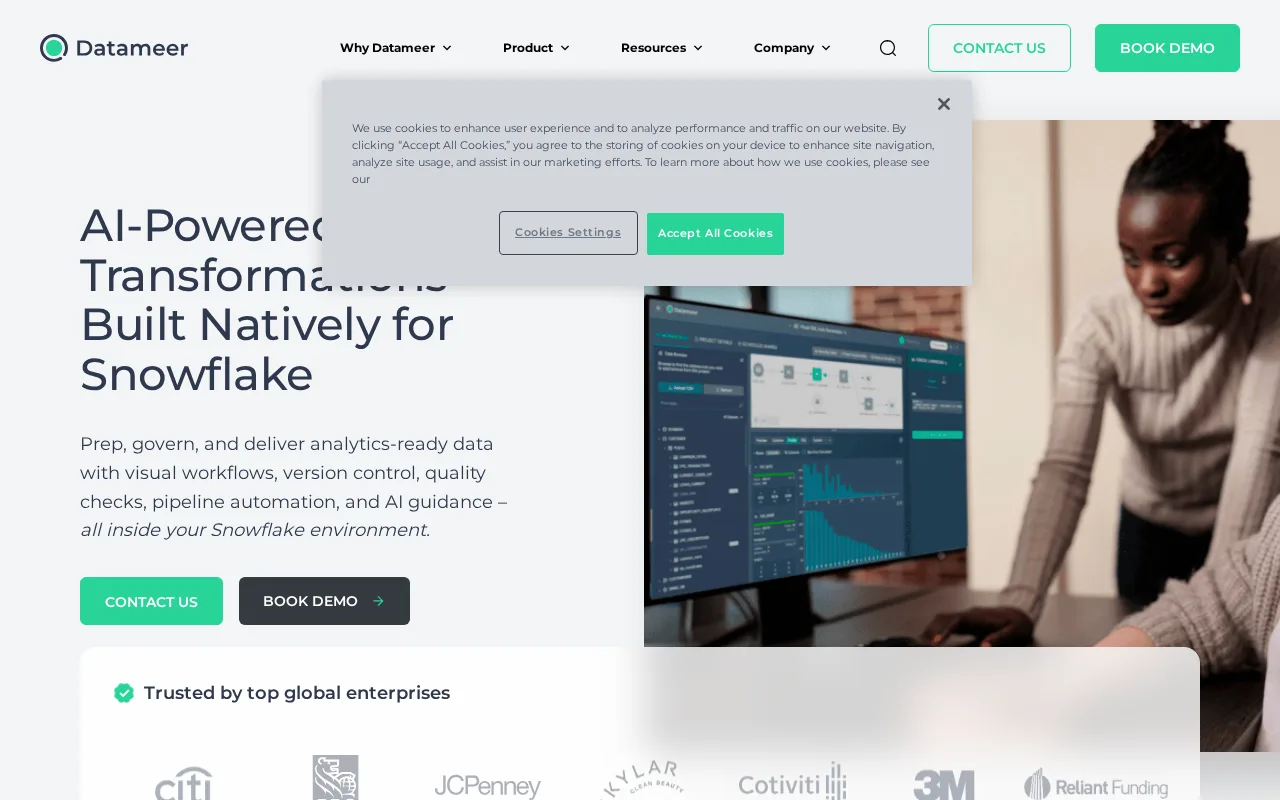
Datameer — preview
7.3
Volvenix Verdict
AI-powered editorial review
Datameer
A user-friendly ETL automation tool ideal for teams seeking visual pipeline building without heavy coding.
PROS
  • Intuitive visual pipeline builder
  • Minimal coding required
  • Supports scalable ETL automation
CONS
  • Limited advanced customization
  • Pricing details not fully transparent

Is Datameer Right for You?

A quick checklist to help you decide.

You need to automate ETL workflows without writing complex code.
You need highly customizable, code-first ETL solutions.
You want a visual interface to design and manage data pipelines.
Free-tier limits are a blocker for your data volume or user count.
Your team requires scalable data integration with minimal technical barriers.
You require extensive API access or advanced security certifications.

Ideal for: Data engineers and analysts who want to build and automate ETL pipelines visually without extensive coding.

Less suited for: Developers needing deep customization or organizations requiring extensive API integrations and advanced security features.

Bottom line: Ease of use through a visual, code-free ETL pipeline builder.

Editorial Review AI-generated
Datameer excels at simplifying ETL automation with its intuitive visual interface, reducing the need for coding expertise. It supports a broad range of data sources and offers scalable pipeline orchestration. However, it may lack some advanced customization and integration options compared to more developer-centric platforms. Best suited for data teams prioritizing ease of use and rapid deployment over deep technical control.

AI-assessed from 3 sources.

Pros & Cons

Pros

User-friendly drag-and-drop interface
Automates complex ETL pipelines
Supports multiple data sources
Reduces need for coding expertise
Scalable cloud deployment

Cons

Limited advanced customization options moderate
Workaround: Use external tools for complex transformations
Pricing details beyond free tier are not publicly detailed minor
No public API for integrations moderate
Who Is It For & What Can It Do
Best For
Developer / Engineer Data Scientist / Analyst Product Manager Intermediate curve
AI Capabilities
Data Transformation Workflow Automation Workflow Builder
Key Features
Visual Pipeline Builder
Drag-and-drop interface for ETL workflows
Data Source Connectivity
Connects to various databases and cloud sources
Data transformation
Built-in functions for data cleansing and transformation
Collaboration Tools
Team collaboration features for pipeline sharing
Scheduling & Automation
Automate pipeline runs on schedules
Best Use Cases
Automate data ingestion and transformation Build scalable ETL pipelines without coding Prepare data for analytics and BI tools Integrate multiple data sources in one platform Enable data teams to collaborate on pipelines
Available Platforms
Integrations
Amazon S3 Google BigQuery Microsoft Azure Blob Storage Snowflake
Inputs & Outputs
Spreadsheetinput Spreadsheetoutput
Supported Languages
English
Security & Compliance
Certifications
SOC 2 Type II
AICPA
ISO 27001
ISO
GDPR
European Union
Compliance Standards
GDPR
Privacy · EU
API & Developer Tools
Pricing Plans

Free

Best for individuals

Free
 
  • Basic ETL workflows
  • Limited data sources

Datameer offers a free tier with basic features and paid plans for advanced capabilities and larger scale usage.

Price Range
Free $0–$0
Support Channels
Did you find this page helpful?
Frequently Asked Questions
What is this tool?
Datameer is a cloud-based ETL automation platform with a visual interface for building data pipelines.
How much does it cost?
Datameer offers a free tier with basic features; pricing for advanced plans is available upon request.
Does it have a free plan?
Yes, Datameer provides a free plan suitable for individuals and small-scale use.
What integrations does it support?
Datameer supports connections to various databases and cloud data sources natively.
Who is it best for?
It is best for data engineers and analysts seeking to automate ETL without extensive coding.
User Reviews

No reviews yet. Be the first to review Datameer!

Write a Review
Discussion
No discussions yet. Start the conversation!
0 tools selected
Compare Now →
Datameer Visit Tool