
Cody logo
Rank #262
ERROR REDUCTION FREEMIUM CLOUD #5 in Error Reduction

Cody Review — Debugging & Error Resolution

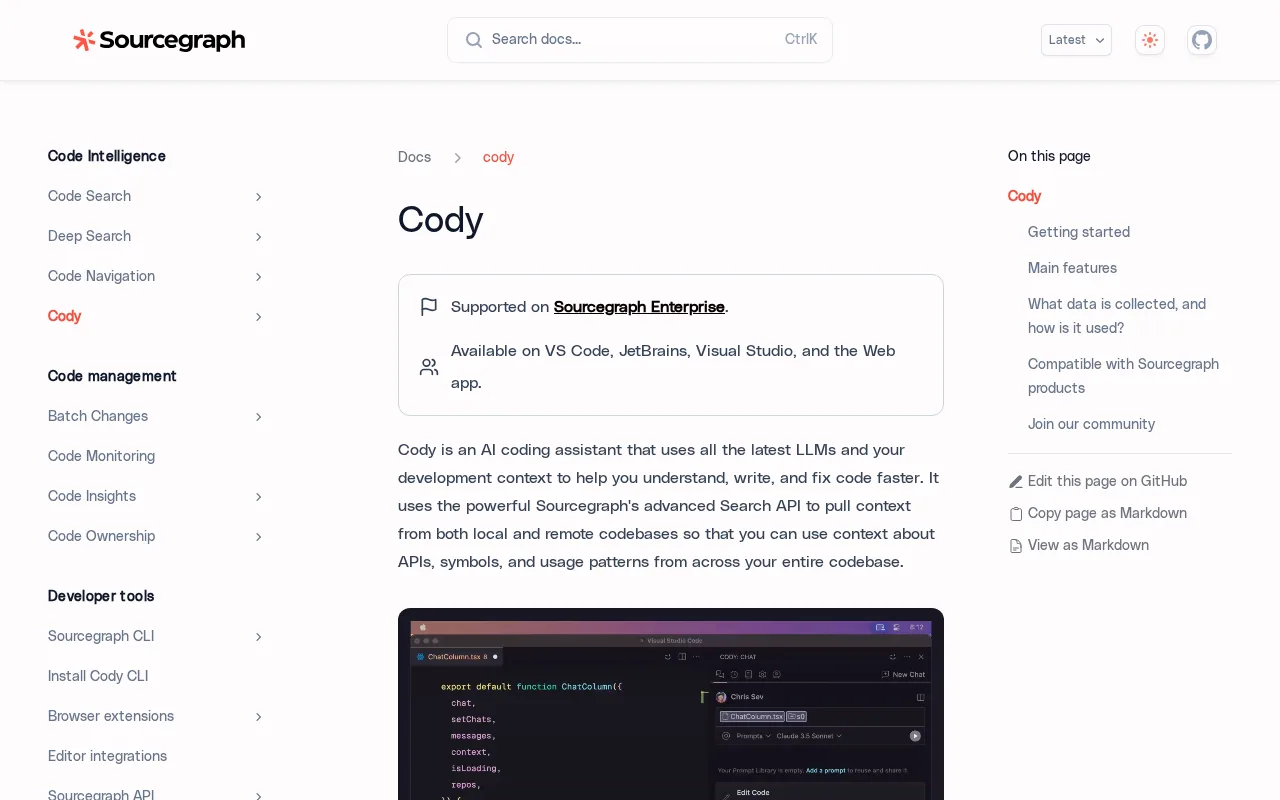
Cody helps developers quickly identify and fix coding errors with smart debugging tools.
6.8 / 10
Visit Cody
29 monthly visitors 30 page views (30d)
Reviewed by Volvenix Editorial
7.5
Volvenix Verdict
AI-powered editorial review
Cody
Cody offers effective debugging assistance ideal for developers seeking faster error resolution.
PROS
  • Speeds up error detection and resolution
  • Integrates well with developer workflows
  • User-friendly interface for debugging
  • Effective for reducing coding errors
CONS
  • Limited advanced customization options
  • May lack deep integrations for enterprise use

Is Cody Right for You?

A quick checklist to help you decide.

You want to reduce debugging time with intelligent error insights
You need enterprise-grade customization and integrations
You need a tool that integrates smoothly into your coding environment
Free-tier limits are a blocker for your team's scale or usage
Your team requires faster error resolution to improve development speed
You require a fully automated debugging agent without user input

Ideal for: Developers and small teams who want to speed up debugging and reduce coding errors efficiently.

Less suited for: Large enterprises needing extensive customization or deep integrations might find Cody limited.

Bottom line: How effectively it integrates into your workflow to speed up error detection and resolution.

Editorial Review AI-generated
Cody excels at simplifying the debugging process with smart suggestions that help developers identify and fix errors quickly. Its integration into coding environments makes it a practical tool for daily use. However, it may lack advanced customization options and deep integrations found in some competitors. Best suited for individual developers and small teams focused on error reduction.

AI-assessed from 3 sources.

Pros & Cons

Pros

Speeds up debugging with smart suggestions
Easy to use for developers of all levels
Helps reduce coding errors effectively
Integrates into common development workflows
Supports multiple programming languages

Cons

Limited advanced customization moderate
Workaround: Use alongside other specialized debugging tools
Lacks deep enterprise integrations moderate
No public API available minor
Who Is It For & What Can It Do
Best For
Developer / Engineer Product Manager Intermediate curve
AI Capabilities
Debugging suggestions Error detection Memory Tool Calling
Key Features
Intelligent Error Detection
Identifies coding errors with smart algorithms
Debugging Suggestions
Provides actionable fixes for errors
Multi-language Support
Supports various programming languages
Team collaboration
Features for team debugging workflows
IDE Integration
Integrates with popular development environments
Best Use Cases
Speed up debugging during software development Reduce coding errors in production code Assist junior developers with error resolution Improve team collaboration on bug fixes Enhance code quality through faster feedback
Available Platforms
Inputs & Outputs
Codeinput Codeoutput
Supported Languages
English
Security & Compliance
API & Developer Tools
Pricing Plans

Free

Best for individuals

Free
 
  • Basic debugging assistance
  • Limited usage

Offers a free tier with basic features and paid plans for enhanced capabilities and team use.

Price Range
Free $0–$0
Support Channels
Documentation
More from Sourcegraph, Inc.
Did you find this page helpful?
Frequently Asked Questions
What is this tool?
Cody is a debugging assistant that helps developers identify and fix coding errors quickly.
How much does it cost?
Cody offers a free plan with basic features and paid plans for additional capabilities.
Does it have a free plan?
Yes, Cody provides a free tier suitable for individual developers.
What integrations does it support?
Cody integrates with popular development environments and supports team workflows in paid plans.
Who is it best for?
It is best suited for developers and small teams looking to speed up debugging and reduce errors.
User Reviews

No reviews yet. Be the first to review Cody!

Write a Review
Discussion
No discussions yet. Start the conversation!
0 tools selected
Compare Now →
Cody Visit Tool