
Bannerbear logo
Rank #283
FREEMIUM CLOUD #1 in Automated Graphic Design State of the Art

Bannerbear Review — Automated Graphic Design

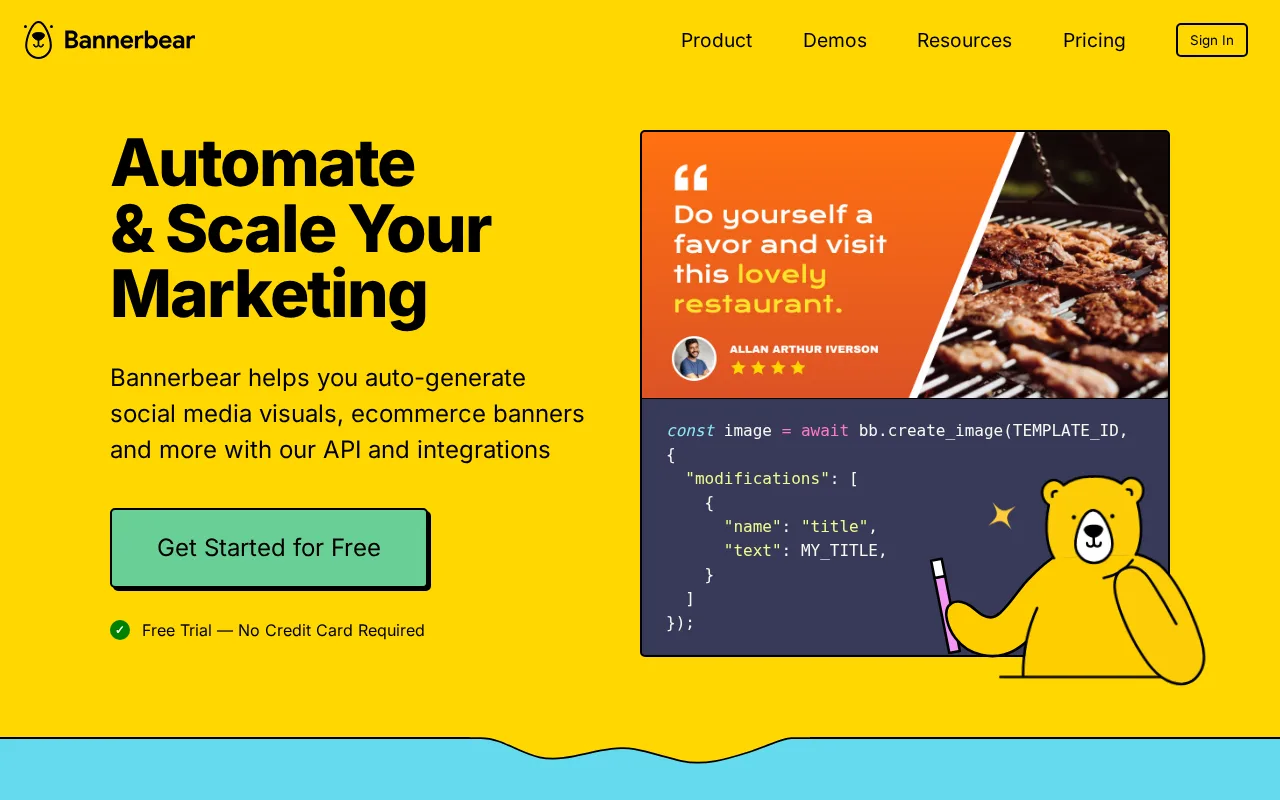
Automate branded image and video creation using templates combined with dynamic data inputs.
28 monthly visitors 28 page views (30d)
Reviewed by Volvenix Editorial
Bannerbear — preview
7.5
Volvenix Verdict
AI-powered editorial review
Bannerbear
Bannerbear offers a flexible API-driven solution for automated graphic design, ideal for scalable marketing and e-commerce content.
PROS
  • Powerful API for automation and integration
  • Supports both image and video generation
  • Template-based for consistent branding
  • Scalable for marketing and e-commerce teams
CONS
  • Limited no-code design flexibility
  • Free plan has usage restrictions

Is Bannerbear Right for You?

A quick checklist to help you decide.

You need to automate image and video generation from dynamic data at scale
You need a simple drag-and-drop graphic design tool without coding
You want to integrate graphic production into your existing workflows via API
Free-tier limits are a blocker for your volume of image/video generation
Your team requires consistent branded visuals without manual design effort
You require extensive built-in design editing without template constraints

Ideal for: Developers, marketers, and e-commerce teams who require automated, scalable creation of branded images and videos using templates and data.

Less suited for: Users looking for a fully no-code, drag-and-drop graphic design tool or those who do not want to work with APIs and automation.

Bottom line: The ability to automate graphic content creation at scale using an API-driven template system.

Editorial Review AI-generated
Bannerbear excels at automating visual content creation through template and data integration, making it a strong choice for teams needing scalable branded images and videos. Its API-first design allows deep customization and workflow automation, which is a major strength for developers and marketers. However, users seeking a fully no-code design tool might find the setup complex. It is best suited for those comfortable with APIs and automation workflows.
Pros & Cons

Pros

Robust API-first design for automation
Supports both images and videos
Template-driven for brand consistency
Good scalability for teams
Integrates well with marketing workflows

Cons

Limited no-code design flexibility moderate
Workaround: Use external design tools to create templates
Free plan usage limits may restrict heavy users minor
Workaround: Upgrade to paid plans for higher limits
No dedicated mobile app minor
Who Is It For & What Can It Do
Best For
Developer / Engineer Marketer Product Manager Intermediate curve
AI Capabilities
Automation Image generation Tool Calling Video generation
Key Features
API Access
Full API for image and video generation
Template Editor
Create and customize templates for automation
Video Generation
Generate videos from templates and data
Team collaboration
Shared projects and team management
Integrations
Connect with Zapier and other tools
Best Use Cases
Automated social media image creation E-commerce product image generation Marketing campaign visual automation Dynamic video content production Branded content scaling for teams
Available Platforms
Integrations
Inputs & Outputs
Apiinput Imageoutput Videooutput
Supported Languages
English
Security & Compliance
Certifications
SOC 2 Type II
AICPA
ISO 27001
ISO
GDPR
European Union
Compliance Standards
GDPR
Privacy · EU
API & Developer Tools
API Type
REST
Auth Methods
API Key
Pricing Plans

Free

Best for individuals

Free
 
  • Up to 100 images per month
  • Access to templates and API

Team

For small teams

$30/mo
$30.00/mo billed annually
  • Up to 3000 images per month
  • Team collaboration
  • Dedicated support

Offers a free tier with limited usage and paid subscription plans for higher volume and advanced features.


Price Range
Free $0–$0 Low Cost $0–$20 Mid Range $20–$100
Support Channels
Popular Comparisons
Ratings from Around the Web
Did you find this page helpful?
Frequently Asked Questions
What is this tool?
Bannerbear automates the creation of branded images and videos using templates combined with dynamic data inputs.
How much does it cost?
Bannerbear offers a free plan with limited usage and paid subscription plans starting at $20 per month.
Does it have a free plan?
Yes, Bannerbear provides a free plan with up to 100 images per month.
What integrations does it support?
Bannerbear supports API integration and connects with tools like Zapier for workflow automation.
Who is it best for?
It is best for developers, marketers, and e-commerce teams needing automated, scalable branded image and video creation.
User Reviews

No reviews yet. Be the first to review Bannerbear!

Write a Review
Discussion
No discussions yet. Start the conversation!
0 tools selected
Compare Now →
Bannerbear Visit Tool