W
Rank #2297
CONVERSATION INTELLIGENCE FREEMIUM CLOUD #7 in Conversation intelligence

Wisecut Review — Contextual Video Insights

Automate video editing and create concise summaries to save time and improve content engagement.
7.5
Volvenix Verdict
AI-powered editorial review
Wisecut
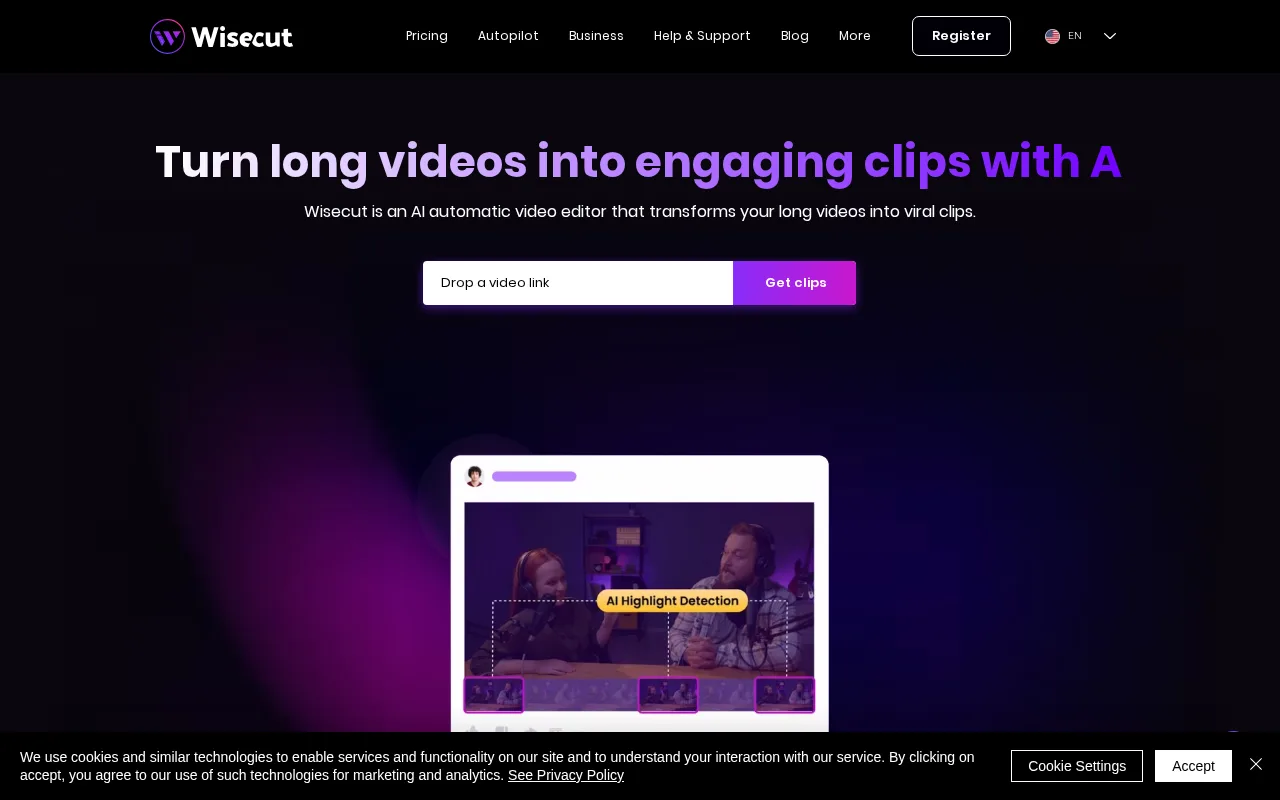
A solid tool for creators seeking fast, AI-driven video editing and summarization with easy-to-use features.
PROS
  • Automates tedious video editing tasks
  • Generates concise video summaries
  • Easy to use for non-experts
  • Improves viewer engagement
  • Supports subtitle generation
CONS
  • Limited advanced editing controls
  • Few integrations with other tools

Is Wisecut Right for You?

A quick checklist to help you decide.

You want to speed up video editing by automatically removing pauses and filler words
You need full manual control over every video edit and effect
You need quick video summaries to improve viewer retention and engagement
Free-tier limits are a blocker for your video production volume
Your team requires an easy-to-use tool without complex editing workflows
You require deep integrations with professional video editing suites

Ideal for: Solo content creators, marketers, and small teams who want to quickly produce engaging videos with minimal manual editing.

Less suited for: Professional video editors requiring detailed control or large enterprises needing extensive integrations and collaboration features.

Bottom line: How much you value automated video editing and summarization to save time over manual editing control.

Editorial Review AI-generated
Wisecut excels at automating tedious video editing tasks like cutting silences and adding subtitles, which saves creators significant time. Its AI-generated summaries help make videos more engaging and digestible. However, it lacks advanced customization and integrations, limiting its appeal for professional editors needing granular control. Best suited for solo creators and small teams focused on social media and marketing videos.

AI-assessed from 3 sources.

Pros & Cons

Pros

Automates video editing to save time
Generates engaging video summaries
User-friendly interface for beginners
Supports subtitle creation
Improves video viewer retention

Cons

Limited advanced editing features moderate
Workaround: Use dedicated video editors for complex edits
Lacks integrations with popular tools minor
Who Is It For & What Can It Do
Best For
Individual / Freelancer Marketer Product Manager Small Business (1–10) Beginner curve
AI Capabilities
Automatic Video Editing Memory Tool Calling Video Summarization
Key Features
Automatic video editing
Removes pauses and filler words automatically
Video Summarization
Creates concise video summaries
Subtitle Generation
Automatically adds subtitles to videos
Multi-User Support
Allows team collaboration on videos
Cloud-based processing
Edits videos in the cloud without local software
Best Use Cases
Social media video content creation Marketing video production Online course video editing YouTube video summarization Small team video collaboration
Available Platforms
Inputs & Outputs
Videoinput Textinput Videooutput Textoutput
Supported Languages
English
Security & Compliance
Compliance Standards
GDPR
Privacy · EU
API & Developer Tools
Pricing Plans

Free

Best for individuals

Free
 
  • Basic video editing
  • Limited video length

Team

For small teams

$30/mo
$30.00/mo billed annually
  • Multi-user access
  • Priority support

Wisecut offers a free plan with basic features and paid subscriptions for higher usage and advanced capabilities.


Price Range
Free $0–$0 Low Cost $0–$20 Mid Range $20–$100
Support Channels
Email
Did you find this page helpful?
Frequently Asked Questions
What is this tool?
Wisecut automates video editing and summarization to help creators produce engaging videos faster.
How much does it cost?
Wisecut offers a free plan and paid subscriptions starting at $20 per month.
Does it have a free plan?
Yes, Wisecut provides a free plan with basic features and usage limits.
What integrations does it support?
Wisecut currently has limited integrations and primarily operates as a standalone cloud platform.
Who is it best for?
It is best suited for solo creators and small teams needing quick, automated video editing.
User Reviews

No reviews yet. Be the first to review Wisecut!

Write a Review
Discussion
No discussions yet. Start the conversation!
0 tools selected
Compare Now →
Wisecut Visit Tool