 Volvenix
Voiceflow Review — Conversational AI Builder
Create, prototype, and launch conversational AI experiences collaboratively.
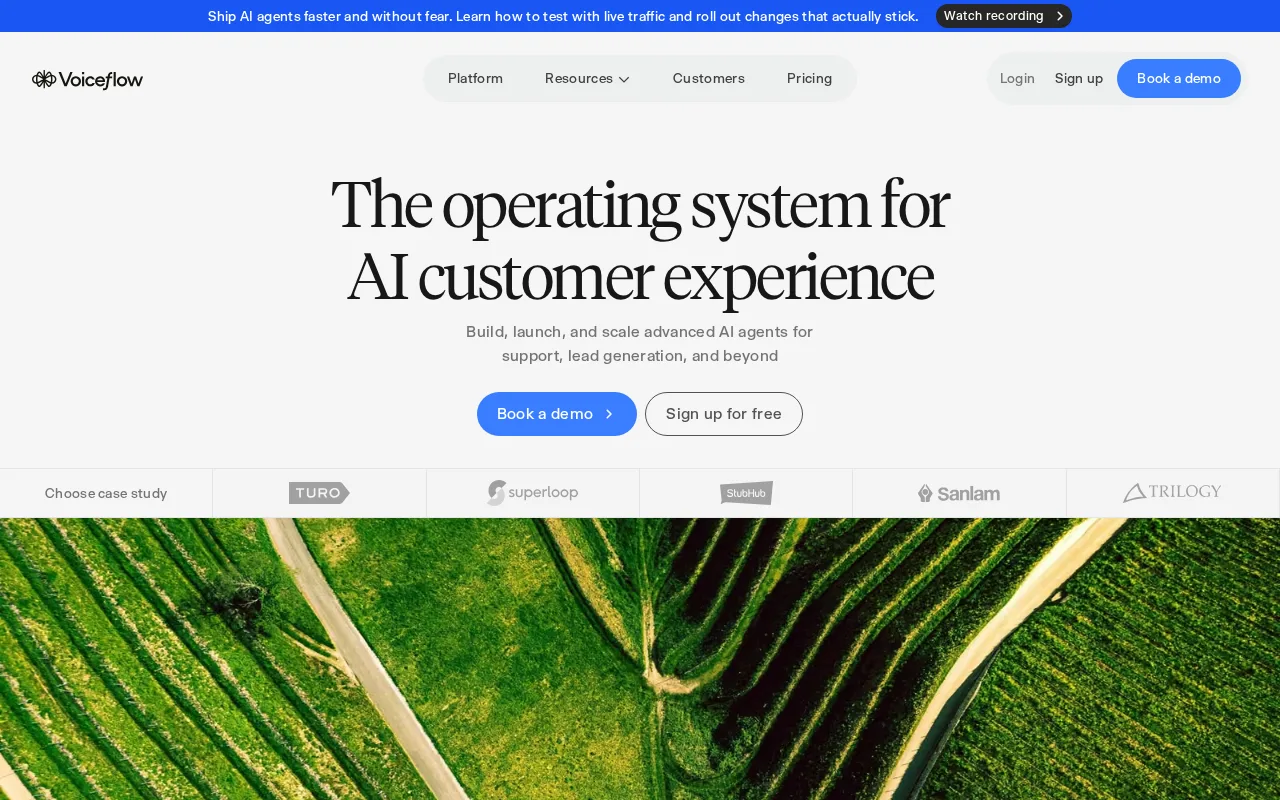
A user-friendly platform ideal for teams building conversational AI with visual tools.
- Intuitive visual conversation builder
- Supports rapid prototyping and deployment
- Collaborative team features
- Multi-channel voice and chat support
- Good documentation and community
- Limited advanced customization options
- Integrations can be basic for complex needs
Is Voiceflow Right for You?
A quick checklist to help you decide.
Ideal for: Product teams and developers who want to visually design and deploy conversational AI without heavy coding.
Less suited for: Users needing deep custom integrations or advanced AI model tuning should look elsewhere.
Bottom line: Visual, collaborative design environment for conversational AI development.
AI-assessed from 3 sources.
Pros
Cons
Free
Best for individuals
- Basic conversation design
- Limited projects and collaborators
Pro
- Unlimited projects
- Advanced integrations
- Priority support
Team
For teams
- Team collaboration
- Role management
- Dedicated support
Offers a free plan with basic features; paid plans add advanced capabilities and team collaboration.






What is this tool?
How much does it cost?
Does it have a free plan?
What integrations does it support?
Who is it best for?
No reviews yet. Be the first to review Voiceflow!
Scores are calculated algorithmically from feature coverage, pricing, user feedback & benchmark data — not influenced by commercial relationships. How we score → · Vendor Data Policy