Trint logo
Rank #101
TRANSCRIPTION ACCURACY FREEMIUM CLOUD #2 in Transcription Accuracy

Trint Review — Audio Editing & Transcription

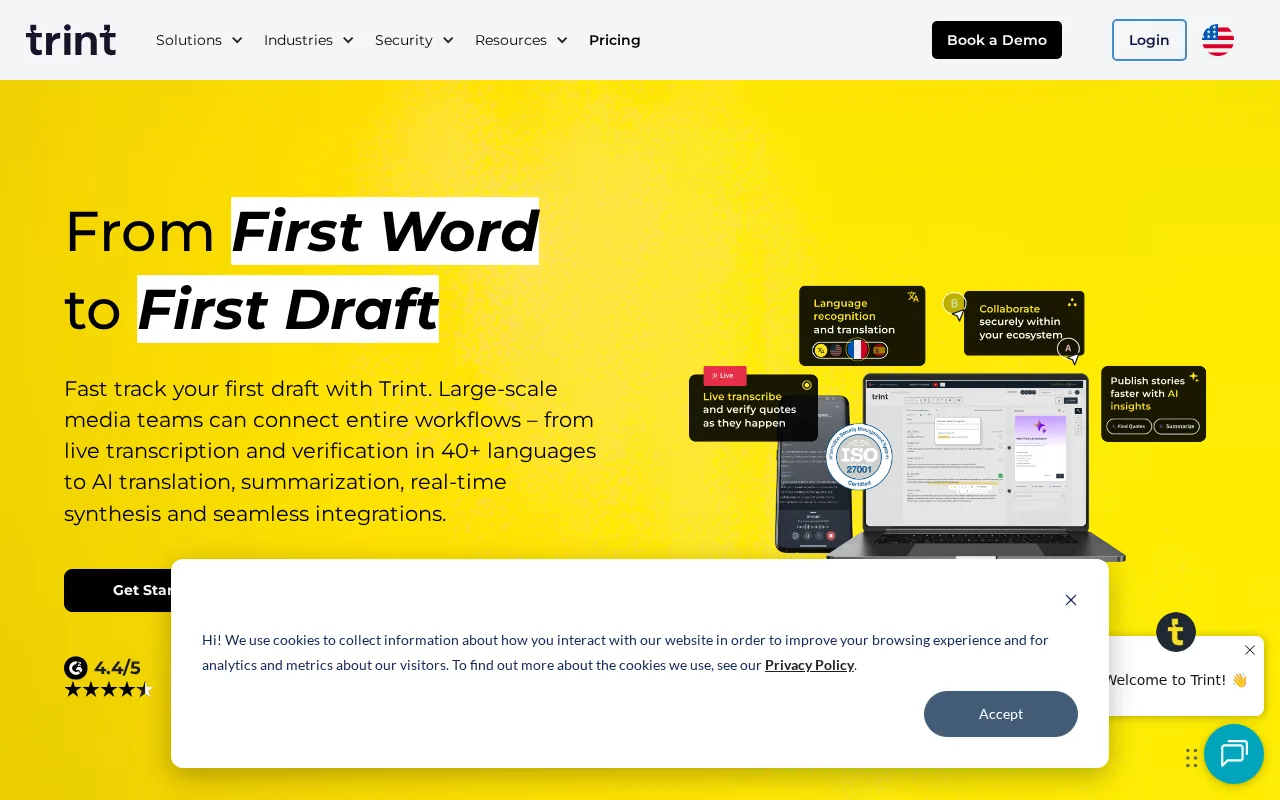
Trint converts audio to searchable, editable transcripts with powerful editing tools for creators and media pros.
Updated audio collaboration editing freemium media
6.8 / 10
Visit Trint
33 monthly visitors 33 page views (30d)
Reviewed by Volvenix Editorial
7.8
Volvenix Verdict
AI-powered editorial review
Trint
Trint offers a robust transcription and editing platform ideal for media professionals needing accurate, editable transcripts.
PROS
  • Accurate and searchable transcripts
  • Powerful editing and repurposing tools
  • Collaborative workflow features
CONS
  • Transcription accuracy varies with audio quality
  • Advanced features locked behind paid plans

Is Trint Right for You?

A quick checklist to help you decide.

You need to quickly convert audio into editable, searchable text for content repurposing.
You need flawless transcription accuracy in highly noisy or technical audio environments.
You want collaborative tools to streamline transcript editing and team workflows.
Free-tier limits prevent you from transcribing enough audio for your needs.
Your team requires integration with media production workflows for efficient content creation.
You require extensive API access or custom integrations not currently offered.

Ideal for: Podcasters, journalists, and content creators who need fast, editable transcripts and collaborative editing tools.

Less suited for: Users needing perfect transcription accuracy in noisy environments or those requiring extensive free-tier usage.

Bottom line: The quality and ease of editing searchable transcripts from audio recordings.

Editorial Review AI-generated
Trint excels at converting audio into editable, searchable transcripts with a user-friendly interface and collaborative features. Its editing tools allow users to efficiently repurpose content, making it especially useful for podcasters and journalists. However, transcription accuracy can vary with audio quality, and advanced features require paid plans. Overall, it suits teams and individuals focused on media production who need reliable transcription and editing capabilities.

AI-assessed from 3 sources.

Pros & Cons

Pros

High-quality, searchable transcripts
Intuitive transcript editing interface
Supports multiple audio formats
Collaboration tools for teams
Fast turnaround times

Cons

Accuracy depends on audio quality moderate
Workaround: Use high-quality recordings for best results
Limited free transcription minutes moderate
Workaround: Upgrade to paid plans for more usage
No public API available minor
Who Is It For & What Can It Do
Best For
Individual / Freelancer Small Business (1–10) SMB (11–200) Intermediate curve
AI Capabilities
Audio Editing Search Speech-to-text transcription
Key Features
Audio Transcription
Converts audio to searchable, editable text
Transcript Editing
Edit transcripts directly with audio playback
Collaboration
Share and collaborate on transcripts with teams
Multiple Audio Formats
Supports MP3, WAV, M4A, and more
Export Options
Export transcripts in various formats
Best Use Cases
Podcast transcription and editing Journalism and interview transcription Content repurposing for marketing Video captioning and subtitling Meeting and conference transcription
Available Platforms
Integrations
AP ENPS Box Dropbox Google Drive LiveU Mimir Octopus Newsroom OneDrive Saga Sony Cameras Zapier Zoom
Inputs & Outputs
Audioinput Textoutput
Supported Languages
English
Security & Compliance
Compliance Standards
GDPR
Privacy · EU
API & Developer Tools
Pricing Plans

Free

Best for individuals

Free
 
  • Limited transcription minutes
  • Basic editing tools

Advanced

For teams and professionals

$60/mo
$50.00/mo billed annually save 17%
  • Team collaboration
  • Priority support

Trint offers a free plan with limited transcription minutes and paid subscriptions for higher usage and advanced features.

Price Range
Free $0–$0 Premium $100–$500
Support Channels
Email
Did you find this page helpful?
Frequently Asked Questions
What is this tool?
Trint converts audio recordings into searchable, editable transcripts for content creators and media professionals.
How much does it cost?
Trint offers a free plan with limited minutes and paid subscriptions starting around $48/month for more features.
Does it have a free plan?
Yes, Trint provides a free plan with limited transcription minutes and basic editing tools.
What integrations does it support?
Trint supports integrations primarily through its web platform; no public API or third-party integrations are documented.
Who is it best for?
It is best for podcasters, journalists, and teams needing fast, editable transcripts with collaboration features.
User Reviews

No reviews yet. Be the first to review Trint!

Write a Review
Discussion
No discussions yet. Start the conversation!
0 tools selected
Compare Now →
Trint Visit Tool