 Volvenix
Steve AI Review — Script-to-Video Solutions
Steve AI converts scripts into animated videos quickly with customizable templates and voiceovers.
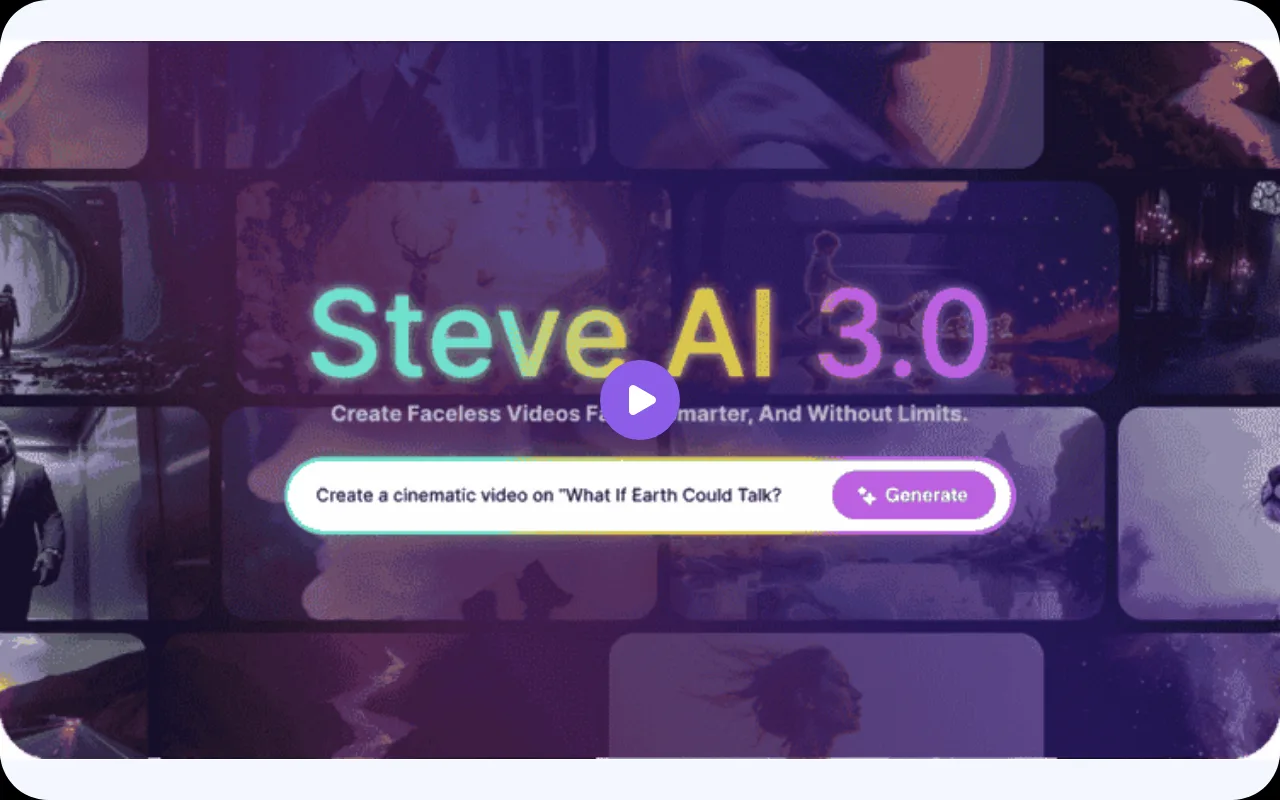
Steve AI offers a straightforward script-to-video solution with good automation but limited advanced customization.
- Automated script-to-video conversion
- User-friendly interface with templates
- Built-in voiceover and asset library
- Limited advanced customization options
- No public API or deep integrations
Is Steve AI Right for You?
A quick checklist to help you decide.
Ideal for: Marketers, educators, and small content teams who need quick, automated video creation from scripts without complex editing.
Less suited for: Professional video editors or teams requiring deep customization, advanced effects, or extensive integration capabilities.
Bottom line: How important automated script-to-video conversion and ease of use are for your video production workflow.
Pros
Cons
Free
Best for individuals
- Basic video creation
- Limited exports and templates
Pro
- Unlimited video exports
- Access to premium templates
Team
For small teams
- Collaboration tools
- Team management features
Offers a free plan with basic features and paid subscriptions for higher usage and advanced capabilities.







What is this tool?
How much does it cost?
Does it have a free plan?
What integrations does it support?
Who is it best for?
No reviews yet. Be the first to review Steve AI!
Scores are calculated algorithmically from feature coverage, pricing, user feedback & benchmark data — not influenced by commercial relationships. How we score → · Vendor Data Policy