Slite logo
Rank #559
CONTENT AUTOMATION FREEMIUM CLOUD #2 in Content Automation

Slite Review — Collaborative Documentation

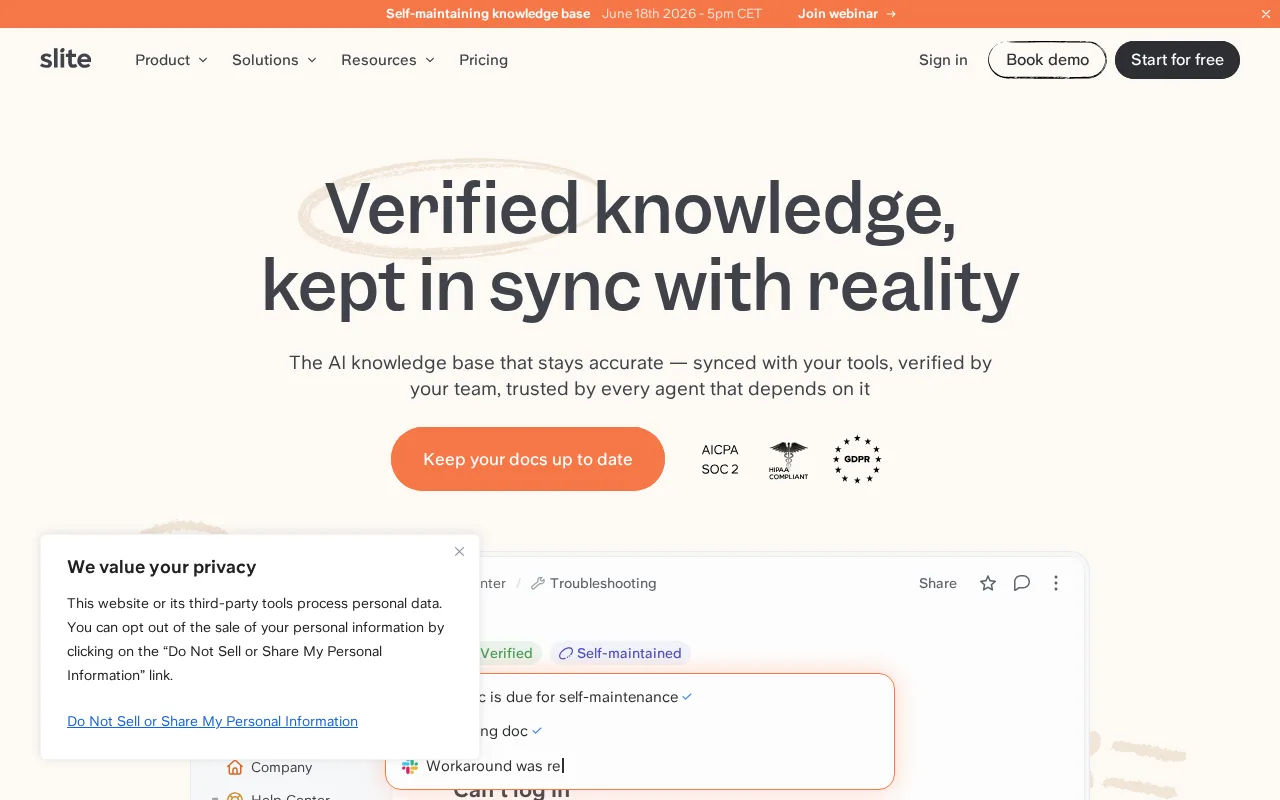
Slite helps teams create, organize, and share knowledge with a simple, collaborative documentation platform.
6.8 / 10
Visit Slite
24 monthly visitors 24 page views (30d)
Reviewed by Volvenix Editorial
7.5
Volvenix Verdict
AI-powered editorial review
Slite
Slite is a solid choice for teams seeking straightforward, collaborative knowledge management without complexity.
PROS
  • Clean, intuitive user interface
  • Strong real-time collaboration features
  • Ideal for remote and distributed teams
CONS
  • Limited advanced customization options
  • Fewer integrations compared to competitors

Is Slite Right for You?

A quick checklist to help you decide.

You want a simple tool to collaboratively create and organize team knowledge
You need advanced automation or workflow customization features
You need a platform that supports remote team documentation and sharing
Free-tier limits are a blocker for your team’s storage or user needs
Your team requires real-time collaboration on documents without complexity
You require enterprise-grade security certifications and compliance

Ideal for: Teams and remote workers who need a simple, collaborative platform to create and share internal documentation.

Less suited for: Users requiring advanced workflow automation, extensive integrations, or enterprise-grade security features.

Bottom line: Ease of use and real-time collaboration for team knowledge sharing.

Editorial Review AI-generated
Slite excels at providing a clean, intuitive platform for team documentation and knowledge sharing. Its real-time collaboration features and simple interface make it accessible for teams of all sizes, especially remote groups. However, it lacks some advanced customization and automation features found in more complex knowledge management tools. It is best suited for teams prioritizing ease of use and quick onboarding over deep feature sets.

AI-assessed from 3 sources.

Pros & Cons

Pros

User-friendly interface with minimal learning curve
Effective real-time collaboration and commenting
Good for remote and distributed teams
Supports rich text and multimedia content
Organizes knowledge with folders and tags

Cons

Limited advanced workflow automation moderate
Fewer third-party integrations than competitors minor
No public API available moderate
Who Is It For & What Can It Do
Best For
Small Business (1–10) Marketer Product Manager SMB (11–200) Beginner curve
AI Capabilities
Collaboration Search
Key Features
Real-time collaboration
Multiple users can edit documents simultaneously
Document Organization
Folders, tags, and search to organize knowledge
Version history
Track changes and restore previous versions
Permissions Management
Control access at document and team level
Integrations
Supports Slack and Google Drive
Best Use Cases
Internal team knowledge bases Remote team collaboration Project documentation Onboarding materials Meeting notes and agendas
Available Platforms
Inputs & Outputs
Textinput Textoutput
Supported Languages
English
Security & Compliance
Compliance Standards
GDPR
Privacy · EU
API & Developer Tools
Pricing Plans

Free

Best for individuals

Free
 
  • Unlimited docs and members
  • Basic integrations

Premium

For growing teams

$15/mo
$15.00/mo billed annually
  • Priority support
  • Audit logs

Slite offers a free plan with basic features and paid plans that add more storage, collaboration tools, and team management capabilities.


Price Range
Free $0–$0 Low Cost $0–$20 Mid Range $20–$100
Support Channels
Did you find this page helpful?
Frequently Asked Questions
What is this tool?
Slite is a collaborative documentation platform for teams to create, organize, and share knowledge.
How much does it cost?
Slite offers a free plan and paid subscriptions starting at $8 per user per month.
Does it have a free plan?
Yes, Slite provides a free plan with basic features suitable for individuals and small teams.
What integrations does it support?
Slite supports integrations with Slack and Google Drive among others.
Who is it best for?
It is best for teams needing simple, collaborative documentation, especially remote or distributed teams.
User Reviews

No reviews yet. Be the first to review Slite!

Write a Review
Discussion
No discussions yet. Start the conversation!
0 tools selected
Compare Now →
Slite Visit Tool