Simon Says logo
Rank #672
AUTOMATED TEXT EXTRACTION FREEMIUM CLOUD #2 in Automated Text Extraction

Simon Says Review — Automated Video Transcription

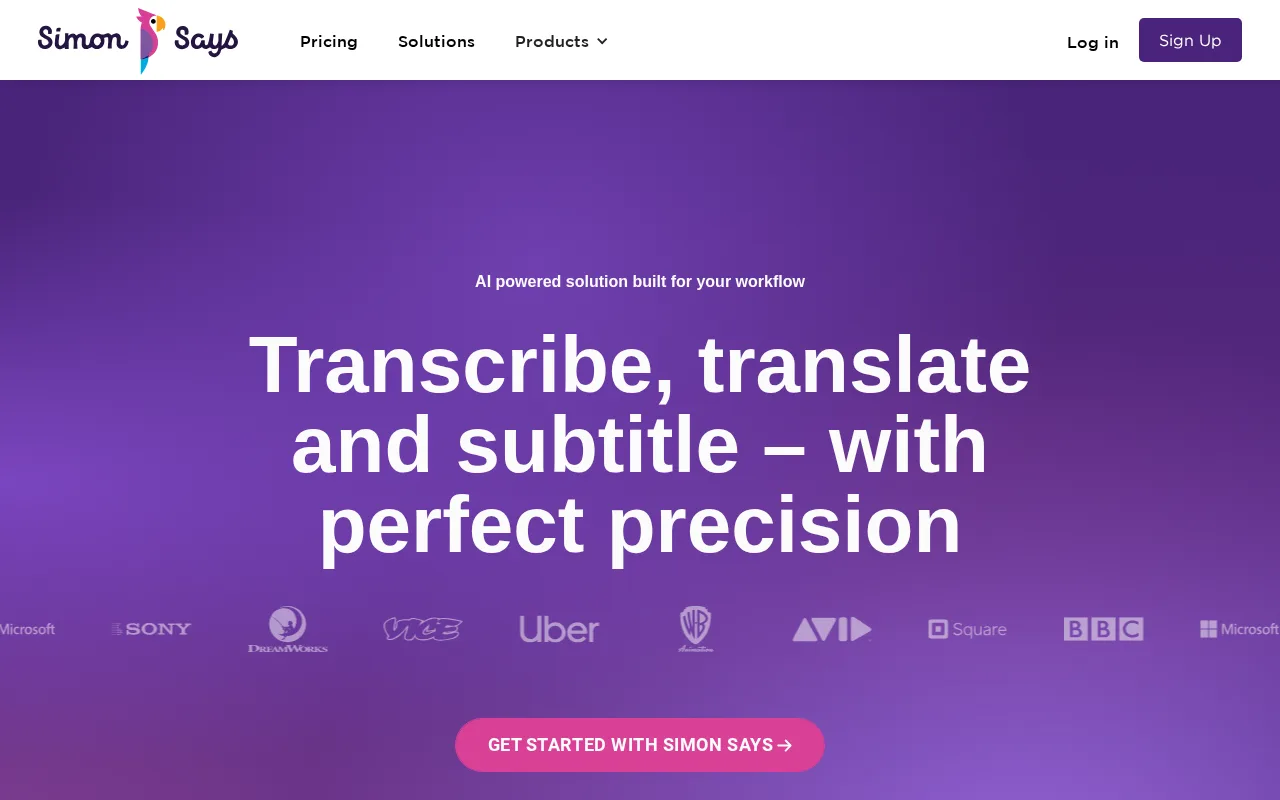
Simon Says automates video transcription and subtitle creation for creators and professionals.
32 monthly visitors 33 page views (30d)
Reviewed by Volvenix Editorial
7.5
Volvenix Verdict
AI-powered editorial review
Simon Says
A reliable and easy-to-use video transcription tool ideal for creators needing accurate subtitles.
PROS
  • Accurate automated transcription for video content
  • User-friendly interface with subtitle export
  • Supports multiple languages and formats
CONS
  • Limited API and integration options
  • Advanced features locked behind paid plans

Is Simon Says Right for You?

A quick checklist to help you decide.

You need fast, automated transcription for video and audio content.
You need a fully customizable transcription API for large-scale automation.
You want to create subtitles and captions with minimal manual effort.
Free-tier limits are a blocker for your frequent or high-volume transcription needs.
Your team requires a simple tool to improve video accessibility and searchability.
You require deep integrations with complex video editing or CMS platforms.

Ideal for: Content creators, video editors, and marketing teams needing fast, accurate video transcription and subtitle generation.

Less suited for: Users requiring extensive API access, deep integrations, or fully customizable transcription workflows may find it limiting.

Bottom line: Accuracy and ease of automated video transcription with subtitle export options.

Editorial Review AI-generated
Simon Says excels at converting video and audio content into accurate transcripts and subtitles, making it valuable for video editors, podcasters, and content creators. Its user-friendly interface and support for multiple languages simplify workflows. However, advanced features require paid plans, and integration options are somewhat limited compared to competitors. Overall, it suits users prioritizing transcription accuracy and ease of use over extensive customization.

AI-assessed from 3 sources.

Pros & Cons

Pros

High transcription accuracy for video content
Easy subtitle creation and export
Supports multiple languages
Intuitive user interface
Flexible freemium pricing

Cons

No public API for automation major
Advanced features require paid plans moderate
Limited third-party integrations minor
Who Is It For & What Can It Do
Best For
Individual / Freelancer Marketer Product Manager Small Business (1–10) Beginner curve
AI Capabilities
Speech-to-text transcription
Key Features
Automated Transcription
Converts video/audio to text automatically
Subtitle Export
Exports subtitles in multiple formats
Multi-language Support
Supports transcription in various languages
Collaboration Tools
Team workflows and shared projects
Video Editing Integration
Basic integration with editing software
Best Use Cases
Creating subtitles for video content Transcribing podcasts and interviews Improving video accessibility Content repurposing and SEO Collaborative video editing workflows
Available Platforms
Integrations
Adobe Premiere Pro DaVinci Resolve Final Cut Pro X
Inputs & Outputs
Videoinput Textoutput
Supported Languages
English
Security & Compliance
Certifications
SOC 2 Type II
AICPA
ISO 27001
ISO
GDPR
European Union
Compliance Standards
GDPR
Privacy · EU
API & Developer Tools
Pricing Plans

Free

Best for individuals

Free
 
  • Basic transcription
  • Limited subtitle exports

Team

For small teams

$30/mo
$30.00/mo billed annually
  • Collaborative workflows
  • Priority support

Offers a free plan with basic transcription features; paid plans unlock advanced options and higher usage limits.


Price Range
Free $0–$0 Low Cost $0–$20 Mid Range $20–$100
Support Channels
Documentation
Did you find this page helpful?
Frequently Asked Questions
What is this tool?
Simon Says automates transcription and subtitle creation for video and audio content.
How much does it cost?
Simon Says offers a free plan with basic features and paid subscriptions for advanced needs.
Does it have a free plan?
Yes, there is a free plan with limited transcription and subtitle export capabilities.
What integrations does it support?
Simon Says supports basic integration with video editing software but lacks extensive third-party integrations.
Who is it best for?
It is best for content creators and professionals needing quick, accurate video transcription and subtitles.
User Reviews

No reviews yet. Be the first to review Simon Says!

Write a Review
Discussion
No discussions yet. Start the conversation!
0 tools selected
Compare Now →
Simon Says Visit Tool