SageMaker Autopilot logo
Rank #632
DATA PREPARATION FREE CLOUD #1 in Data Preparation State of the Art

SageMaker Autopilot Review — Automated Tabular ML

Automatically create, train, and tune machine learning models for tabular datasets with full code transparency.
28 monthly visitors 29 page views (30d)
Reviewed by Volvenix Editorial
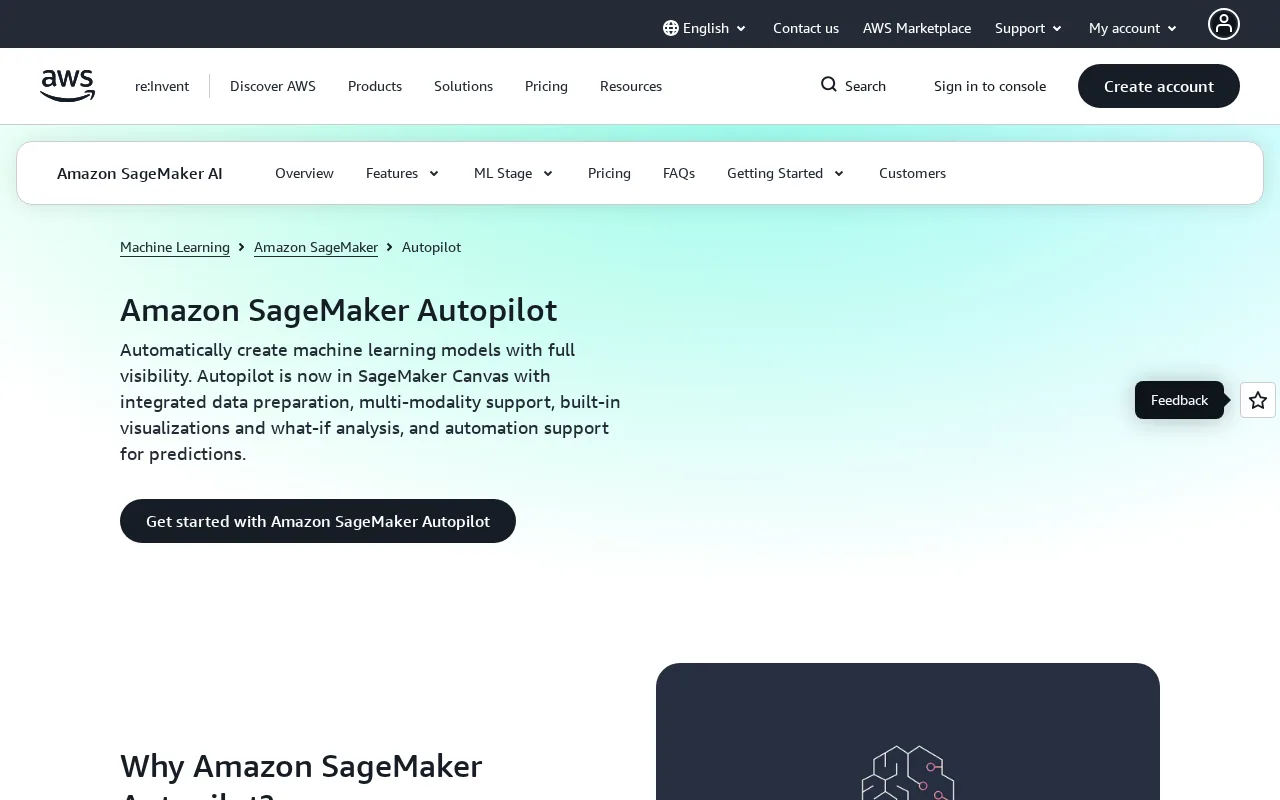
SageMaker Autopilot — preview
7.5
Volvenix Verdict
AI-powered editorial review
SageMaker Autopilot
A robust AutoML tool that balances automation with transparency and AWS ecosystem integration.
PROS
  • Automates full ML pipeline for tabular data
  • Exposes generated code for transparency and customization
  • Deep integration with AWS ecosystem
CONS
  • Limited to tabular data only
  • Requires AWS knowledge and infrastructure

Is SageMaker Autopilot Right for You?

A quick checklist to help you decide.

You want to automate ML model creation for tabular data with minimal manual tuning
You need AutoML for image, text, or other non-tabular data types
You need transparency into the generated ML pipeline and code for customization
Free-tier limits are a blocker for your large-scale ML experiments
Your team uses AWS services and requires integrated model training and deployment
You require a platform-agnostic AutoML solution outside the AWS ecosystem

Ideal for: Data scientists, ML engineers, and analysts who want automated model building with code transparency within AWS.

Less suited for: Users without AWS infrastructure or those needing AutoML for non-tabular data like images or text.

Bottom line: Seamless automation of tabular ML workflows with transparent code generation inside AWS.

Editorial Review AI-generated
SageMaker Autopilot excels in automating the end-to-end ML pipeline for tabular data, making it accessible to both beginners and experienced practitioners. Its transparency in exposing generated code is a notable strength, allowing users to understand and customize models. Integration with AWS services enhances scalability and deployment options. However, it is limited to tabular data and requires AWS familiarity, which may restrict adoption for non-AWS users. Overall, it is best suited for teams invested in the AWS ecosystem seeking automated yet customizable ML solutions.

AI-assessed from 3 sources.

Pros & Cons

Pros

Automates end-to-end ML model creation for tabular data
Provides transparency by exposing generated code
Seamlessly integrates with AWS services
Supports users with varying ML expertise
Scales with AWS infrastructure

Cons

Supports only tabular data, no image or text AutoML major
Requires AWS account and familiarity with AWS ecosystem moderate
No public API for direct programmatic control minor
Who Is It For & What Can It Do
Best For
Developer / Engineer Data Scientist / Analyst Product Manager Intermediate curve
AI Capabilities
Code Transparency Hyperparameter tuning Memory Model Training Tool Calling
Key Features
Automated Model Building
Builds ML models automatically from tabular data
Code Transparency
Exposes generated training and tuning code
Hyperparameter tuning
Automatically tunes model hyperparameters
AWS Integration
Integrates with AWS S3, SageMaker endpoints, and more
Model deployment
Supports deploying models as SageMaker endpoints
Best Use Cases
Automated ML model creation for business tabular datasets Rapid prototyping of predictive models without deep ML expertise Customizable ML pipelines with code access Scaling ML workflows within AWS infrastructure Hyperparameter tuning for improved model accuracy
AI Models Used
Proprietary AI Models by Unknown
Available Platforms
Inputs & Outputs
Spreadsheetinput Otheroutput
Supported Languages
English
Security & Compliance
Compliance Standards
GDPR
Privacy · EU
API & Developer Tools
Pricing Plans

Free

Best for individuals

Free
 
  • Automated model building for tabular data
  • Access to generated code and AWS integration

SageMaker Autopilot is free to use but incurs standard AWS charges for underlying compute and storage resources.

Price Range
Free $0–$0
Support Channels
Tools using similar AI models

Inferred from shared AI-model tagging — not a confirmed product relationship.

Did you find this page helpful?
Frequently Asked Questions
What is this tool?
SageMaker Autopilot automates building, training, and tuning ML models for tabular data with code transparency.
How much does it cost?
SageMaker Autopilot itself is free, but you pay for the AWS resources used during model training and deployment.
Does it have a free plan?
Yes, the service is free to use, but underlying AWS compute and storage costs apply.
What integrations does it support?
It integrates natively with AWS services like S3, SageMaker endpoints, and AWS IAM.
Who is it best for?
It is best for AWS users seeking automated ML model creation for tabular data with transparency.
User Reviews

No reviews yet. Be the first to review SageMaker Autopilot!

Write a Review
Discussion
No discussions yet. Start the conversation!
0 tools selected
Compare Now →
SageMaker Autopilot Visit Tool