
Reallusion CrazyTalk logo
Rank #1570
FREEMIUM DESKTOP #1 in AI Talking Avatars State of the Art

Reallusion CrazyTalk Review — AI Talking Avatars

Create talking avatars from photos with lip-sync and facial animation for marketing and education.
1 monthly visitors 1 page views (30d)
Reviewed by Volvenix Editorial
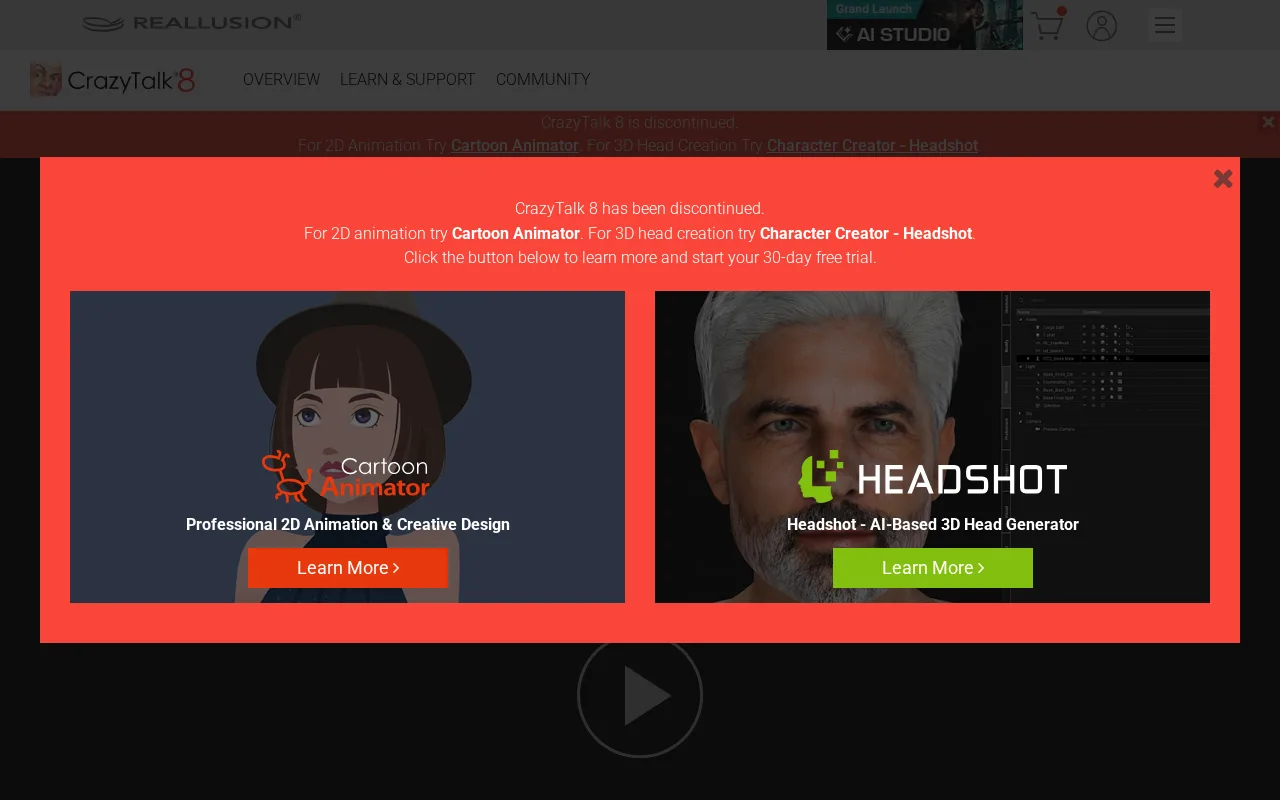
Reallusion CrazyTalk — preview
7.2
Volvenix Verdict
AI-powered editorial review
Reallusion CrazyTalk
A user-friendly tool for creating talking avatars from photos with solid animation features.
PROS
  • Intuitive interface for beginners
  • Effective lip-sync and facial animation
  • Good for marketing and educational content
  • Quick avatar creation from photos
  • Supports voice-driven animation
CONS
  • Animation style feels outdated
  • Limited avatar customization options

Is Reallusion CrazyTalk Right for You?

A quick checklist to help you decide.

You want to quickly animate photos into talking avatars with minimal setup.
You need advanced 3D character animation with full body movement.
You need simple avatar videos for marketing, education, or presentations.
Free-tier limits are a blocker for your production-level video needs.
Your team requires lip-sync and facial expression animation without 3D modeling skills.
You require extensive avatar customization beyond facial animation.

Ideal for: Marketers, educators, and content creators who want simple, photo-based talking avatars without complex 3D modeling.

Less suited for: Users seeking advanced 3D character animation or highly customizable avatars should look elsewhere.

Bottom line: Ease of creating talking avatars from photos with automatic lip-sync and facial animation.

Editorial Review AI-generated
CrazyTalk excels at turning static photos into animated talking avatars with synchronized lip movements and facial expressions. Its intuitive interface makes it accessible for non-experts, especially marketers and educators. However, the animation style can feel somewhat dated compared to newer AI avatar tools, and customization options are limited. It is best suited for users needing quick avatar videos rather than high-end 3D character animation.
Pros & Cons

Pros

User-friendly for beginners
Good lip-sync accuracy
Quick photo-to-avatar workflow
Suitable for marketing videos
Supports voice and expression animation

Cons

Outdated animation style moderate
Limited avatar customization moderate
No mobile app available minor
Who Is It For & What Can It Do
Best For
Marketer Beginner curve
AI Capabilities
Video generation
Key Features
Photo-based 3D avatar creation
Animate facial photos into talking avatars
Lip-sync Animation
Automatic voice-driven lip-sync
Facial Expression Animation
Add expressions to avatars
3D Character Animation
Limited 3D avatar support
Voice Recording
Record or import audio for avatars
Best Use Cases
Marketing video avatars Educational presentations Social media content creation Customer support avatars E-learning course videos
Available Platforms
Inputs & Outputs
Imageinput Audioinput Videooutput
Supported Languages
English
Security & Compliance
Compliance Standards
GDPR
Privacy · EU
API & Developer Tools
Pricing Plans

Free

Best for individuals

Free
 
  • Basic avatar creation
  • Limited export options

Offers a free plan with basic features; paid plans unlock advanced tools and higher usage limits.

Price Range
Free $0–$0
Support Channels
Documentation
Did you find this page helpful?
Frequently Asked Questions
What is this tool?
Reallusion CrazyTalk animates facial photos into talking avatars with lip-sync and expressions.
How much does it cost?
CrazyTalk offers a free plan with basic features; paid upgrades unlock advanced tools.
Does it have a free plan?
Yes, there is a free plan available with limited features.
What integrations does it support?
No public information on integrations is available.
Who is it best for?
It is best for marketers, educators, and content creators needing simple talking avatars.
User Reviews

No reviews yet. Be the first to review Reallusion CrazyTalk!

Write a Review
Discussion
No discussions yet. Start the conversation!
0 tools selected
Compare Now →
Reallusion CrazyTalk Visit Tool