P
Rank #2289
ARTISTIC IMAGE GENERATION FREE CLOUD #5 in Artistic Image Generation

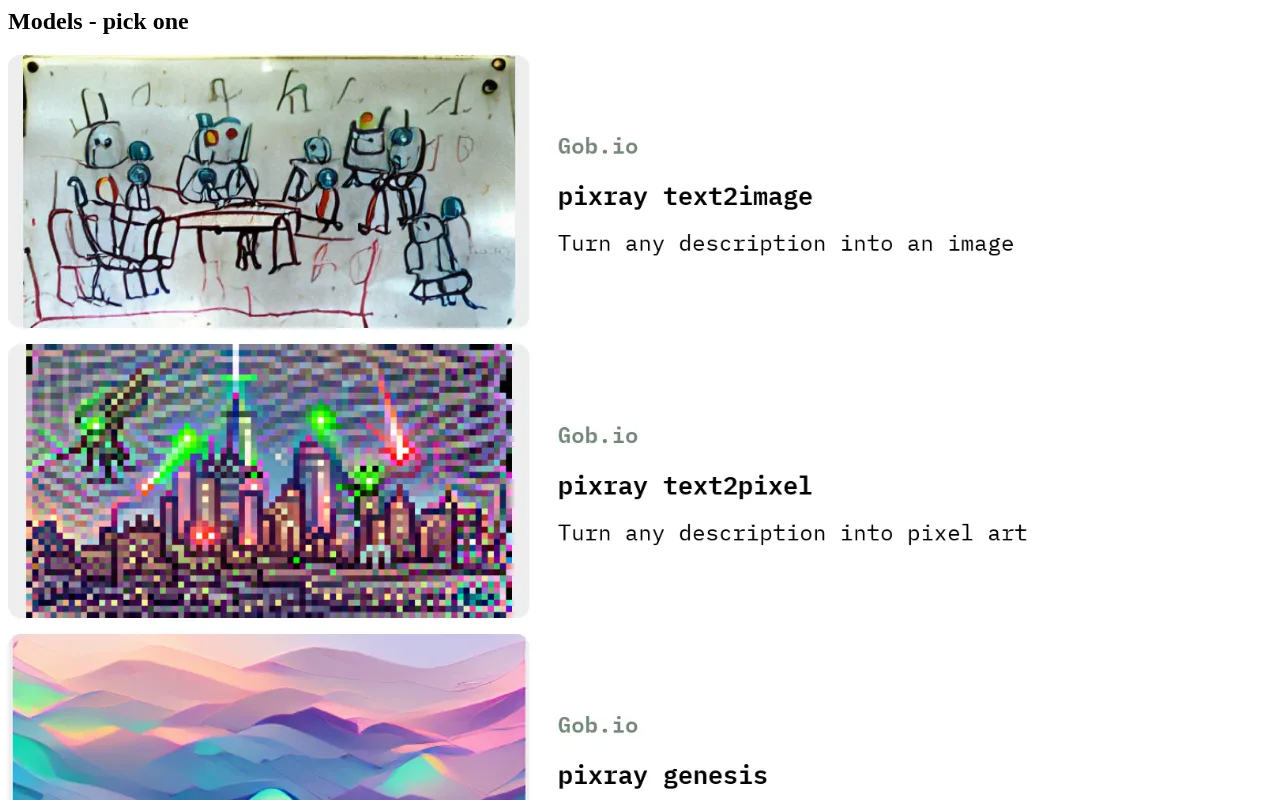
Pixray Review — Text-to-Image Generation

Pixray generates images from text prompts with extensive customization for artists and hobbyists.
24 monthly visitors 1.0K GitHub stars 24 page views (30d)
Reviewed by Volvenix Editorial
7.5
Volvenix Verdict
AI-powered editorial review
Pixray
A versatile, open-source text-to-image tool ideal for users seeking customization without cost.
PROS
  • Open-source with community contributions
  • Highly customizable image generation
  • Free to use without subscription
  • Supports multiple generation styles
  • Good for experimentation and creative control
CONS
  • Interface less polished than commercial tools
  • No official mobile or enterprise apps

Is Pixray Right for You?

A quick checklist to help you decide.

You want full control over image generation parameters and styles.
You need a simple, plug-and-play commercial app with official support.
You prefer an open-source tool with no subscription costs.
Free-tier limitations prevent your required usage scale or quality.
Your projects benefit from experimenting with text-to-image outputs.
You require mobile apps or enterprise-grade features.

Ideal for: Artists, hobbyists, and developers who want a customizable, open-source text-to-image generator without subscription fees.

Less suited for: Users seeking a polished, turnkey commercial product or requiring official mobile apps and enterprise support.

Bottom line: The level of customization and open-source availability versus ease of use and commercial polish.

Editorial Review AI-generated
Pixray stands out as a free and open-source text-to-image generator that offers extensive customization, appealing to artists and hobbyists who want control over the output. Its flexibility allows for experimentation with styles and parameters, which is a strong point. However, the interface can be less polished compared to commercial alternatives, and it lacks official mobile apps or enterprise features. It is best suited for users comfortable with some technical setup and those who prioritize creative control over ease of use.

AI-assessed from 3 sources.

Pros & Cons

Pros

Open-source with active community
Extensive customization options
No cost or subscription required
Supports multiple image styles
Good for creative experimentation

Cons

User interface is less polished than commercial tools moderate
Workaround: Use community guides and tutorials to navigate features
No official mobile or enterprise applications minor
Who Is It For & What Can It Do
Best For
Developer / Engineer Designer / Creative Individual / Freelancer Intermediate curve
AI Capabilities
Image generation
Key Features
Text-to-image generation
Converts text prompts into images with style options
Customization Controls
Adjust style, quality, and other parameters
Open-Source
Source code available on GitHub
Multiple Output Styles
Supports various artistic styles and rendering modes
Cloud-based Usage
Runs on cloud infrastructure for easy access
Best Use Cases
Creating digital artwork from text prompts Experimenting with AI-generated imagery Prototyping visual concepts quickly Learning and exploring AI image generation Generating unique images for creative projects
AI Models Used
CLIP by Unknown VQGAN by Unknown
Available Platforms
Inputs & Outputs
Textinput Imageoutput
Supported Languages
English
Security & Compliance
API & Developer Tools
Pricing Plans

Free

Best for individuals

Free
 
  • Full access to text-to-image generation
  • Customization options available

Pixray is completely free and open-source with no paid tiers or subscriptions.
Price Range
Free $0–$0
Support Channels
Did you find this page helpful?
Frequently Asked Questions
What is this tool?
Pixray is an open-source text-to-image generator that creates images from text prompts with customizable options.
How much does it cost?
Pixray is completely free to use with no paid plans.
Does it have a free plan?
Yes, Pixray is free and open-source with no paid tiers.
What integrations does it support?
Pixray does not have official integrations but can be used via its open-source codebase.
Who is it best for?
It is best for artists, hobbyists, and developers seeking customizable, free text-to-image generation.
User Reviews

No reviews yet. Be the first to review Pixray!

Write a Review
Discussion
No discussions yet. Start the conversation!
0 tools selected
Compare Now →
Pixray Visit Tool