
Pix4Dmapper logo
Rank #1450
GEOSPATIAL DATA PROCESSING FREEMIUM DESKTOP #1 in Geospatial Data Processing State of the Art

Pix4Dmapper Review — Accurate 3D Mapping

Photogrammetry software that converts aerial images into precise 3D models for surveying, construction, and agriculture.
15 monthly visitors 15 page views (30d)
Reviewed by Volvenix Editorial
8.0
Volvenix Verdict
AI-powered editorial review
Pix4Dmapper
A robust photogrammetry tool ideal for professionals needing precise 3D geospatial models from aerial data.
PROS
  • Highly accurate 3D model generation
  • Supports complex geospatial data processing
  • Widely used in surveying and construction
CONS
  • Steep learning curve for new users
  • Limited mobile and integration options

Is Pix4Dmapper Right for You?

A quick checklist to help you decide.

You need precise 3D models from drone or aerial images for professional use.
You need a simple, beginner-friendly mapping tool with minimal setup.
You want detailed terrain mapping for surveying, construction, or agriculture.
Free-tier limits are a blocker for your project scale or frequency.
Your team requires advanced photogrammetry tools with customizable processing.
You require mobile app support or extensive third-party integrations.

Ideal for: Surveyors, construction professionals, and agricultural specialists needing accurate 3D terrain models from aerial imagery.

Less suited for: Casual users or those seeking simple, quick mapping solutions without technical expertise should avoid this tool.

Bottom line: Accuracy and detail of 3D models generated from drone imagery.

Editorial Review AI-generated
Pix4Dmapper excels at converting drone images into detailed 3D models, making it invaluable for surveying and construction projects. Its precision and comprehensive feature set stand out, though the learning curve can be steep for beginners. The software is best suited for users with some experience in photogrammetry or GIS. While powerful, it lacks some integrations and mobile app support, which may limit flexibility for some users.

AI-assessed from 3 sources.

Pros & Cons

Pros

Produces highly accurate and detailed 3D models
Supports multiple industries including surveying and agriculture
Strong photogrammetry algorithms for precise mapping
Regular updates and active support community
Compatible with various drone image formats

Cons

Steep learning curve for new users moderate
Workaround: Use official tutorials and training resources to accelerate learning.
No mobile app available minor
Limited third-party integrations minor
Who Is It For & What Can It Do
Best For
Individual / Freelancer Developer / Engineer Product Manager Small Business (1–10) SMB (11–200) Advanced curve
AI Capabilities
3D Model Generation Photogrammetry Processing
Key Features
3D Model Generation
Creates detailed 3D models from aerial images
Photogrammetry Processing
Advanced algorithms for precise geospatial data
Multi-Industry Support
Used in surveying, construction, and agriculture
Cloud Processing
Optional cloud-based processing for faster results
Point Cloud Export
Exports data for use in other GIS and CAD software
Best Use Cases
Surveying land and infrastructure Construction site monitoring and planning Agricultural crop health and field analysis Environmental and forestry mapping Mining and excavation volume calculations
Available Platforms
Inputs & Outputs
Imageinput 3doutput
Supported Languages
English
Security & Compliance
Compliance Standards
GDPR
Privacy · EU
API & Developer Tools
Pricing Plans

Free

Best for individuals

Free
 
  • Basic 3D processing
  • Limited project size

Offers a free plan with basic features; paid subscriptions unlock advanced processing and commercial use.


Price Range
Free $0–$0
Support Channels
Did you find this page helpful?
Frequently Asked Questions
What is this tool?
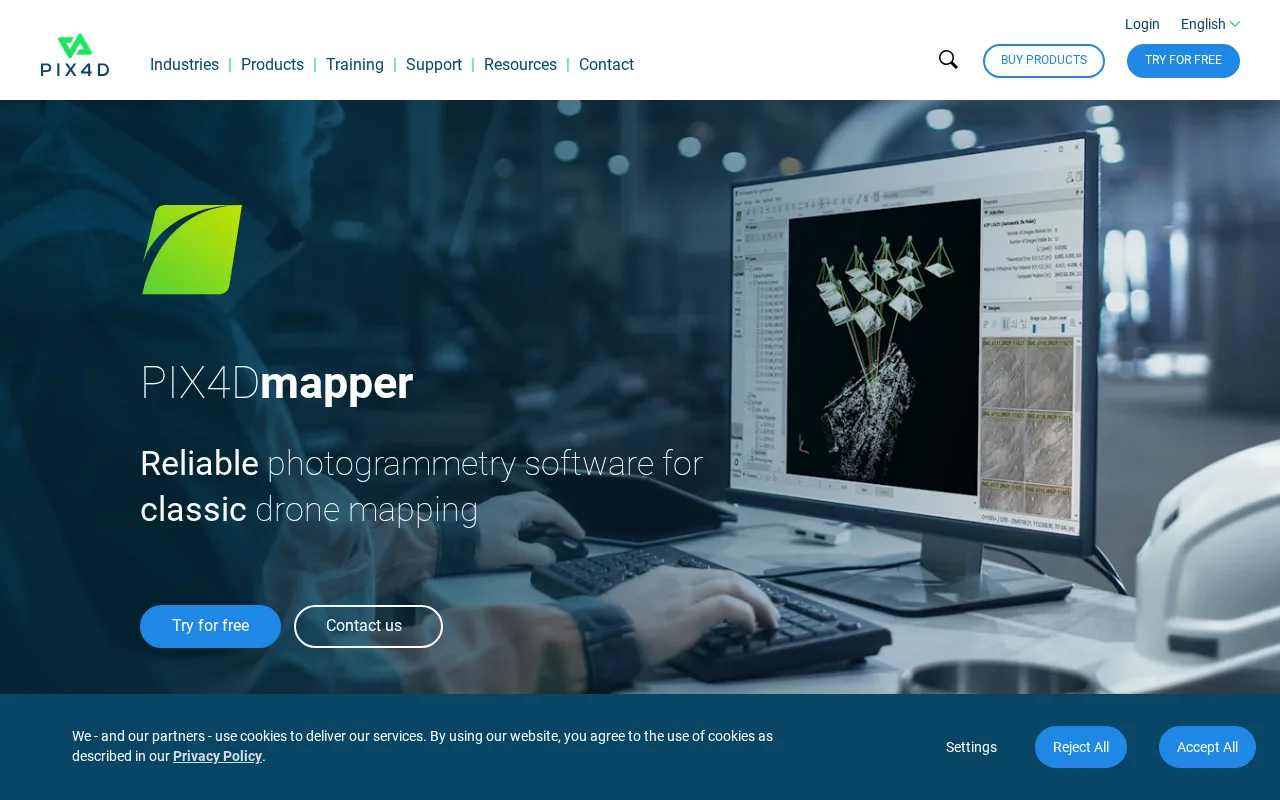
Pix4Dmapper is photogrammetry software that converts drone images into accurate 3D models and maps.
How much does it cost?
Pix4Dmapper offers a free plan with basic features; paid plans unlock advanced processing and commercial use.
Does it have a free plan?
Yes, there is a free plan available with limited features suitable for individuals.
What integrations does it support?
Pix4Dmapper supports export to common GIS and CAD formats but has limited direct third-party integrations.
Who is it best for?
It is best for professionals in surveying, construction, and agriculture needing precise 3D geospatial data.
User Reviews

No reviews yet. Be the first to review Pix4Dmapper!

Write a Review
Discussion
No discussions yet. Start the conversation!
0 tools selected
Compare Now →
Pix4Dmapper Visit Tool