Photoleap by Lightricks logo
Rank #627
FREEMIUM CLOUD #2 in Image Editing

Photoleap Review — Image Editing with Layering & AI

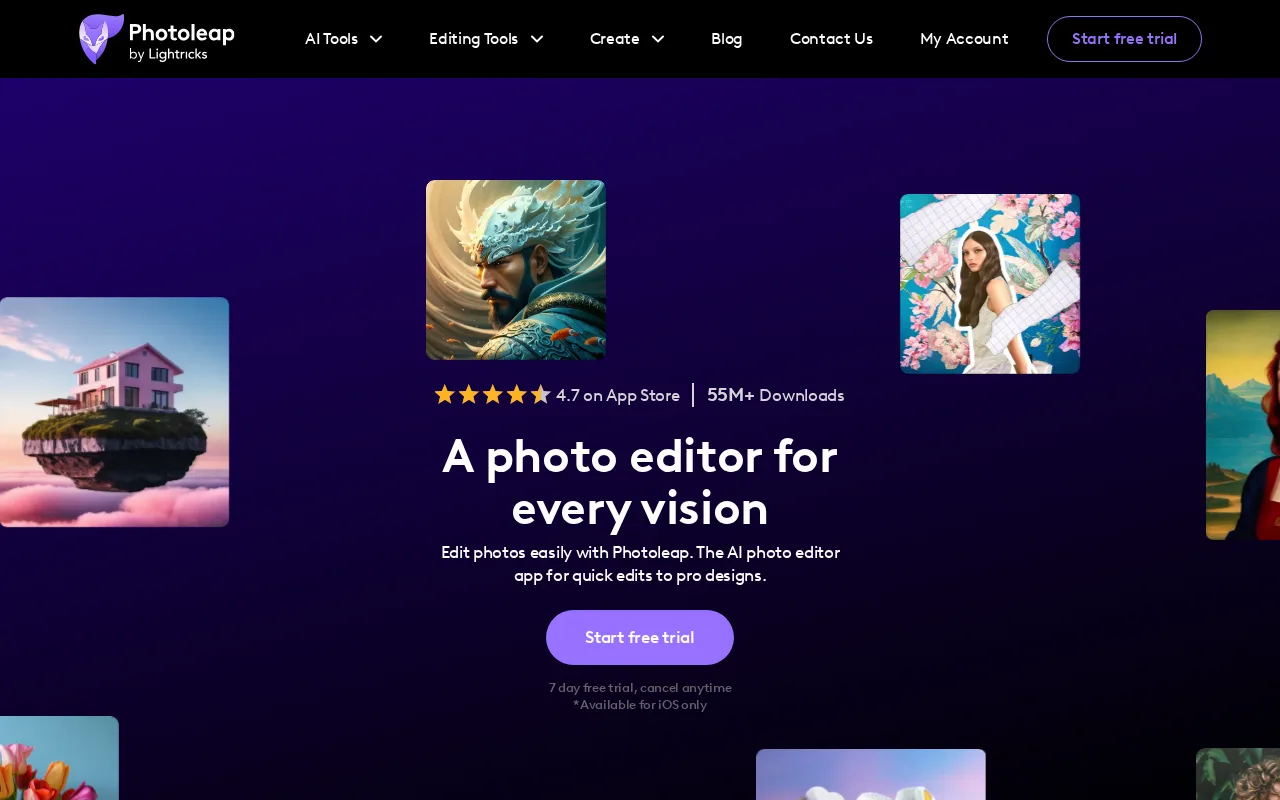
Photoleap is a mobile and web app for creative photo editing with layering and AI-powered enhancements.
7.5
Volvenix Verdict
AI-powered editorial review
Photoleap by Lightricks
Photoleap balances ease of use with advanced editing features, ideal for creatives needing flexible photo manipulation.
PROS
  • Intuitive layering and blending tools
  • AI-powered photo enhancement features
  • Available on both mobile and web
  • Good balance of ease and power
  • Flexible creative workflows
CONS
  • Some advanced features behind paywall
  • Limited batch processing options

Is Photoleap by Lightricks Right for You?

A quick checklist to help you decide.

You want to edit photos with advanced layering and blending on mobile or web easily.
You need a full professional desktop photo editor with extensive batch processing.
You need AI-powered tools to enhance and creatively manipulate images.
Free-tier limitations prevent you from accessing essential advanced editing features.
Your workflow requires a flexible app that works across devices for photo editing.
You require deep automation or integration with enterprise workflows.

Ideal for: Photographers, digital artists, and content creators who want powerful layering and AI editing on mobile and web platforms.

Less suited for: Users needing full desktop-class professional editing suites or those requiring extensive batch processing and automation.

Bottom line: The tool’s combination of layering capabilities with AI-powered editing on mobile and web platforms.

Editorial Review AI-generated
Photoleap provides a robust set of photo editing tools with a focus on layering and AI-powered effects, making it accessible for both beginners and experienced users. Its mobile and web availability offers flexibility, though some advanced features require a paid subscription. The interface is intuitive, but power users might find certain tools less comprehensive compared to desktop-only software. Overall, it suits creatives who want a versatile editing app without steep learning curves.
Pros & Cons

Pros

User-friendly layering and blending interface
Strong AI-powered editing tools
Cross-platform mobile and web access
Good for creative photo manipulation
Regular updates and improvements

Cons

Advanced features require paid subscription moderate
Limited batch processing capabilities minor
No public API available minor
Who Is It For & What Can It Do
Best For
Designer / Creative Individual / Freelancer Intermediate curve
AI Capabilities
Image enhancement
Key Features
Layering and Blending
Supports multiple layers with blending modes
AI-Powered Enhancements
Automatic photo corrections and creative effects
Mobile and Web Access
Available on iOS and web browsers
Premium Effects
Exclusive filters and effects for paid users
Team collaboration
Shared projects and team workflows
Best Use Cases
Creative photo editing with layering Enhancing images using AI tools Mobile photo manipulation on the go Digital art creation and blending Collaborative editing for small teams
Available Platforms
Inputs & Outputs
Imageinput Imageoutput
Supported Languages
English
Security & Compliance
Compliance Standards
GDPR
Privacy · EU
API & Developer Tools
Pricing Plans

Free

Best for individuals

Free
 
  • Basic editing tools
  • Limited layering and effects

Team

For small teams

$30/mo
$30.00/mo billed annually
  • All Pro features
  • Team collaboration tools

Offers a free tier with basic features and paid subscriptions unlocking advanced tools and effects.


Price Range
Free $0–$0 Mid Range $20–$100
Support Channels
Documentation
More from Lightricks Ltd.
Did you find this page helpful?
Frequently Asked Questions
What is this tool?
Photoleap is a mobile and web app for photo editing with layering and AI-powered enhancements.
How much does it cost?
Photoleap offers a free tier and paid subscriptions starting at $20/month for advanced features.
Does it have a free plan?
Yes, there is a free plan with basic editing tools and limited features.
What integrations does it support?
Photoleap does not currently offer native integrations or a public API.
Who is it best for?
It is best suited for photographers and digital artists seeking intuitive layering and AI editing on mobile and web.
User Reviews

No reviews yet. Be the first to review Photoleap by Lightricks!

Write a Review
Discussion
No discussions yet. Start the conversation!
0 tools selected
Compare Now →
Photoleap by Lightricks Visit Tool