PhotoDirector logo
Rank #842
FREEMIUM DESKTOP #2 in Photo Enhancement

PhotoDirector Review — Photo Enhancement & Restoration

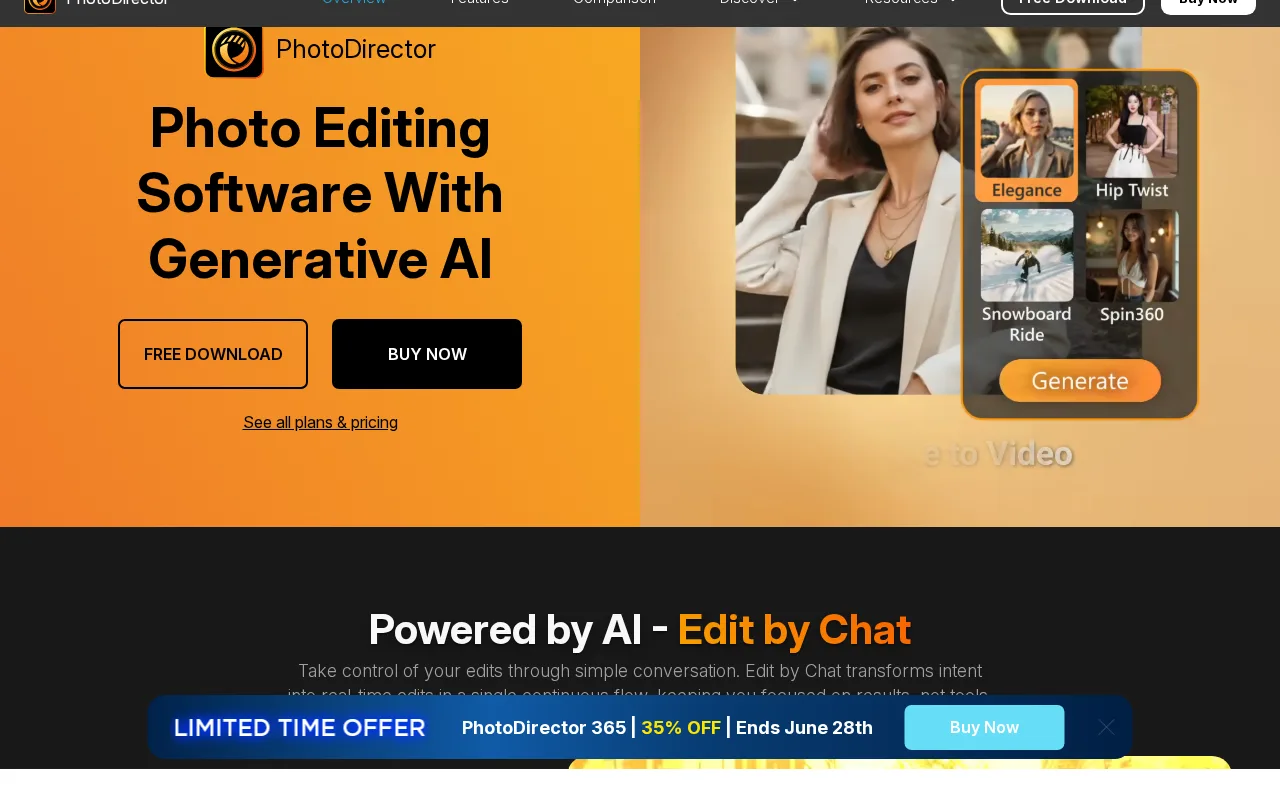
PhotoDirector offers photo editing with AI-powered enhancements and restoration tools for creatives and photographers.
1 monthly visitors 1 page views (30d)
Reviewed by Volvenix Editorial
7.5
Volvenix Verdict
AI-powered editorial review
PhotoDirector
PhotoDirector balances manual and AI tools well, making it a versatile photo editor for various skill levels.
PROS
  • Strong combination of manual and AI editing tools
  • User-friendly interface for beginners and pros
  • Powerful photo enhancement and restoration features
CONS
  • Some AI features require paid subscription
  • Can be resource-intensive on older hardware

Is PhotoDirector Right for You?

A quick checklist to help you decide.

You want to enhance photos using both manual and AI-powered tools in one software.
You need a completely free photo editor without feature restrictions.
You need photo restoration features alongside creative editing capabilities.
Free-tier limits are a blocker for your professional editing needs.
Your workflow benefits from software suitable for both beginners and advanced users.
You require lightweight software for low-end or older hardware.

Ideal for: Photographers and creatives who want a mix of manual and AI-powered photo enhancement and restoration tools.

Less suited for: Users seeking fully free software or those with limited hardware resources may find it less suitable due to paid AI features and performance demands.

Bottom line: The combination of manual editing with AI-powered enhancement and restoration tools.

Editorial Review AI-generated
PhotoDirector provides a comprehensive set of photo editing tools combined with AI enhancements that improve image quality and creativity. Its interface is accessible for beginners while offering advanced features for professionals, making it a flexible choice. However, some AI features require a paid subscription, and the software can be resource-intensive on older hardware. Overall, it is well-suited for photographers and creatives looking for a hybrid manual and AI editing experience.
Pros & Cons

Pros

Comprehensive manual and AI editing tools
Intuitive interface for all skill levels
Effective photo restoration capabilities
Regular updates with new features
Supports a wide range of image formats

Cons

Advanced AI features require paid subscription moderate
Performance can lag on older or low-end hardware moderate
Workaround: Use lower resolution files or upgrade hardware
No mobile app available minor
Who Is It For & What Can It Do
Best For
Individual / Freelancer Designer / Creative Beginner curve
AI Capabilities
Image enhancement Photo restoration
Key Features
AI-powered Photo Enhancement
Improves image quality automatically
Manual Editing Tools
Includes layers, masks, and color correction
Photo Restoration
Removes noise, fixes blur, and restores old photos
Content-Aware Editing
Removes unwanted objects intelligently
Creative Effects and Filters
Wide range of artistic filters and effects
Best Use Cases
Photo enhancement for professional photographers Restoring old or damaged photos Creative photo editing for social media content Batch processing of images for efficiency Learning photo editing with AI assistance
Available Platforms
Inputs & Outputs
Imageinput Imageoutput
Supported Languages
English
Security & Compliance
Compliance Standards
GDPR
Privacy · EU
API & Developer Tools
Pricing Plans

Free

Best for individuals

Free
 
  • Basic photo editing tools
  • Limited AI effects and enhancements

Offers a free tier with basic features and paid subscriptions unlocking advanced AI tools and additional content.

Price Range
Free $0–$0 Low Cost $0–$20
Support Channels
Documentation
Did you find this page helpful?
Frequently Asked Questions
What is this tool?
PhotoDirector is photo editing software combining manual and AI tools for enhancement and restoration.
How much does it cost?
PhotoDirector offers a free tier and a paid subscription called PhotoDirector 365 starting at $19.99/month.
Does it have a free plan?
Yes, PhotoDirector provides a free plan with basic editing features and limited AI tools.
What integrations does it support?
PhotoDirector does not publicly list integrations with third-party apps or services.
Who is it best for?
It is best for photographers and creatives wanting both manual and AI-powered photo editing.
User Reviews

No reviews yet. Be the first to review PhotoDirector!

Write a Review
Discussion
No discussions yet. Start the conversation!
0 tools selected
Compare Now →
PhotoDirector Visit Tool