PhonicMind logo
Rank #1866
FREEMIUM CLOUD #4 in Audio Separation

PhonicMind Review — Audio Separation

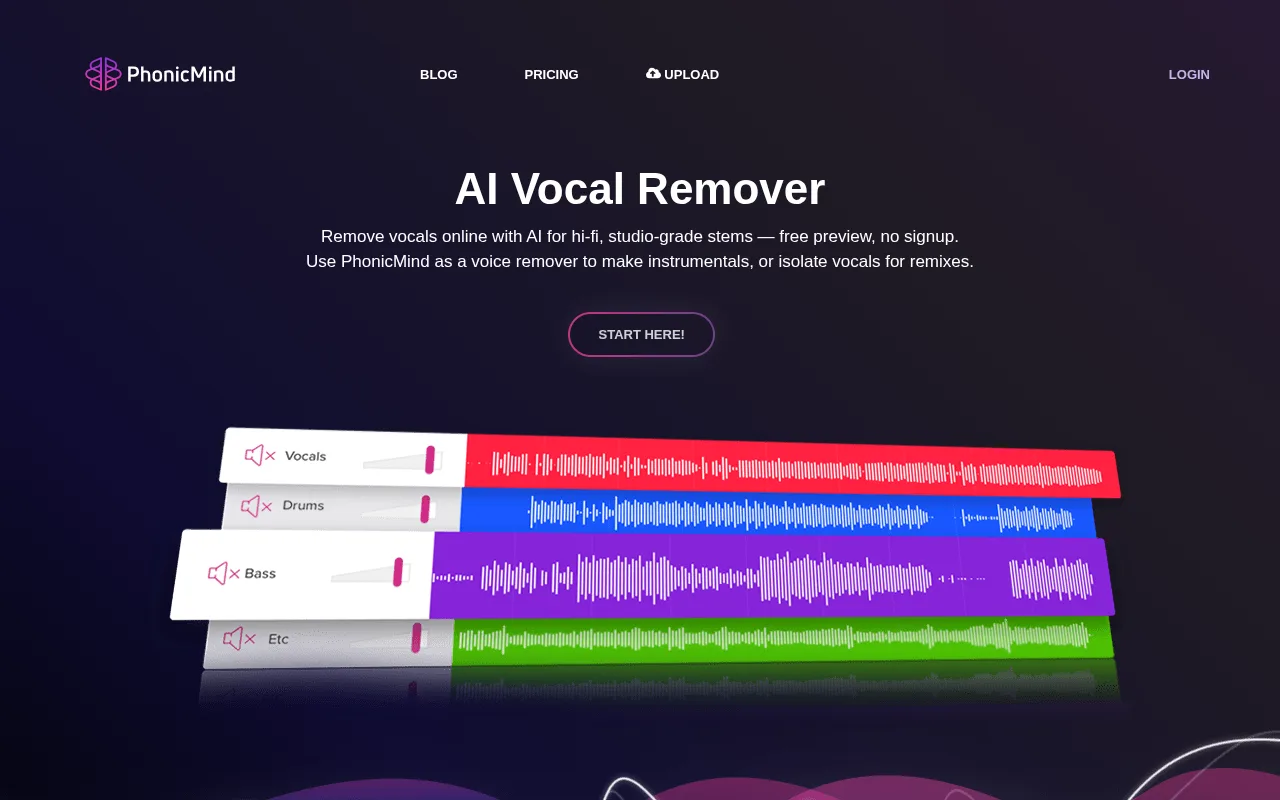
PhonicMind extracts vocals and instruments from audio tracks for musicians and creators.
33 monthly visitors 33 page views (30d)
Reviewed by Volvenix Editorial
7.5
Volvenix Verdict
AI-powered editorial review
PhonicMind
PhonicMind offers reliable and easy-to-use audio separation ideal for music creators needing clean stems.
PROS
  • High-quality vocal and instrument separation
  • Simple and intuitive user interface
  • Fast processing times
CONS
  • Separation quality varies with complex audio mixes
  • Advanced features require paid subscription

Is PhonicMind Right for You?

A quick checklist to help you decide.

You need to isolate vocals or instruments from existing songs quickly and easily
You need a full digital audio workstation for music production
You want to create karaoke tracks or practice with separated stems
Free-tier limits are a blocker for your frequent or large-scale audio separation needs
Your team requires straightforward audio separation without complex software
You require real-time or live audio separation capabilities

Ideal for: Musicians, producers, and content creators who need to isolate vocals or instruments for remixing, practice, or sampling.

Less suited for: Users seeking full DAW functionality or those needing real-time audio separation during live performances.

Bottom line: The quality and ease of extracting clean audio stems from mixed tracks.

Editorial Review AI-generated
PhonicMind excels at isolating vocals and instruments from mixed audio tracks, making it a valuable tool for musicians and producers. Its user-friendly interface and fast processing are strengths, but the quality can vary depending on the source audio. While it offers a freemium model, advanced features require payment. Overall, it suits creators who want quick stem extraction without complex setups.

AI-assessed from 3 sources.

Pros & Cons

Pros

Accurate separation of vocals and instruments
User-friendly web interface
Quick processing of audio files
Supports multiple audio formats
No software installation required

Cons

Separation quality can degrade with complex mixes moderate
Workaround: Use high-quality source audio for best results
Limited free tier usage moderate
No real-time or live audio separation minor
Who Is It For & What Can It Do
Best For
Individual / Freelancer Small Business (1–10) Beginner curve
AI Capabilities
Audio Separation
Key Features
Vocal Separation
Isolate vocals from mixed audio tracks
Instrument Separation
Extract drums, bass, and other instruments
Audio Format Support
Supports MP3, WAV, and other common formats
Batch processing
Process multiple files at once
API Access
No public API available
Best Use Cases
Creating karaoke tracks Remixing songs with isolated stems Practicing instruments with backing tracks Sampling vocals or instruments for new productions Audio post-production for content creators
Available Platforms
Inputs & Outputs
Audioinput Audiooutput
Supported Languages
English
Security & Compliance
Certifications
SOC 2 Type II
AICPA
ISO 27001
ISO
GDPR
European Union
API & Developer Tools
Pricing Plans

Free

Best for individuals

Free
 
  • Limited audio separation credits
  • Basic stem extraction

PhonicMind offers a free tier with limited usage and paid plans for higher quality and more features.


Price Range
Free $0–$0
Support Channels
Email
Did you find this page helpful?
Frequently Asked Questions
What is this tool?
PhonicMind is an online tool that separates vocals and instruments from audio tracks.
How much does it cost?
PhonicMind offers a free tier with limited usage and paid plans for higher quality and more features.

Does it have a free plan?
Yes, PhonicMind provides a free plan with limited audio separation credits.
What integrations does it support?
PhonicMind does not currently offer integrations or a public API.
Who is it best for?
It is best for musicians, producers, and content creators needing quick and easy audio stem separation.
User Reviews

No reviews yet. Be the first to review PhonicMind!

Write a Review
Discussion
No discussions yet. Start the conversation!
0 tools selected
Compare Now →
PhonicMind Visit Tool