 Volvenix
PandaDoc Review — Document Automation & E-Signatures
PandaDoc streamlines document workflows with templates, e-signatures, and analytics for businesses.
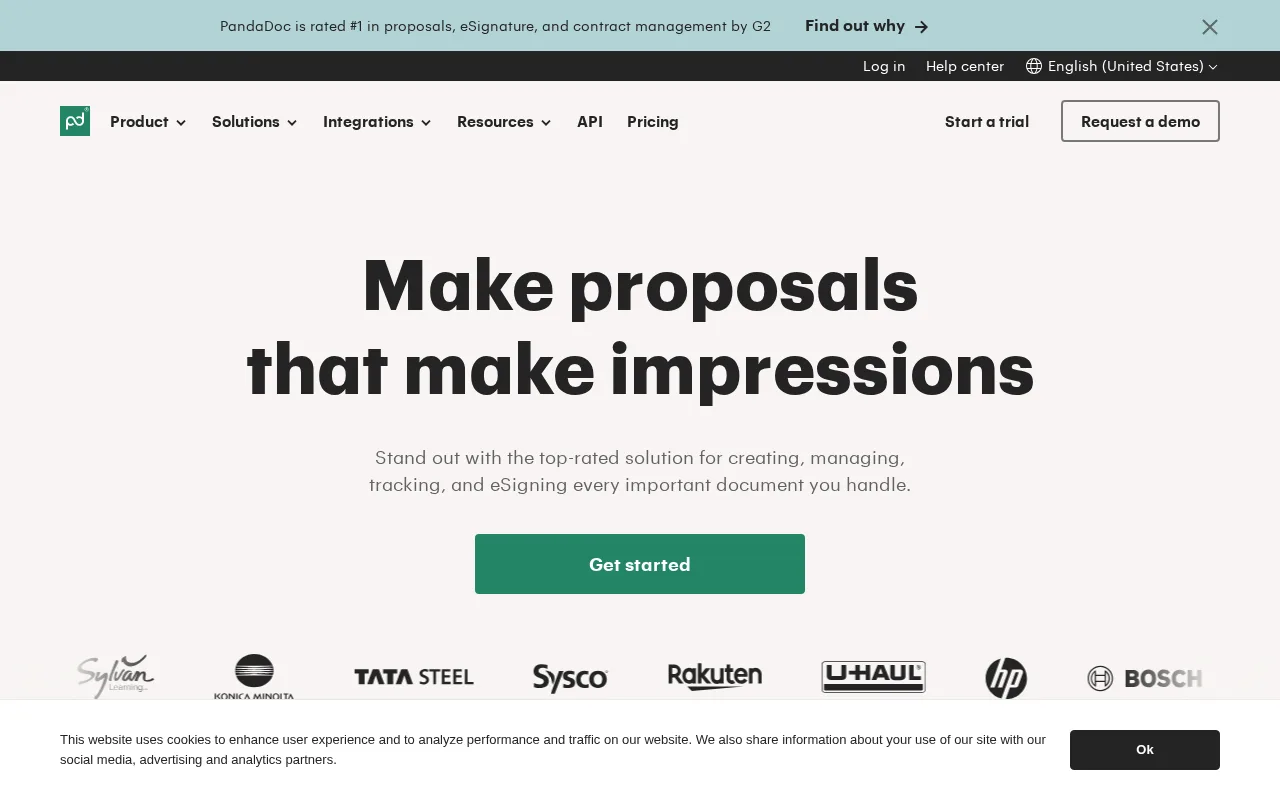
A robust document automation tool that simplifies contract workflows for growing businesses.
- Comprehensive document automation and e-signature features
- User-friendly interface with customizable templates
- Real-time analytics on document engagement
- Advanced features locked behind higher-tier plans
- Learning curve for new users due to feature depth
Is PandaDoc Right for You?
A quick checklist to help you decide.
Ideal for: Small to mid-sized sales, HR, and finance teams needing streamlined document workflows and e-signatures.
Less suited for: Organizations requiring extensive customization or enterprise-grade security features may find PandaDoc limiting.
Bottom line: Ease of use combined with comprehensive document automation and e-signature capabilities.
AI-assessed from 3 sources.
Pros
Cons
Free
Best for individuals
- Document uploads and e-signatures
- Basic templates
Essentials
- Custom branding
- Payment integrations
- Advanced templates
Business
For growing teams
- Workflow automation
- CRM integrations
- Advanced analytics
Offers a free plan with basic features; paid plans add advanced workflow, analytics, and integrations.



What is this tool?
How much does it cost?
Does it have a free plan?
What integrations does it support?
Who is it best for?
No reviews yet. Be the first to review PandaDoc!
Scores are calculated algorithmically from feature coverage, pricing, user feedback & benchmark data — not influenced by commercial relationships. How we score → · Vendor Data Policy