 Volvenix
PagerDuty Review — Incident automation
PagerDuty automates incident management to help teams detect, respond, and resolve IT problems quickly.
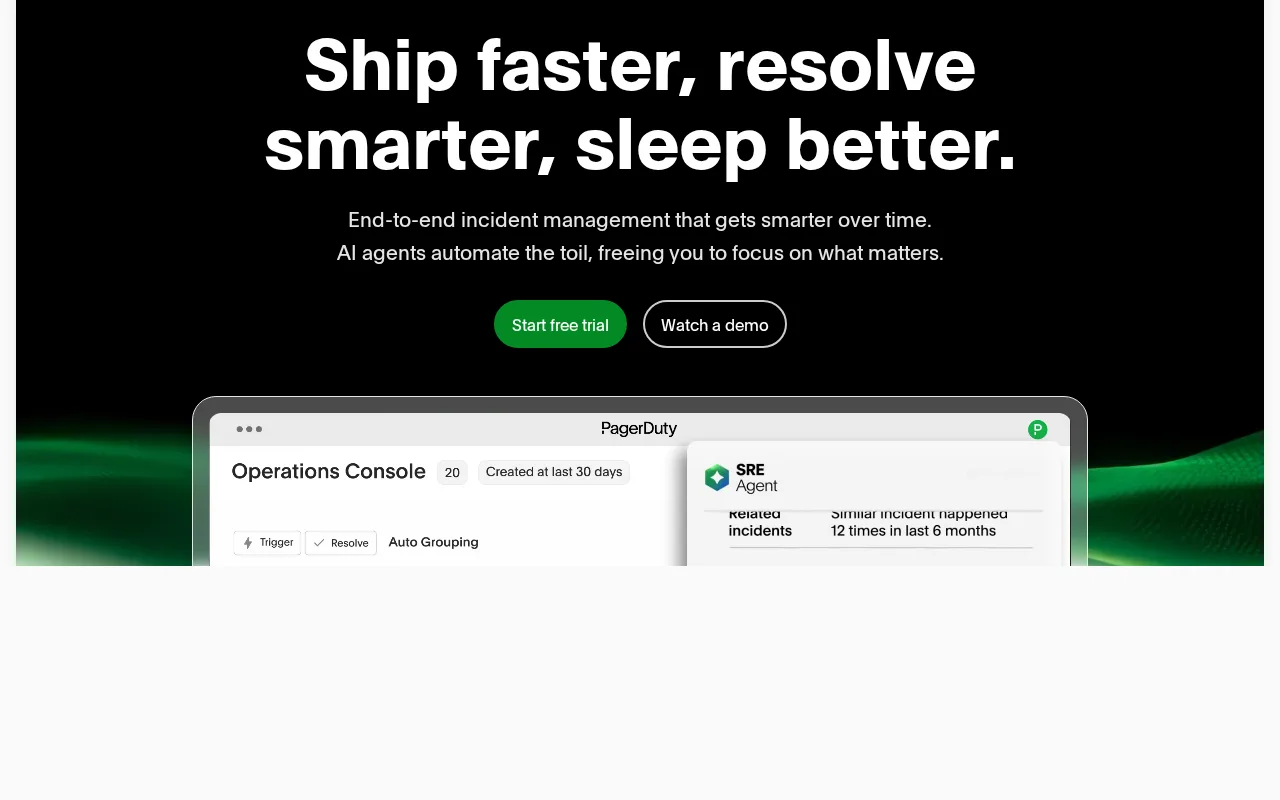
A robust incident automation tool ideal for IT teams needing reliable alerting and response orchestration.
- Comprehensive incident automation and escalation
- Wide range of integrations with monitoring tools
- Real-time alerting and collaboration features
- Pricing can be expensive for small teams
- User interface may be complex for beginners
Is PagerDuty Right for You?
A quick checklist to help you decide.
Ideal for: IT and DevOps teams requiring automated incident detection, alerting, and response orchestration to minimize downtime.
Less suited for: Small teams or startups with limited budgets or simple alerting needs may find PagerDuty too complex or costly.
Bottom line: The ability to automate incident workflows and integrate deeply with monitoring tools.
Pros
Cons
Free
Best for individuals
- Basic incident response
- Limited integrations
Starter
- Advanced incident response
- Multiple integrations
- On-call scheduling
Business
For larger teams
- Custom workflows
- Analytics & reporting
- Priority support
Offers a free tier with basic incident management; paid plans add advanced automation, analytics, and team features.

What is this tool?
How much does it cost?
Does it have a free plan?
What integrations does it support?
Who is it best for?
No reviews yet. Be the first to review PagerDuty!
Scores are calculated algorithmically from feature coverage, pricing, user feedback & benchmark data — not influenced by commercial relationships. How we score → · Vendor Data Policy