
NVIDIA Canvas logo
Rank #786
IMAGE SYNTHESIS MODELS FREEMIUM DESKTOP

NVIDIA Canvas Review — Photorealistic Landscape Creation

Turn rough sketches into detailed landscape images with real-time AI rendering.
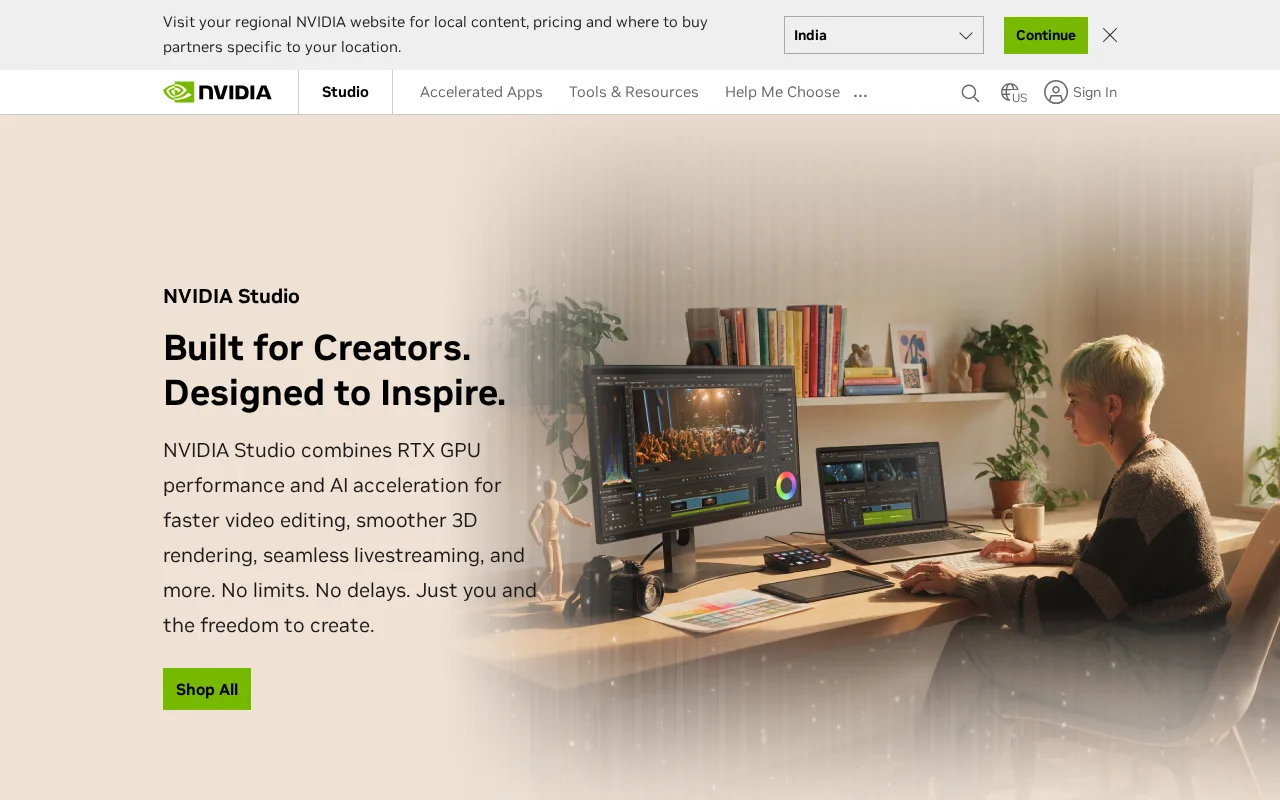
NVIDIA Canvas — preview
7.8
Volvenix Verdict
AI-powered editorial review
NVIDIA Canvas
A powerful tool for artists seeking fast, AI-assisted photorealistic landscape creation.
PROS
  • Fast real-time rendering of landscapes
  • Intuitive and artist-friendly interface
  • High-quality photorealistic output
CONS
  • Limited to landscape image synthesis
  • Requires NVIDIA GPU for operation

Is NVIDIA Canvas Right for You?

A quick checklist to help you decide.

You want to quickly generate realistic landscape backgrounds from rough sketches.
You require AI image generation for diverse subjects beyond landscapes.
You need an intuitive tool that accelerates creative workflows for environment art.
Free-tier limits are a blocker for your professional or high-volume use.
Your work involves concept art or design focused on natural scenes and landscapes.
You lack an NVIDIA GPU compatible with the software requirements.

Ideal for: Artists and designers who create landscape visuals and want to speed up concept art workflows with AI.

Less suited for: Users needing broad image generation beyond landscapes or those without compatible NVIDIA hardware.

Bottom line: Ability to convert simple brushstrokes into photorealistic landscapes in real time.

Editorial Review AI-generated
NVIDIA Canvas excels at transforming basic sketches into detailed, realistic landscapes quickly, making it ideal for concept artists and designers. Its real-time rendering and simple interface lower the barrier for complex image creation. However, it is limited to landscape synthesis and requires an NVIDIA GPU, restricting accessibility. Overall, it is best suited for creatives focused on environment art who want to accelerate ideation without manual detailing.
Pros & Cons

Pros

Real-time photorealistic landscape rendering
User-friendly interface for artists
Speeds up creative workflows
Leverages powerful GAN technology
Free to use with compatible hardware

Cons

Limited to landscape image synthesis major
Workaround: Use other tools for non-landscape image generation.
Requires NVIDIA GPU with Studio drivers major
Workaround: Ensure compatible hardware before use.
No API or integration support minor
Who Is It For & What Can It Do
Best For
Designer / Creative Individual / Freelancer Beginner curve
AI Capabilities
Image generation
Key Features
Photorealistic Landscape Generation
Transforms brushstrokes into realistic landscapes
Real-time Rendering
Instant visual feedback during creation
Intuitive Brush Tools
Simple brushes for various natural elements
Export Options
Export images for use in other software
NVIDIA AI Technology
Powered by generative adversarial networks
Best Use Cases
Concept art for games and films Landscape design visualization Environmental illustration Rapid prototyping of nature scenes Creative brainstorming for artists
AI Models Used
Proprietary GAN models by NVIDIA
Available Platforms
Inputs & Outputs
Imageinput Imageoutput
Supported Languages
English
Security & Compliance
Compliance Standards
GDPR
Privacy · EU
API & Developer Tools
Pricing Plans

Free to use with NVIDIA Studio drivers and compatible GPUs; no paid tiers publicly listed.
Price Range
Free $0–$0
Support Channels
Did you find this page helpful?
Frequently Asked Questions
What is this tool?
NVIDIA Canvas is a desktop app that converts simple brushstrokes into photorealistic landscape images using AI.
How much does it cost?
NVIDIA Canvas is free to use with compatible NVIDIA GPUs and Studio drivers.
Does it have a free plan?
Yes, the tool is free with no paid tiers.
What integrations does it support?
NVIDIA Canvas does not currently support third-party integrations or APIs.
Who is it best for?
It is best suited for artists and designers creating landscape visuals who want fast AI-assisted rendering.
User Reviews

No reviews yet. Be the first to review NVIDIA Canvas!

Write a Review
Discussion
No discussions yet. Start the conversation!
0 tools selected
Compare Now →
NVIDIA Canvas Visit Tool