NeuralStyler logo
Rank #1370
FREEMIUM DESKTOP #3 in Video style transfer

NeuralStyler Review — Video style transfer

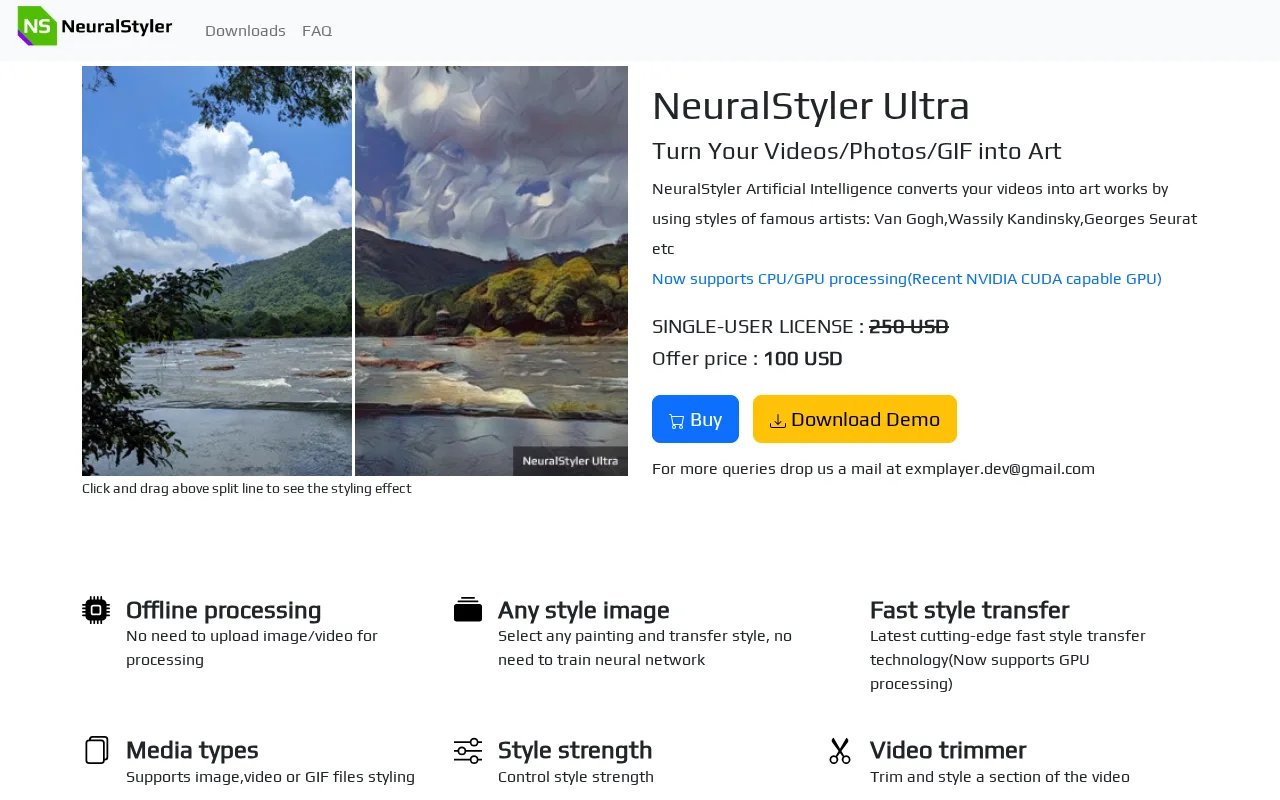
NeuralStyler applies artistic styles to videos, images, and GIFs using offline neural style transfer.
2 monthly visitors 2 page views (30d)
Reviewed by Volvenix Editorial
NeuralStyler — preview
7.2
Volvenix Verdict
AI-powered editorial review
NeuralStyler
A solid open-source tool for offline artistic style transfer on multimedia content.
PROS
  • Offline processing ensures privacy and no internet needed
  • Open-source with no subscription fees
  • Supports videos, images, and GIFs
  • Simple and accessible desktop application
CONS
  • Limited advanced customization options
  • Basic user interface and slower processing on some hardware

Is NeuralStyler Right for You?

A quick checklist to help you decide.

You want to apply artistic styles to videos and images without internet dependency.
You need real-time or cloud-based style transfer with fast processing.
You prefer open-source software with offline processing capabilities.
Free-tier limits are a blocker for your professional or high-volume needs.
You need a simple desktop app for style transfer without technical complexity.
You require deep integration with other creative or video editing platforms.

Ideal for: Creators and hobbyists who want offline, open-source style transfer for videos, images, and GIFs without complex setup.

Less suited for: Users needing cloud-based processing, advanced customization, or seamless integration with other creative tools should look elsewhere.

Bottom line: Offline, open-source neural style transfer for multimedia content.

Editorial Review AI-generated
NeuralStyler excels at applying artistic styles to videos, images, and GIFs without requiring an internet connection, making it ideal for privacy-conscious users. Its open-source desktop application is straightforward and accessible to creators and hobbyists. However, it lacks advanced customization options and integrations found in some commercial alternatives. The offline processing can be slower depending on hardware, and the interface is somewhat basic. Overall, it’s best suited for users seeking simple, offline style transfer without subscription fees.

AI-assessed from 3 sources.

Pros & Cons

Pros

Offline processing for privacy
Open-source and free
Supports multiple media types
Easy to use for non-technical users
No subscription or cloud dependency

Cons

Limited advanced customization moderate
Basic user interface minor
Processing speed depends on hardware moderate
Workaround: Use more powerful hardware for faster results
Who Is It For & What Can It Do
AI Capabilities
Content Transformation Image enhancement Video generation
Key Features
Neural Style Transfer
Applies artistic styles to videos, images, and GIFs
Offline processing
Runs locally without internet connection
Open-Source
Source code available on GitHub
Batch processing
Supports processing multiple files sequentially
Custom Style Models
Allows use of custom trained style models
Best Use Cases
Applying artistic styles to personal videos Creating stylized GIFs for social media Enhancing images with neural style transfer Offline multimedia style transfer for privacy Experimenting with custom artistic styles
Inputs & Outputs
Imageinput Videoinput Imageoutput Videooutput
Supported Languages
English
Security & Compliance
Compliance Standards
GDPR
Privacy · EU
Pricing Plans

Free

Best for individuals

Free
 
  • Offline style transfer
  • Supports videos, images, GIFs

Free to use with optional paid features or donations; no subscription required.
Support Channels
Did you find this page helpful?
Frequently Asked Questions
What is this tool?
NeuralStyler is a desktop app that applies artistic styles to videos, images, and GIFs using neural style transfer offline.
How much does it cost?
NeuralStyler is free to use with optional donations; there are no subscription fees.
Does it have a free plan?
Yes, NeuralStyler is fully free and open-source with no paid tiers.
What integrations does it support?
NeuralStyler is a standalone desktop app and does not support third-party integrations.
Who is it best for?
It is best for creators and hobbyists wanting offline, easy-to-use style transfer for videos and images.
User Reviews

No reviews yet. Be the first to review NeuralStyler!

Write a Review
Discussion
No discussions yet. Start the conversation!
0 tools selected
Compare Now →
NeuralStyler Visit Tool