
N
Rank #1734
FREEMIUM CLOUD

NeoPass Review — Secure Password Management

NeoPass offers encrypted password management with team collaboration and secure sharing in a freemium model.
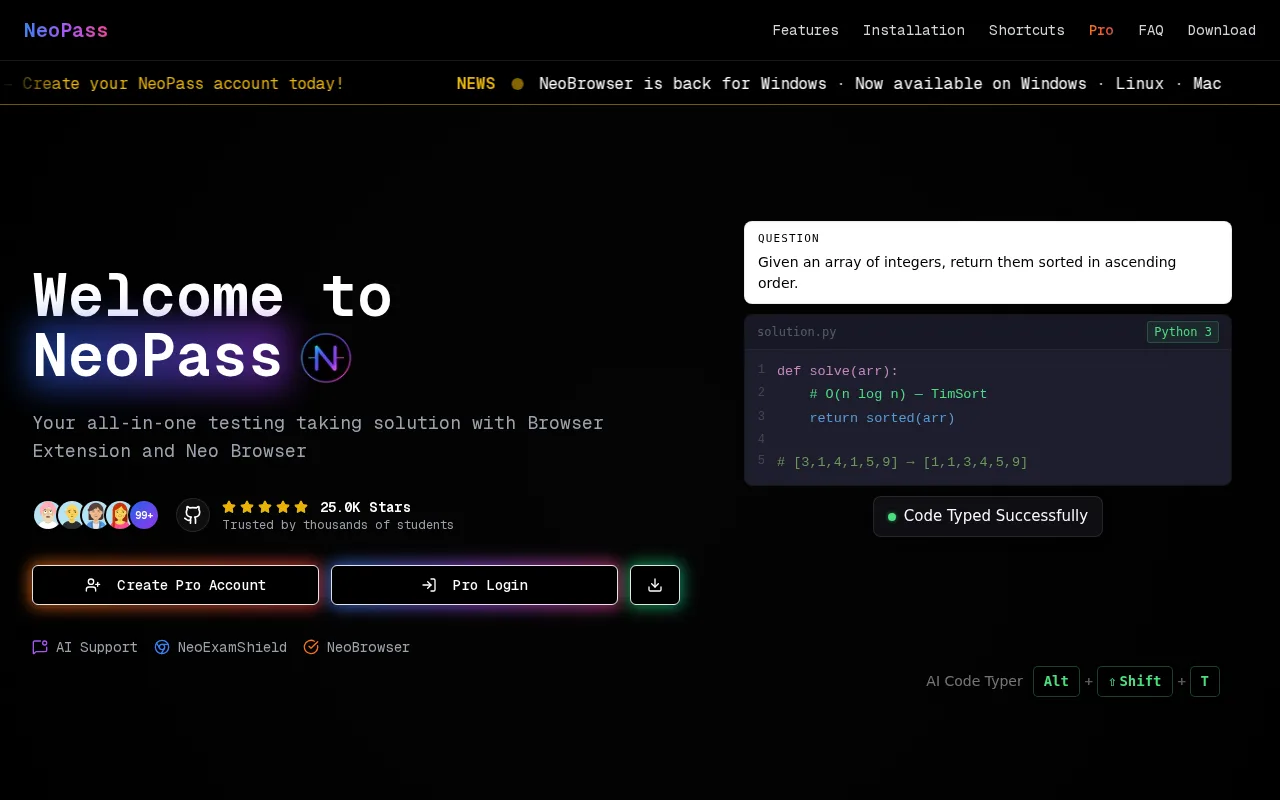
NeoPass — preview
7.0
Volvenix Verdict
AI-powered editorial review
NeoPass
NeoPass is a solid password manager with useful team features but limited platform reach and integrations.
PROS
  • Strong encryption for password security
  • Team collaboration and secure sharing
  • Freemium pricing model for easy access
CONS
  • Limited platform and integration support
  • No public API or advanced enterprise features

Is NeoPass Right for You?

A quick checklist to help you decide.

You want a freemium password manager with team sharing features
You need extensive third-party integrations or automation
You need encrypted password storage for individuals or small teams
Free-tier limits are a blocker for your password management needs
Your team requires simple collaboration on password management
You require enterprise-level security certifications and compliance

Ideal for: Individuals or small teams needing secure password storage with encrypted sharing and collaboration features.

Less suited for: Users requiring extensive platform support, advanced integrations, or enterprise-grade features should look elsewhere.

Bottom line: Strong encryption combined with team collaboration and sharing capabilities.

Editorial Review AI-generated
NeoPass excels in providing strong encryption and team collaboration features for password management. Its freemium model allows individuals and small teams to get started without cost. However, it lacks broad platform support and does not offer extensive third-party integrations, which may limit its appeal for larger organizations or users needing cross-platform flexibility. Overall, it is best suited for users focused on secure password sharing within small teams.

AI-assessed from 2 sources.

Pros & Cons

Pros

Strong encryption ensures password safety
Supports team collaboration and sharing
Freemium model lowers entry barrier
User-friendly interface
Good for small teams and individuals

Cons

Limited platform and device support moderate
No public API for integrations moderate
Lacks enterprise-grade compliance certifications major
Who Is It For & What Can It Do
Best For
Individual / Freelancer Small Business (1–10) SMB (11–200) Beginner curve
Key Features
Password Encryption
Advanced encryption for secure storage
Team collaboration
Share and manage passwords within teams
Secure Sharing
Encrypted password sharing options
Multi-Device Sync
Sync passwords across devices
Browser Extension
Password autofill and capture
Best Use Cases
Individual password management Small team password sharing Secure credential storage Collaborative access management Freemium password security solution
Available Platforms
Web App
Supported Languages
English
Security & Compliance
Pricing Plans

Free

Best for individuals

Free
 
  • Basic password management
  • Limited sharing options

Offers a free tier with basic features and paid plans for enhanced team collaboration and additional capabilities.

Price Range
Free $0–$0
Support Channels
Documentation
Did you find this page helpful?
Frequently Asked Questions
What is this tool?
NeoPass is a password manager offering encrypted storage and team collaboration features.
How much does it cost?
NeoPass offers a free tier with basic features and paid plans for enhanced team capabilities.
Does it have a free plan?
Yes, NeoPass provides a free plan suitable for individuals with limited sharing needs.
What integrations does it support?
NeoPass currently has limited integrations and no public API.
Who is it best for?
It is best for individuals and small teams needing secure password storage and sharing.
User Reviews

No reviews yet. Be the first to review NeoPass!

Write a Review
Discussion
No discussions yet. Start the conversation!
0 tools selected
Compare Now →
NeoPass Visit Tool