Microsoft Power Automate logo
Rank #1069
UI AUTOMATION FREEMIUM CLOUD #1 in UI Automation State of the Art

Microsoft Power Automate Review — Workflow Automation

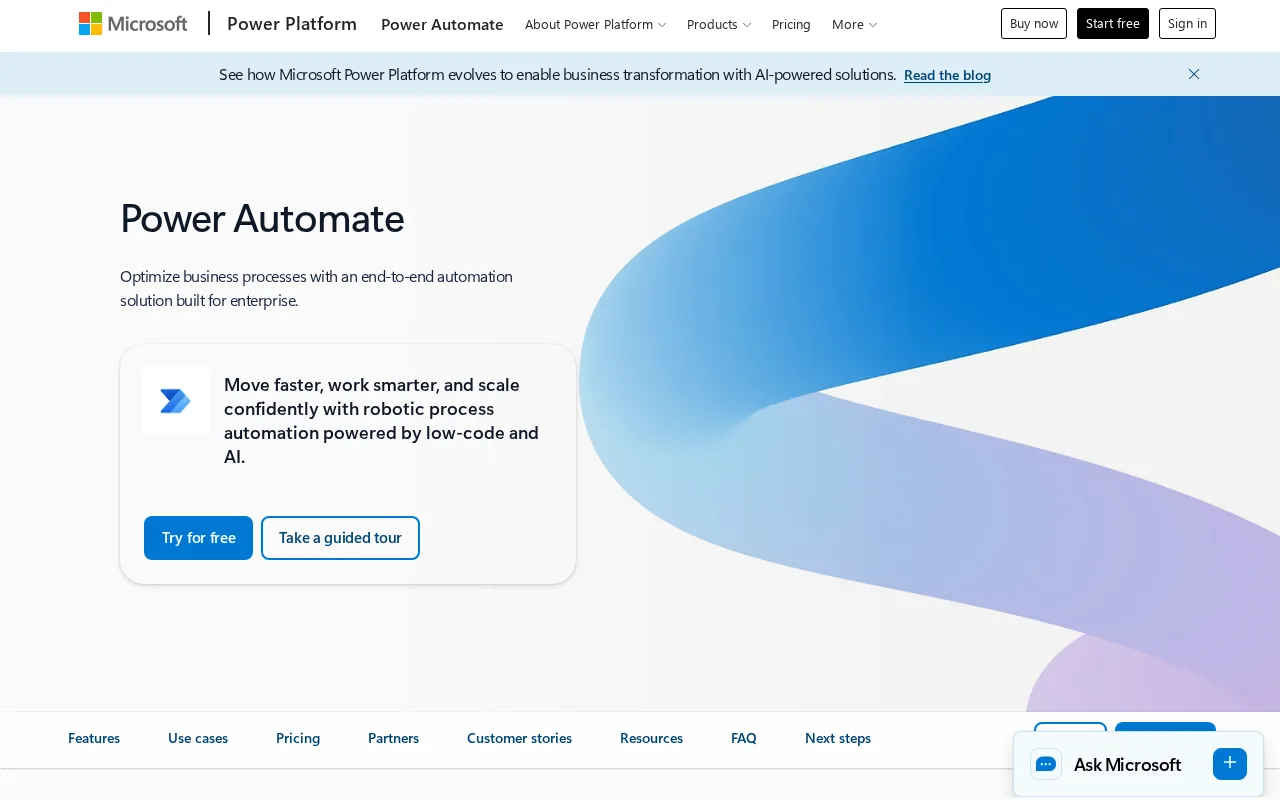
Create automated workflows to streamline tasks across apps and services with easy drag-and-drop tools.
7.5
Volvenix Verdict
AI-powered editorial review
Microsoft Power Automate
A versatile automation platform ideal for Microsoft-centric environments but with some complexity for beginners.
PROS
  • Deep integration with Microsoft 365 and Azure
  • Supports both cloud and desktop automation including legacy systems
  • Visual workflow designer with many templates
  • Flexible freemium pricing with scalable paid plans
  • Extensive connector library for many apps and services
CONS
  • Steep learning curve for advanced workflows
  • Some features locked behind paid plans

Is Microsoft Power Automate Right for You?

A quick checklist to help you decide.

You need to automate workflows involving Microsoft 365 and Azure services seamlessly.
You need a lightweight tool for only simple task automation without complex setup.
You want to reduce manual tasks by creating multi-step automated processes with a visual interface.
Free-tier limits are a blocker for your required volume of automated runs or premium connectors.
Your team requires integration with legacy systems and desktop applications alongside cloud services.
You require automation outside the Microsoft ecosystem with minimal dependency on Microsoft products.

Ideal for: Teams and businesses using Microsoft 365 who want to automate workflows without deep coding skills.

Less suited for: Users with no Microsoft tools or those needing very simple automation without a learning curve.

Bottom line: Integration depth with Microsoft products and ability to automate across cloud and desktop environments.

Editorial Review AI-generated
Power Automate excels at integrating Microsoft products and many third-party services, offering a broad range of automation capabilities from simple workflows to complex RPA. Its visual designer and templates help users get started quickly, though advanced scenarios may require technical knowledge. Pricing is flexible with a freemium model, but some features require paid plans. It is best suited for organizations invested in the Microsoft ecosystem. However, users outside this ecosystem or those seeking simpler tools might find it overwhelming.
Pros & Cons

Pros

Extensive Microsoft ecosystem integration
Supports cloud and desktop RPA
User-friendly visual workflow builder
Wide range of prebuilt connectors
Scalable pricing options for different needs

Cons

Complexity for new users moderate
Workaround: Use templates and training resources to ease onboarding
Premium features require paid plans moderate
Who Is It For & What Can It Do
Best For
Developer / Engineer Marketer Product Manager Intermediate curve
AI Capabilities
Robotic Process Automation Tool Calling Workflow Automation
Key Features
Workflow Automation
Create automated workflows across apps and services
Robotic Process Automation (RPA)
Automate desktop and legacy system tasks
Prebuilt Connectors
Integrate with hundreds of apps including Microsoft 365
AI Builder
Add AI capabilities to workflows
Templates
Use prebuilt workflow templates to get started quickly
Best Use Cases
Automate approval workflows in Microsoft Teams and Outlook Integrate data between cloud and on-premise systems Schedule and automate report generation Automate data entry from legacy desktop apps Trigger notifications based on business events
Available Platforms
Inputs & Outputs
Textinput Textoutput
Supported Languages
English
Security & Compliance
Compliance Standards
GDPR
Privacy · EU
API & Developer Tools
Pricing Plans

Free

Best for individuals

Free
 
  • Basic workflow automation
  • Limited connectors

Per Flow Plan

For organizations

$500/mo
$500.00/mo billed annually
  • Unlimited users
  • Multiple flows
  • Enterprise-grade automation

Offers a free tier with basic automation; paid plans unlock premium connectors and higher usage limits.


Price Range
Free $0–$0 Mid Range $20–$100 Enterprise $500+
Support Channels
Did you find this page helpful?
Frequently Asked Questions
What is this tool?
Microsoft Power Automate is a platform to create automated workflows connecting apps and services without coding.
How much does it cost?
It offers a free tier with basic features; paid plans start at $15 per user per month for premium capabilities.
Does it have a free plan?
Yes, there is a free plan with limited features suitable for individuals.
What integrations does it support?
Supports hundreds of connectors including Microsoft 365, Azure, Salesforce, and many third-party apps.
Who is it best for?
Best for businesses using Microsoft products seeking to automate workflows across cloud and desktop.
User Reviews

No reviews yet. Be the first to review Microsoft Power Automate!

Write a Review
Discussion
No discussions yet. Start the conversation!
0 tools selected
Compare Now →
Microsoft Power Automate Visit Tool