
Lumin PDF logo
Rank #16
FREEMIUM CLOUD #1 in PDF Q&A State of the Art

Lumin PDF Review — PDF Q&A & Collaboration

Cloud-based PDF editor for real-time collaboration, annotation, and sharing.
3 monthly visitors 3 page views (30d)
Reviewed by Volvenix Editorial
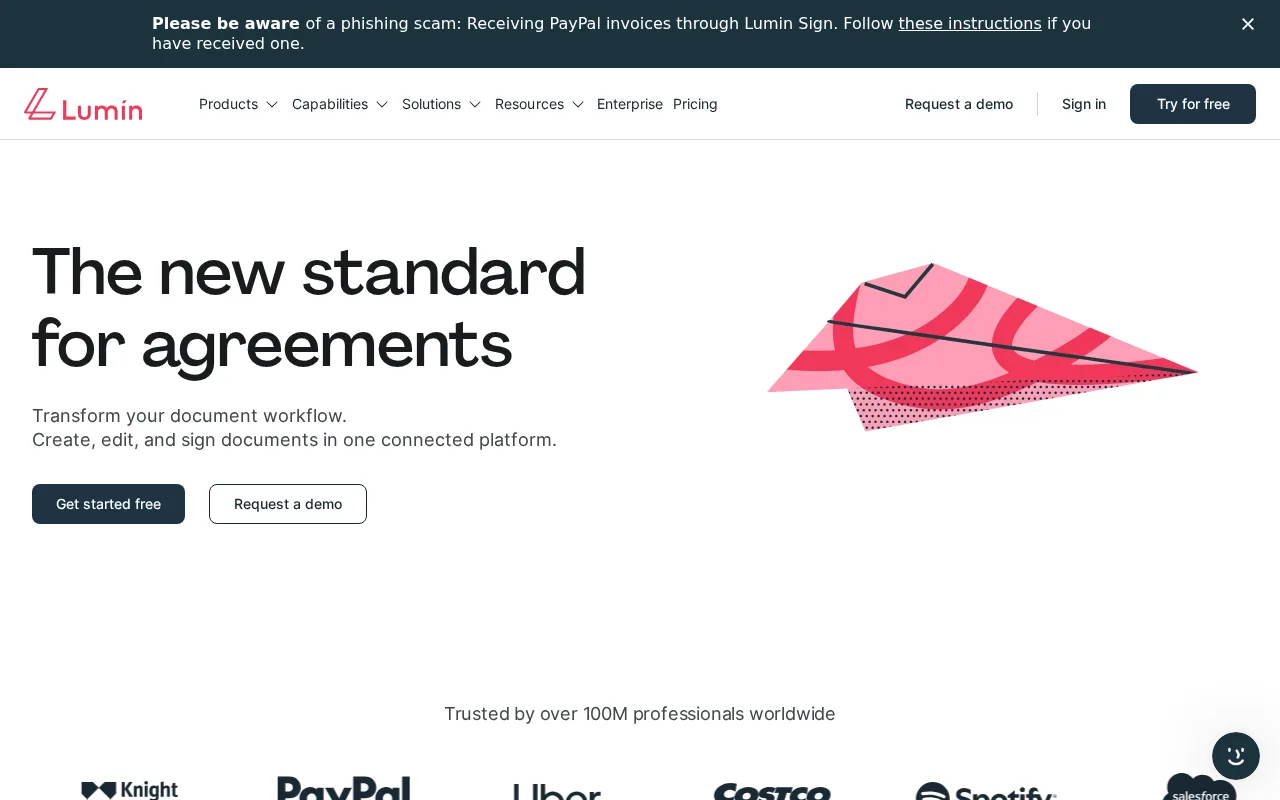
Lumin PDF — preview
7.5
Volvenix Verdict
AI-powered editorial review
Lumin PDF
A solid browser-based PDF collaboration tool ideal for teams needing simple editing and annotation.
PROS
  • Easy browser-based PDF editing and annotation
  • Real-time collaboration and commenting
  • No software installation required
CONS
  • Limited advanced PDF editing features
  • No offline or desktop app support

Is Lumin PDF Right for You?

A quick checklist to help you decide.

You need to edit and annotate PDFs without installing software or plugins.
You need advanced PDF editing features like form creation or OCR.
You want to collaborate on PDF documents with your team in real time.
Free-tier limits are a blocker for your document volume or feature needs.
Your team requires a simple, cloud-based PDF workflow solution.
You require offline PDF editing or desktop application support.

Ideal for: Individuals or teams needing quick, browser-based PDF editing and annotation with real-time collaboration.

Less suited for: Users requiring advanced PDF editing features or offline access should consider other tools.

Bottom line: Browser-based real-time PDF collaboration and annotation capabilities.

Editorial Review AI-generated
Lumin PDF offers an intuitive interface for editing and annotating PDFs directly in the browser, making it accessible without complex installations. Its real-time collaboration features are well-suited for teams working remotely or on shared documents. However, advanced PDF editing features are limited compared to desktop alternatives, and offline access is not supported. Best for users prioritizing ease of use and cloud collaboration over heavy-duty PDF editing.
Pros & Cons

Pros

Intuitive browser-based PDF editing
Real-time collaboration and commenting
No installation required
Supports annotation and sharing
Cloud storage integration

Cons

Limited advanced PDF editing features moderate
No offline or desktop application support moderate
Workaround: Use alternative desktop PDF editors for offline needs
Who Is It For & What Can It Do
Best For
Individual / Freelancer Product Manager Small Business (1–10) SMB (11–200) Beginner curve
AI Capabilities
Annotation PDF Editing Real-time Collaboration
Key Features
PDF Editing
Edit text and images within PDFs
Annotation
Add comments, highlights, and notes
Real-time collaboration
Multiple users can edit and comment simultaneously
Document Sharing
Share PDFs via links or email
Cloud Storage Integration
Connect with Google Drive and Dropbox
Best Use Cases
Collaborative PDF editing for remote teams Annotating and reviewing documents Sharing PDFs with clients or colleagues Streamlining document workflows Basic PDF form filling and signing
Available Platforms
Inputs & Outputs
Documentinput Documentoutput
Supported Languages
English
Security & Compliance
Certifications
SOC 2 Type II
AICPA
ISO 27001
ISO
GDPR
European Union
Compliance Standards
GDPR
Privacy · EU
API & Developer Tools
Pricing Plans

Free

Best for individuals

Free
 
  • Basic PDF editing
  • Annotation and commenting

Team

For small teams

$30/mo
$30.00/mo billed annually
  • Team collaboration features
  • Centralized document management

Offers a free plan with basic features and paid subscriptions for enhanced collaboration and editing capabilities.


Price Range
Free $0–$0 Mid Range $20–$100
Support Channels
Documentation
Did you find this page helpful?
Frequently Asked Questions
What is this tool?
Lumin PDF is a cloud-based platform for editing, annotating, and collaborating on PDF documents in the browser.
How much does it cost?
Lumin PDF offers a free plan and paid subscriptions starting at $20/month for additional features.
Does it have a free plan?
Yes, there is a free plan with basic PDF editing and annotation features.
What integrations does it support?
It supports integrations with Google Drive and Dropbox for cloud storage.
Who is it best for?
It is best for individuals and teams needing simple, browser-based PDF collaboration and annotation.
User Reviews

No reviews yet. Be the first to review Lumin PDF!

Write a Review
Discussion
No discussions yet. Start the conversation!
0 tools selected
Compare Now →
Lumin PDF Visit Tool