
Klippa logo
Rank #1920
RECEIPT SCANNING FREEMIUM CLOUD #2 in Receipt Scanning

Klippa Review — Invoice & Receipt Automation

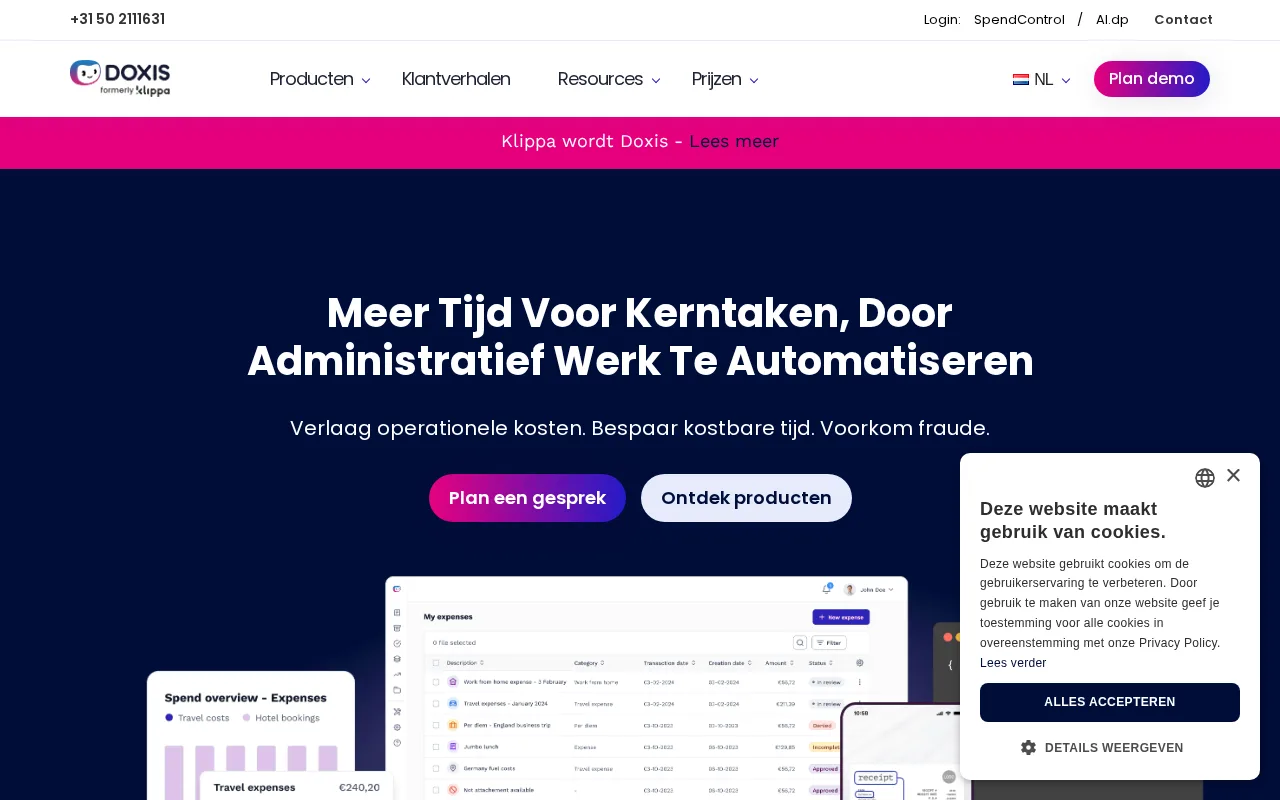
Klippa automates data extraction from invoices and receipts to streamline financial workflows.
7.3
Volvenix Verdict
AI-powered editorial review
Klippa
Klippa is a reliable tool for automating receipt and invoice data extraction with strong multilingual support.
PROS
  • Accurate OCR for invoices and receipts
  • Supports multiple languages and formats
  • Flexible integration options
CONS
  • User interface can be complex for beginners
  • Advanced customization requires technical skills

Is Klippa Right for You?

A quick checklist to help you decide.

You need to automate extraction of invoice and receipt data to save time and reduce errors.
You need a simple mobile-only receipt scanner without integration capabilities.
You want a solution that supports multiple languages and document formats for global use.
Free-tier limits are a blocker for your volume of document processing needs.
Your team requires integration options to embed OCR into existing financial workflows.
You require extensive customization without developer support.

Ideal for: Small to medium businesses and finance teams needing automated receipt and invoice processing with multilingual support.

Less suited for: Individuals or teams without technical resources or those requiring a simple, out-of-the-box receipt scanner.

Bottom line: Accuracy and flexibility in automating financial document data extraction across multiple languages.

Editorial Review AI-generated
Klippa excels at extracting data from receipts and invoices, reducing manual entry and errors. Its multilingual OCR capabilities and flexible integrations make it suitable for global businesses. However, the user interface can be complex for beginners, and advanced customization requires technical knowledge. Overall, it fits well for teams needing scalable document automation but less so for casual users.
Pros & Cons

Pros

High accuracy OCR for financial documents
Multilingual and multi-format support
Cloud-based with scalable processing
Good integration flexibility
Automates manual data entry effectively

Cons

User interface can be overwhelming for new users moderate
Workaround: Use onboarding resources and support
Limited free tier usage may not suit high-volume needs moderate
Advanced customization requires developer involvement minor
Who Is It For & What Can It Do
Best For
Small Business (1–10) Finance Professional SMB (11–200) Intermediate curve
AI Capabilities
Data extraction
Key Features
OCR Data Extraction
Extracts text and data from invoices and receipts
Multi-language Support
Supports multiple languages for document processing
Cloud Processing
Processes documents securely in the cloud
API integration
Allows integration with existing workflows
Mobile Capture
Capture receipts via mobile devices
Best Use Cases
Automate invoice data entry for accounting teams Digitize and manage receipts for expense tracking Integrate OCR into ERP and financial systems Supporting multilingual document processing Reduce manual errors in financial workflows
Available Platforms
Inputs & Outputs
Documentinput Textoutput
Supported Languages
English
Security & Compliance
Compliance Standards
GDPR
Privacy · EU
API & Developer Tools
Pricing Plans

Free

Best for individuals

Free
 
  • Basic OCR processing
  • Limited monthly documents

Klippa offers a free tier with limited usage and paid plans for higher volume and advanced features.


Price Range
Free $0–$0
Support Channels
Email
Did you find this page helpful?
Frequently Asked Questions
What is this tool?
Klippa automates data extraction from invoices and receipts using OCR technology.
How much does it cost?
Klippa offers a free tier with limited usage and paid plans for higher volume and features.
Does it have a free plan?
Yes, Klippa provides a free plan suitable for individuals with limited document processing needs.
What integrations does it support?
Klippa supports API integrations for embedding OCR into existing financial workflows.
Who is it best for?
Klippa is best for small to medium businesses and finance teams needing automated receipt and invoice processing.
User Reviews

No reviews yet. Be the first to review Klippa!

Write a Review
Discussion
No discussions yet. Start the conversation!
0 tools selected
Compare Now →
Klippa Visit Tool