KlearStack logo
Rank #269
DOCUMENT LAYOUT ANALYSIS FREEMIUM CLOUD #2 in Document Layout Analysis

KlearStack Review — Document Layout Recognition

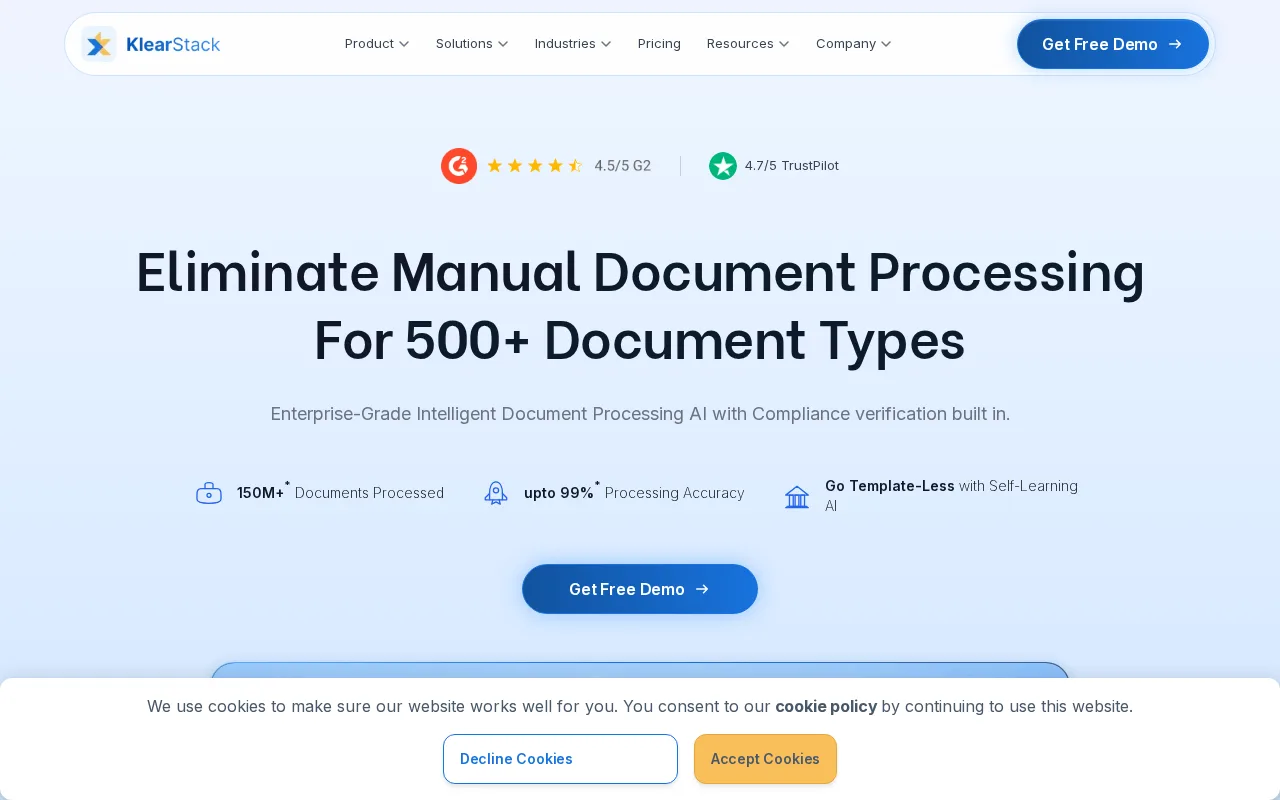
KlearStack automates document data extraction with AI-powered layout recognition and validation.
6 monthly visitors 7 page views (30d)
Reviewed by Volvenix Editorial
7.3
Volvenix Verdict
AI-powered editorial review
KlearStack
A solid document understanding tool with strong layout recognition and validation features.
PROS
  • Strong layout recognition improves extraction accuracy
  • Supports validation and correction workflows
  • Good for automating invoice and purchase order processing
CONS
  • Limited third-party integrations
  • No public API for custom automation

Is KlearStack Right for You?

A quick checklist to help you decide.

You need to automate extraction from invoices and purchase orders with complex layouts.
You need extensive third-party integrations beyond core document processing.
You want to reduce manual data entry errors in document processing workflows.
Free-tier limits are a blocker for your document volume and usage needs.
Your team requires validation and correction features for extracted document data.
You require a public API for deep custom integration and automation.

Ideal for: Businesses and teams needing automated extraction from invoices, purchase orders, and structured documents with layout variability.

Less suited for: Organizations requiring broad third-party integrations or extensive API access for custom workflows should consider alternatives.

Bottom line: Accuracy and adaptability of layout recognition for structured document data extraction.

Editorial Review AI-generated
KlearStack excels in automating data extraction from diverse document types, reducing manual entry errors and improving processing speed. Its layout recognition technology adapts well to varied formats, making it suitable for finance and procurement teams. However, its ecosystem and integrations are somewhat limited compared to larger competitors, and the free tier has usage constraints. Best suited for teams focused on document-heavy workflows seeking reliable automation without extensive customization.
Pros & Cons

Pros

Accurate layout-based document data extraction
Validation and correction capabilities
Easy-to-use cloud platform
Supports multiple document types
Reduces manual data entry errors

Cons

Limited third-party integrations moderate
No public API for custom workflows major
Free plan usage limits may restrict high-volume users minor
Workaround: Upgrade to paid plans if available
Who Is It For & What Can It Do
Best For
Developer / Engineer Finance Professional Product Manager Intermediate curve
AI Capabilities
Data extraction Layout Recognition
Key Features
Layout Recognition
AI-powered detection of document structure and fields
Data Extraction
Extracts structured data from invoices, POs, and forms
Validation & Correction
Allows manual review and correction of extracted data
Multi-platform Support
Supports PDFs, scanned images, and digital documents
Integration Options
Limited native integrations available
Best Use Cases
Invoice data extraction and automation Purchase order processing Accounts payable automation Document validation workflows Data entry reduction in finance teams
Available Platforms
API / SDK Web App
Integrations
AWS S3 Bucket Google Drive Kuehne+Nagel QuickBooks Online QuickBooks Server RPA SAP Secure FTP Tally Traze
Inputs & Outputs
Documentinput Textoutput Documentoutput
Supported Languages
English
Security & Compliance
Certifications
SOC 2 Type II
AICPA
ISO 27001
ISO
GDPR
European Union
HIPAA
US Dept Health
Compliance Standards
GDPR
Privacy · EU
Pricing Plans

Free

Best for individuals

Free
 
  • Basic document processing
  • Limited monthly usage

Offers a free tier with basic usage limits and paid plans for higher volume and advanced features.

Price Range
Free $0–$0
Support Channels
Email
Did you find this page helpful?
Frequently Asked Questions
What is this tool?
KlearStack automates extraction of structured data from documents using AI-based layout recognition.
How much does it cost?
KlearStack offers a free tier with basic usage and paid plans for higher volume and features.
Does it have a free plan?
Yes, there is a free plan with limited monthly usage suitable for individuals or small volume.
What integrations does it support?
It supports limited native integrations; no public API is currently available.
Who is it best for?
Best for businesses automating invoice and purchase order data extraction with layout variability.
User Reviews

No reviews yet. Be the first to review KlearStack!

Write a Review
Discussion
No discussions yet. Start the conversation!
0 tools selected
Compare Now →
KlearStack Visit Tool