
Jedox logo
Rank #852
FREEMIUM CLOUD #1 in Budgeting Forecast Models State of the Art

Jedox Review — Budgeting Forecast Models

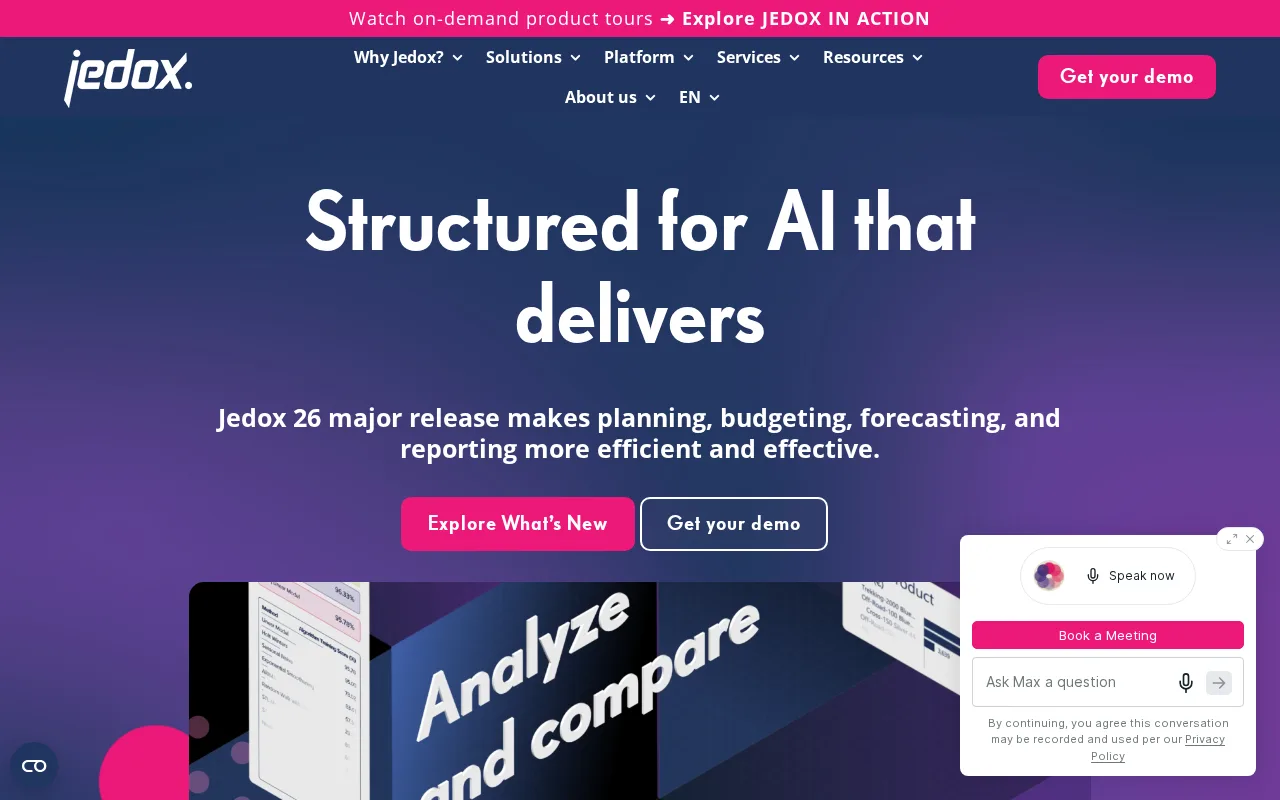
Jedox offers unified planning, budgeting, and forecasting for finance teams with Excel-like ease and cloud scalability.
Updated budgeting finance predictive-analytics
5.6 / 10
Visit Jedox
2 monthly visitors 2 page views (30d)
Reviewed by Volvenix Editorial
Jedox — preview
7.5
Volvenix Verdict
AI-powered editorial review
Jedox
Jedox excels at delivering flexible, scalable financial planning with strong Excel integration.
PROS
  • Strong Excel-like interface for easy adoption
  • Flexible cloud and on-premise deployment
  • Comprehensive budgeting and forecasting features
CONS
  • User interface can be outdated and complex
  • Steep learning curve for non-technical users

Is Jedox Right for You?

A quick checklist to help you decide.

You need to unify budgeting, forecasting, and reporting in one platform with Excel familiarity
You need a lightweight tool with minimal setup and no Excel dependency
You want to customize financial models and workflows for complex planning scenarios
Free-tier limits are a blocker for your team’s scale and feature needs
Your team requires collaboration across cloud and on-premise environments
You require extensive native AI or automation beyond predictive analytics

Ideal for: Finance teams and business analysts seeking a scalable, Excel-friendly platform for budgeting and forecasting.

Less suited for: Users looking for a simple, out-of-the-box forecasting tool without customization or those without Excel experience.

Bottom line: The platform’s Excel-like modeling combined with enterprise scalability and deployment flexibility.

Editorial Review AI-generated
Jedox stands out for its seamless blend of Excel-like interfaces and enterprise-grade planning capabilities, making it accessible for finance professionals familiar with spreadsheets. Its flexibility in deployment and robust modeling tools support complex budgeting and forecasting needs. However, the user interface can feel dated and the learning curve steep for non-technical users. It is best suited for organizations needing integrated financial planning with customizable workflows and predictive analytics.
Pros & Cons

Pros

Excel-like interface eases adoption for finance teams
Supports both cloud and on-premise deployments
Robust budgeting, forecasting, and reporting tools
Collaborative planning with workflow automation
Strong integration with data sources and ERP systems

Cons

User interface feels outdated and less intuitive moderate
Workaround: Invest time in training and onboarding
Steep learning curve for non-technical users moderate
Workaround: Leverage vendor training and support resources
Who Is It For & What Can It Do
Best For
Finance Professional Data Scientist / Analyst Product Manager Intermediate curve
AI Capabilities
Data Transformation Predictive Analytics
Key Features
Excel-like Modeling
Familiar spreadsheet interface for planning and budgeting
Cloud and On-Premise Deployment
Flexible hosting options to suit enterprise needs
Collaborative Planning
Workflow and task management for team collaboration
Predictive Analytics
Forecasting models to improve financial accuracy
ERP and Data Integration
Connects with major ERP and data sources
Best Use Cases
Financial budgeting and forecasting Sales and operational planning Performance management and reporting Scenario modeling and what-if analysis Data consolidation from multiple sources
Available Platforms
Inputs & Outputs
Spreadsheetinput Spreadsheetoutput
Supported Languages
English
Security & Compliance
Compliance Standards
GDPR
Privacy · EU
API & Developer Tools
Pricing Plans

Free

Best for individuals

Free
 
  • Basic planning features
  • Limited users and data

Jedox offers a free tier with limited features and paid subscriptions for advanced planning and collaboration capabilities.

Price Range
Free $0–$0
Support Channels
Documentation
Did you find this page helpful?
Frequently Asked Questions
What is this tool?
Jedox is a planning and performance management platform for budgeting, forecasting, and reporting.
How much does it cost?
Jedox offers a free tier with limited features and paid plans for advanced capabilities.
Does it have a free plan?
Yes, Jedox provides a free plan suitable for individuals and small teams.
What integrations does it support?
Jedox integrates with ERP systems, databases, and various data sources via connectors.
Who is it best for?
It is best for finance teams and business analysts needing flexible, Excel-like financial planning.
User Reviews

No reviews yet. Be the first to review Jedox!

Write a Review
Discussion
No discussions yet. Start the conversation!
0 tools selected
Compare Now →
Jedox Visit Tool