Imagga Tagging logo
Rank #1531
CONTENT MODERATION FREEMIUM CLOUD #3 in Content Moderation

Imagga Tagging Review — Automated Image Tagging API

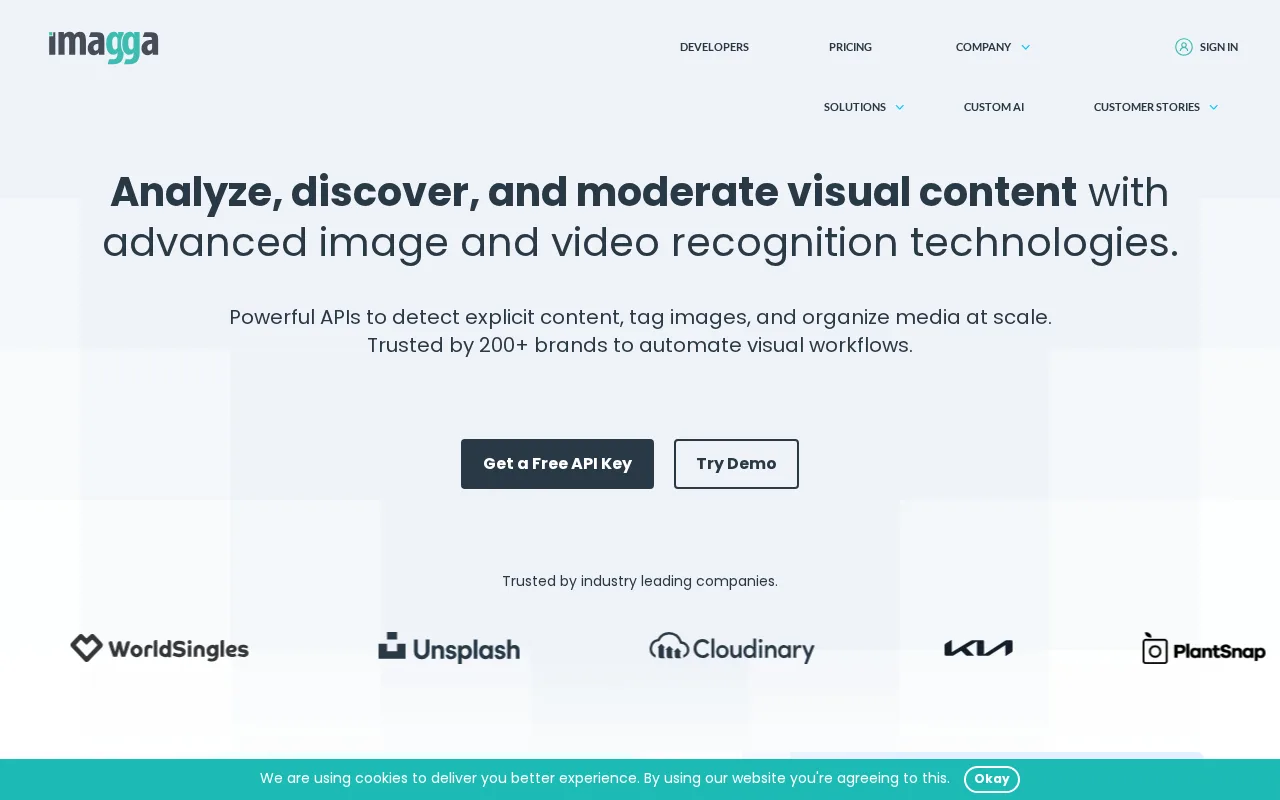
Imagga Tagging provides fast, automated image tagging for developers in e-commerce, media, and moderation.
37 monthly visitors 37 page views (30d)
Reviewed by Volvenix Editorial
7.5
Volvenix Verdict
AI-powered editorial review
Imagga Tagging
A reliable and scalable image tagging API ideal for developers needing automated content moderation and categorization.
PROS
  • Fast and accurate automated image tagging
  • Simple API integration for developers
  • Scalable for large image volumes
CONS
  • Limited third-party integrations
  • Lacks enterprise-grade security certifications

Is Imagga Tagging Right for You?

A quick checklist to help you decide.

You need to automate image tagging for large image datasets quickly and reliably.
You need extensive third-party integrations like Slack or Zapier out of the box.
You want a scalable API solution without building your own computer vision models.
Free-tier limits are a blocker for your high-volume production needs.
Your team requires basic content moderation and categorization features via API.
You require enterprise-grade security certifications such as SOC 2 or HIPAA.

Ideal for: Developers and small to medium teams in e-commerce, media, or content moderation who need fast, scalable image tagging without building custom models.

Less suited for: Teams requiring deep AI model customization, extensive third-party integrations, or enterprise-grade security certifications should consider other options.

Bottom line: The most important factor is the need for a fast, scalable, and easy-to-integrate automated image tagging API.

Editorial Review AI-generated
Imagga Tagging excels in providing fast and accurate automated image tagging through a simple API, making it suitable for e-commerce and media applications. Its freemium pricing allows easy experimentation, and the API supports scalable deployments. However, it lacks extensive integrations and advanced AI model transparency. Best suited for developers and teams wanting to avoid building custom vision models but needing reliable tagging and moderation capabilities.

AI-assessed from 3 sources.

Pros & Cons

Pros

Fast and accurate image tagging
Easy API integration
Scalable for large datasets
Supports content moderation
Flexible pricing tiers

Cons

Limited third-party integrations moderate
No enterprise-grade security certifications major
Lacks detailed AI model transparency minor
Who Is It For & What Can It Do
Best For
Developer / Engineer Marketer Product Manager Intermediate curve
AI Capabilities
Content Moderation Image Classification Tool Calling
Key Features
Automated Image Tagging
Generates tags automatically from images
Content moderation
Detects inappropriate content in images
API Access
REST API for integration with apps
Custom Tagging Models
Option to train custom tagging models
Batch processing
Process multiple images in bulk
Best Use Cases
E-commerce product image tagging Media asset management Content moderation for user uploads Automated image categorization Digital marketing campaigns
AI Models Used
Proprietary AI Models by Unknown
Available Platforms
Inputs & Outputs
Imageinput Textoutput
Supported Languages
English
Security & Compliance
Compliance Standards
GDPR
Privacy · EU
API & Developer Tools
API Type
REST
Auth Methods
API Key
Pricing Plans

Free

Best for individuals

Free
 
  • Limited monthly requests
  • Basic tagging features

Team

For small teams

$30/mo
$30.00/mo billed annually
  • Team collaboration
  • Advanced tagging options

Offers a free tier with limited usage and paid subscription plans for higher volume and advanced features.

Price Range
Free $0–$0 Low Cost $0–$20 Mid Range $20–$100
Support Channels
Documentation
Tools using similar AI models

Inferred from shared AI-model tagging — not a confirmed product relationship.

Did you find this page helpful?
Frequently Asked Questions
What is this tool?
Imagga Tagging is an API that automatically generates descriptive tags for images to help with organization and moderation.
How much does it cost?
Imagga offers a free tier with limited usage and paid subscription plans starting at $20 per month.
Does it have a free plan?
Yes, there is a free plan available with basic features and limited monthly requests.
What integrations does it support?
Imagga primarily offers API access; no extensive third-party integrations are publicly documented.
Who is it best for?
It is best for developers and teams needing scalable automated image tagging and content moderation.
User Reviews

No reviews yet. Be the first to review Imagga Tagging!

Write a Review
Discussion
No discussions yet. Start the conversation!
0 tools selected
Compare Now →
Imagga Tagging Visit Tool