HARPA logo
Rank #1377
FREEMIUM BROWSER EXTENSION #21 in Task Automation

HARPA Review — Task Automation

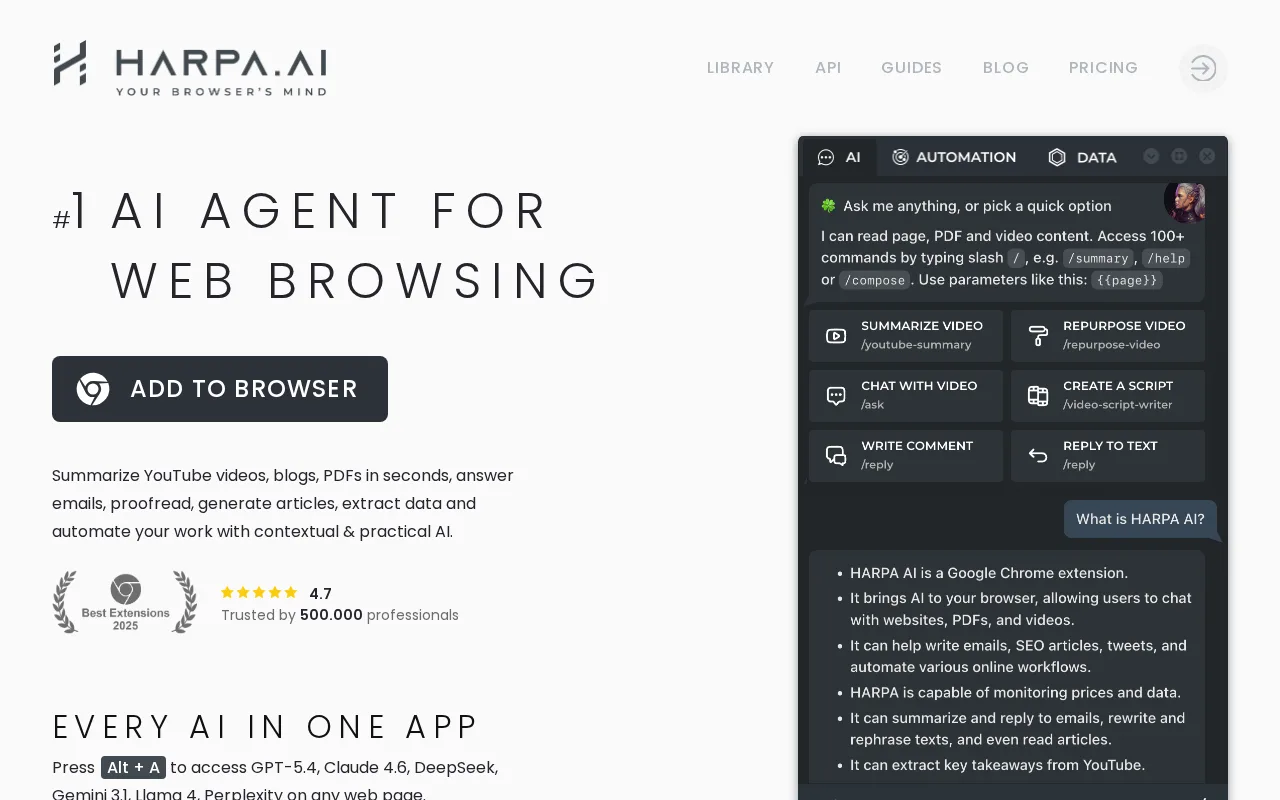
HARPA is a browser extension that streamlines workflows for marketers and knowledge workers.

6.5 / 10
Visit HARPA
18 monthly visitors 18 page views (30d)
Reviewed by Volvenix Editorial
7.5
Volvenix Verdict
AI-powered editorial review
HARPA
HARPA is a powerful tool for automating web-based tasks, though it may have a learning curve.
PROS
  • Seamless browser integration
  • Powerful task automation capabilities
  • User-friendly interface
CONS
  • Learning curve for new users
  • Limited features in the free plan

Is HARPA Right for You?

A quick checklist to help you decide.

You need to automate repetitive tasks in your browser.
You need a tool that works offline without a browser.
You want to extract data from web pages quickly.
Free-tier limits are a blocker for extensive usage.
Your team requires tools to enhance productivity.
You require advanced features not available in the free plan.

Ideal for: This tool is perfect for marketers and knowledge workers who frequently work with web content and need automation.

Less suited for: Skip this tool if you prefer standalone applications or require extensive offline capabilities.

Bottom line: The most important factor is the need for browser-based task automation and data extraction.

Editorial Review AI-generated
HARPA excels in providing a seamless way to automate tasks directly within the browser, making it ideal for marketers and knowledge workers. However, users may face a learning curve to fully utilize its capabilities. Overall, it's a valuable addition for those looking to enhance their productivity with browser-based automation.

AI-assessed from 3 sources.

Pros & Cons

Pros

Seamless integration with web pages
Effective for data extraction
User-friendly interface
Supports task automation
Ideal for marketers

Cons

Learning curve for new users moderate
Workaround: Utilize available tutorials and documentation.
Limited features in the free plan major
Workaround: Consider upgrading for full functionality.
Who Is It For & What Can It Do
Best For
Marketer Data Scientist / Analyst Sales / Revenue Intermediate curve
AI Capabilities
Browser Access Data extraction Task Automation Tool Calling
Key Features
Task Automation
Automate repetitive tasks directly in the browser.
Data Extraction
Extract data from web pages easily.
Page-aware AI Prompts
Utilize AI prompts based on the current web page.
Collaboration Tools
Features for team collaboration in the Pro plan.
Priority Support
Get priority support with the Pro plan.
Best Use Cases
Automating data entry tasks Summarizing web content Extracting product information Managing marketing campaigns
Available Platforms
Chrome Extension
Inputs & Outputs
Textinput Textoutput
Supported Languages
English
Security & Compliance
Pricing Plans

Free

Best for individuals

Free
 
  • Basic task automation
  • Data extraction

Team

For small teams

$30/mo
$30.00/mo billed annually
  • Collaboration tools
  • Team management features

HARPA offers a free plan with essential features and paid plans for advanced capabilities.

Support Channels
Documentation
Did you find this page helpful?
Frequently Asked Questions
What is this tool?
HARPA is a browser extension that automates tasks and extracts data.
How much does it cost?
HARPA offers a free plan and paid plans starting at $20/month.
Does it have a free plan?
Yes, HARPA has a free plan with basic features.
What integrations does it support?
Integrations are not explicitly listed on the website.
Who is it best for?
It's best for marketers and knowledge workers looking to automate tasks.
User Reviews

No reviews yet. Be the first to review HARPA!

Write a Review
Discussion
No discussions yet. Start the conversation!
0 tools selected
Compare Now →
HARPA Visit Tool