
G
Rank #2581
FREEMIUM BROWSER EXTENSION #3 in Grammar Correction

Ginger Review — Real-time Grammar Correction

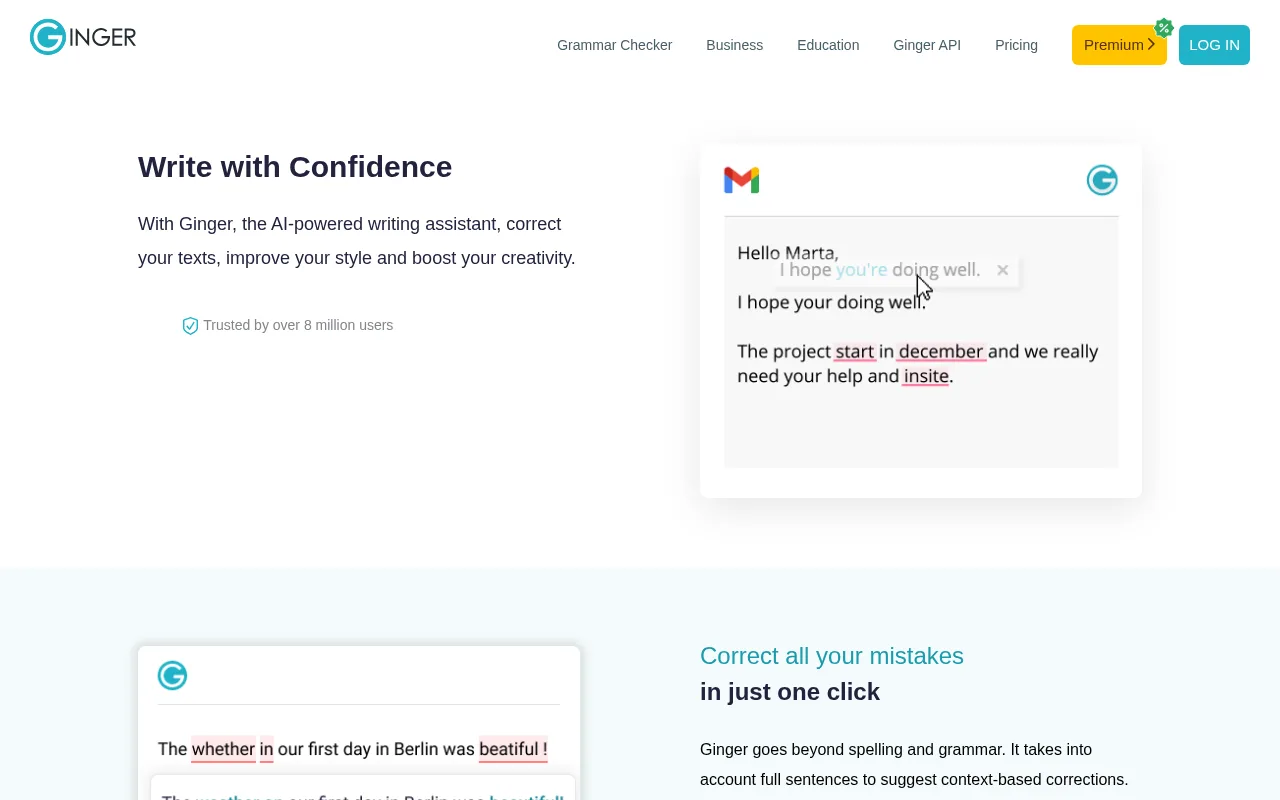
Ginger offers real-time grammar and spell checking to improve your writing clarity and correctness.
Updated freemium grammar writing
7.0
Volvenix Verdict
AI-powered editorial review
Ginger
Ginger is a solid grammar correction tool with strong real-time feedback but limited advanced writing features.
PROS
  • Accurate real-time grammar and spell checking
  • Contextual sentence correction suggestions
  • Multi-platform support including browser extensions
  • User-friendly interface
  • Good for students and professionals
CONS
  • Limited advanced style and tone suggestions
  • No AI content generation or rewriting features

Is Ginger Right for You?

A quick checklist to help you decide.

You want fast, real-time grammar corrections while typing across apps
You need advanced style or tone enhancement features beyond grammar
You need a tool that supports multiple platforms including browser and desktop
Free-tier limits are a blocker for your volume of writing corrections
Your team requires basic grammar and spelling improvements without complex features
You require AI-generated content or deep rewriting capabilities

Ideal for: Students, professionals, and writers who need quick, reliable grammar and spell checking integrated into their workflow.

Less suited for: Users seeking advanced style suggestions, full content rewriting, or AI-driven content generation should look elsewhere.

Bottom line: Real-time grammar and spell correction accuracy and ease of use.

Editorial Review AI-generated
Ginger excels at providing fast, real-time grammar and spelling corrections, making it useful for students and professionals who want to polish their writing quickly. Its contextual suggestions help improve sentence structure beyond basic error detection. However, it lacks some advanced features like style enhancement or deep rewriting found in competitors. The interface is straightforward but can feel basic for power users. Overall, it’s best suited for users focused primarily on grammar and spelling accuracy rather than full content generation or editing.

AI-assessed from 3 sources.

Pros & Cons

Pros

Accurate real-time grammar and spelling corrections
Contextual sentence-level suggestions
Supports multiple platforms including browser extensions
User-friendly and intuitive interface
Helpful for non-native English speakers

Cons

Lacks advanced style and tone improvement features moderate
No AI content generation or rewriting capabilities major
Pricing details for premium plans are not publicly disclosed minor
Who Is It For & What Can It Do
Best For
Student / Academic Non-Technical User Beginner curve
AI Capabilities
Grammar Correction Memory Spell Checking Tool Calling
Key Features
Real-time grammar correction
Detects and corrects grammar errors as you type
Spell Checking
Identifies and fixes spelling mistakes
Sentence rephrasing
Suggests alternative phrasing for clarity
Translation
Translates text between multiple languages
Personalized Practice
Offers practice sessions based on user errors
Best Use Cases
Improving academic writing for students Enhancing professional emails and documents Correcting grammar in social media posts Supporting non-native English speakers Proofreading blog posts and articles
Available Platforms
Inputs & Outputs
Textinput Textoutput
Supported Languages
English
Security & Compliance
Compliance Standards
GDPR
Privacy · EU
API & Developer Tools
Pricing Plans

Free

Best for individuals

Free
 
  • Basic grammar and spell check
  • Limited daily corrections

Ginger offers a free plan with basic grammar and spell checking and a paid subscription for advanced features and unlimited usage.

Price Range
Free $0–$0
Support Channels
Email
Did you find this page helpful?
Frequently Asked Questions
What is this tool?
Ginger is a grammar and spell checking tool that provides real-time corrections to improve writing clarity.
How much does it cost?
Ginger offers a free plan with basic features and a paid premium subscription with advanced tools; exact prices are not publicly listed.
Does it have a free plan?
Yes, Ginger provides a free plan with limited grammar and spell checking capabilities.
What integrations does it support?
Ginger supports browser extensions for Chrome and Edge and desktop applications for Windows.
Who is it best for?
It is best for students, professionals, and non-native English speakers needing real-time grammar correction.
User Reviews

No reviews yet. Be the first to review Ginger!

Write a Review
Discussion
No discussions yet. Start the conversation!
0 tools selected
Compare Now →
Ginger Visit Tool