Gigapixel AI logo
Rank #176
IMAGE ANALYSIS FREEMIUM DESKTOP #1 in Image Analysis State of the Art

Gigapixel AI Review — AI Image Upscaling

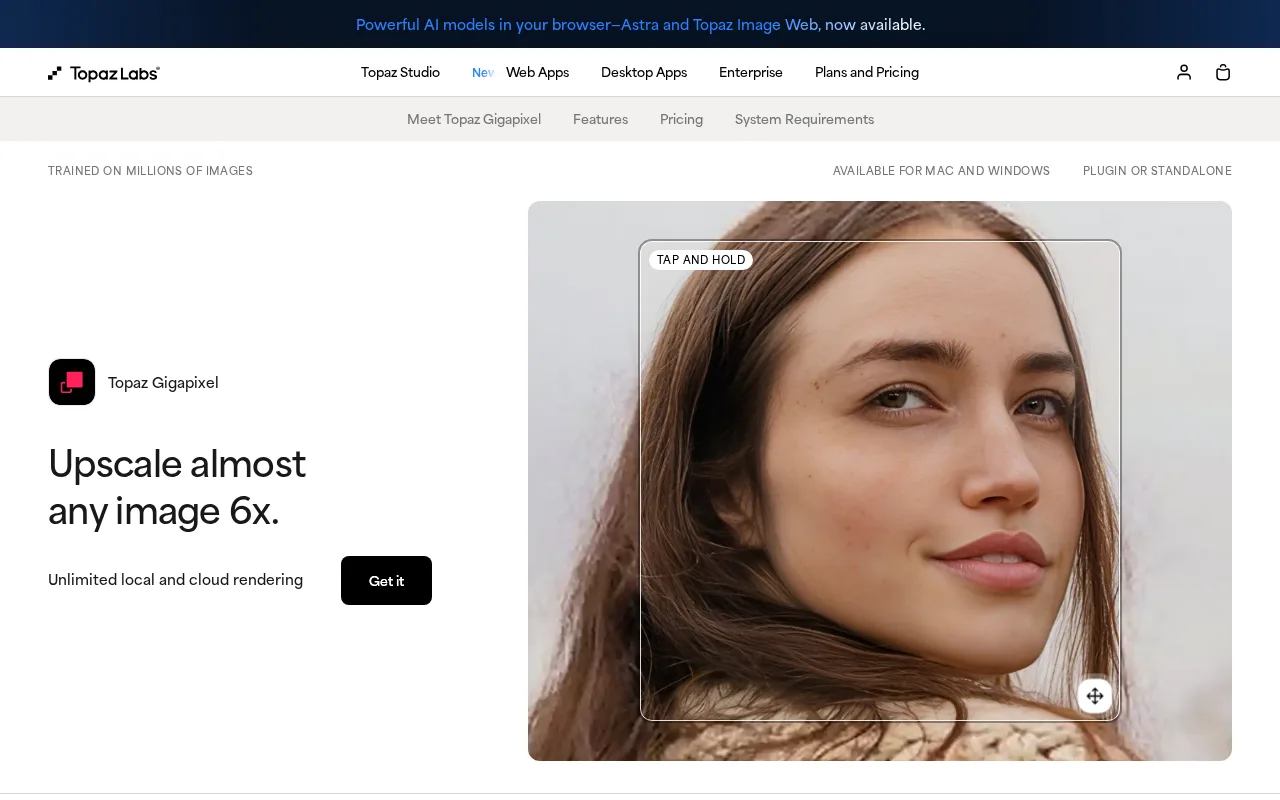
Upscale images to higher resolutions with AI that restores detail and sharpness for photographers and designers.
25 monthly visitors 25 page views (30d)
Reviewed by Volvenix Editorial
7.8
Volvenix Verdict
AI-powered editorial review
Gigapixel AI
Gigapixel AI excels at photo upscaling with impressive detail restoration but lacks broader editing features.
PROS
  • High-quality AI upscaling with natural detail restoration
  • User-friendly interface with batch processing support
  • Effective for large prints and professional photography
  • Supports multiple image formats
  • Regular updates improving AI models
CONS
  • Limited to upscaling without broader editing tools
  • No public API or integrations with other software

Is Gigapixel AI Right for You?

A quick checklist to help you decide.

You need to enlarge photos without losing detail or sharpness for print or digital use.
You need comprehensive photo editing features beyond upscaling and enhancement.
You want an easy-to-use tool focused specifically on AI-powered image upscaling.
Free-tier limits are a blocker for your workflow requiring unlimited use.
Your team requires batch processing for upscaling multiple images efficiently.
You require integration with other creative software via APIs or plugins.

Ideal for: Photographers, graphic designers, and creatives who need to enlarge images while maintaining or enhancing detail and sharpness.

Less suited for: Users seeking a full photo editing suite or those who require extensive retouching and creative editing features.

Bottom line: The quality and naturalness of AI-driven image upscaling and detail restoration.

Editorial Review AI-generated
Gigapixel AI offers powerful AI-based upscaling that significantly improves image resolution while preserving natural details, making it ideal for photographers and designers. Its user-friendly interface and batch processing add to its appeal. However, it focuses solely on upscaling and lacks integrated editing or retouching tools, which may require users to combine it with other software. The pricing is reasonable for the quality, but the free trial is limited in duration. Overall, it’s a specialized tool best suited for users needing high-quality image enlargement.

AI-assessed from 3 sources.

Pros & Cons

Pros

Superior AI-driven image upscaling quality
Preserves natural textures and sharpness
Batch processing for efficiency
Supports multiple image formats including RAW
Regularly updated AI models improve results

Cons

No integrated photo editing beyond upscaling moderate
Workaround: Use alongside dedicated photo editors like Photoshop
Lacks API or plugin integrations minor
Free trial limits output and usage minor
Workaround: Purchase full license for unlimited use
Who Is It For & What Can It Do
Best For
Designer / Creative Individual / Freelancer Intermediate curve
AI Capabilities
Image enhancement
Key Features
AI Upscaling
Enhances image resolution with AI detail restoration
Batch processing
Process multiple images simultaneously
RAW Image Support
Supports professional RAW formats
Noise Reduction
Reduces noise during upscaling
Face Refinement
Specialized AI model to enhance facial details
Best Use Cases
Upscaling photos for large-format printing Restoring detail in old or low-res images Enhancing images for graphic design projects Preparing images for high-resolution displays Batch processing large image collections
Available Platforms
Integrations
Adobe Lightroom Classic Adobe Photoshop
Inputs & Outputs
Imageinput Imageoutput
Supported Languages
English
Security & Compliance
Compliance Standards
GDPR
Privacy · EU
API & Developer Tools
Pricing Plans

Free Trial

Limited trial for evaluation

Free
 
  • Full features with usage limits
  • Watermarked output

Offers a free trial with limited usage; paid plans unlock full features and batch processing at a fixed price.


Price Range
Free $0–$0 Premium $100–$500
Support Channels
Email
More from Topaz Labs
Ratings from Around the Web
Did you find this page helpful?
Frequently Asked Questions
What is this tool?
Gigapixel AI is a desktop application that upscales images using AI to restore detail and sharpness.
How much does it cost?
Gigapixel AI offers a free trial; the full version requires a one-time purchase with no subscription fees.
Does it have a free plan?
It provides a free trial with limited usage but no ongoing free plan.
What integrations does it support?
Gigapixel AI does not currently support integrations or APIs.
Who is it best for?
It is best for photographers and designers needing high-quality image upscaling.
User Reviews

No reviews yet. Be the first to review Gigapixel AI!

Write a Review
Discussion
No discussions yet. Start the conversation!
0 tools selected
Compare Now →
Gigapixel AI Visit Tool