
Figma AI logo
Rank #879
PROJECT COLLABORATION SOFTWARE FREEMIUM CLOUD #1 in Project Collaboration Software State of the Art

Figma AI Review — UI Design Generation

Create UI components and layouts from text prompts directly inside Figma to speed up design workflows.
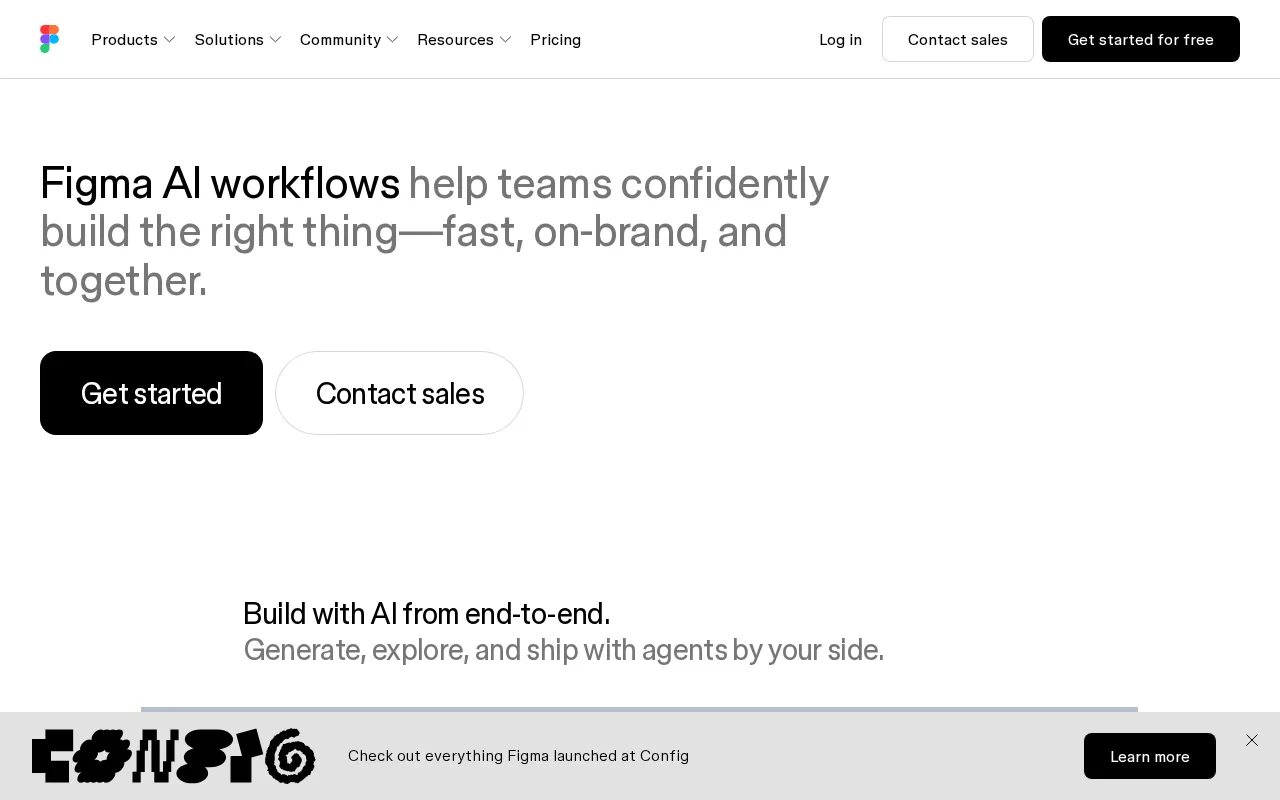
Figma AI — preview
7.5
Volvenix Verdict
AI-powered editorial review
Figma AI
A useful AI assistant for accelerating UI design workflows directly inside Figma.
PROS
  • Seamless integration within Figma
  • Speeds up initial UI design drafts
  • Facilitates collaborative workflows
  • Easy to use with text prompts
  • Supports product teams effectively
CONS
  • Limited to Figma platform
  • Lacks advanced design customization

Is Figma AI Right for You?

A quick checklist to help you decide.

You want to speed up UI design drafts using text prompts within Figma
You need advanced design customization beyond AI-generated drafts
Your team requires collaborative design workflows inside a single platform
Free-tier limits are a blocker for your team's scale or usage
You need to automate initial iterations of UI components and layouts
You require AI design tools outside the Figma platform

Ideal for: UI/UX designers and product teams who want to accelerate initial design drafts and collaborate seamlessly within Figma.

Less suited for: Designers needing advanced customization or those working outside the Figma ecosystem should consider other tools.

Bottom line: Seamless integration within Figma for collaborative UI design generation from text prompts.

Editorial Review AI-generated
Figma AI excels at helping designers quickly generate UI elements and layouts from simple text prompts, reducing the time spent on initial drafts. Its tight integration within Figma ensures smooth collaboration among product teams. However, it currently focuses mainly on UI design generation and may lack advanced customization or support for complex design systems. Best suited for UI/UX designers and teams looking to speed up early-stage design iterations.
Pros & Cons

Pros

Seamless integration with Figma
Speeds up UI design creation
Supports collaborative workflows
Simple text prompt interface
Ideal for product teams

Cons

Limited to Figma platform major
Workaround: Use other tools for non-Figma workflows
Lacks advanced customization options moderate
Workaround: Manually refine AI-generated designs
Who Is It For & What Can It Do
Best For
Designer / Creative Individual / Freelancer Product Manager Intermediate curve
AI Capabilities
Memory Text Generation Tool Calling
Key Features
Text-to-UI Generation
Generate UI components and layouts from text prompts
Collaboration
Real-time collaborative design within Figma
Iteration Automation
Automate design iterations and refinements
Advanced Customization
Deep design system customization
Third-party Integrations
Supports integrations with other tools
Best Use Cases
Rapid UI prototyping from text prompts Collaborative product design workflows Automating initial design drafts Iterating UI components quickly Speeding up design team collaboration
Available Platforms
Inputs & Outputs
Textinput Imageoutput
Supported Languages
English
Security & Compliance
Compliance Standards
GDPR
Privacy · EU
API & Developer Tools
Pricing Plans

Free

Best for individuals

Free
 
  • Basic AI design generation
  • Limited usage

Offers a free tier with basic features; paid plans unlock advanced capabilities and higher usage limits.

Price Range
Free $0–$0
Support Channels
Did you find this page helpful?
Frequently Asked Questions
What is this tool?
Figma AI generates UI components and layouts from text prompts directly inside Figma to speed up design workflows.
How much does it cost?
Figma AI offers a free tier with basic features; paid plans unlock advanced capabilities and higher usage limits.
Does it have a free plan?
Yes, Figma AI provides a free plan suitable for individuals with limited usage.
What integrations does it support?
Figma AI is integrated natively within the Figma platform; no additional third-party integrations are documented.
Who is it best for?
It is best for UI/UX designers and product teams working collaboratively within Figma.
User Reviews

No reviews yet. Be the first to review Figma AI!

Write a Review
Discussion
No discussions yet. Start the conversation!
0 tools selected
Compare Now →
Figma AI Visit Tool